 RETINA
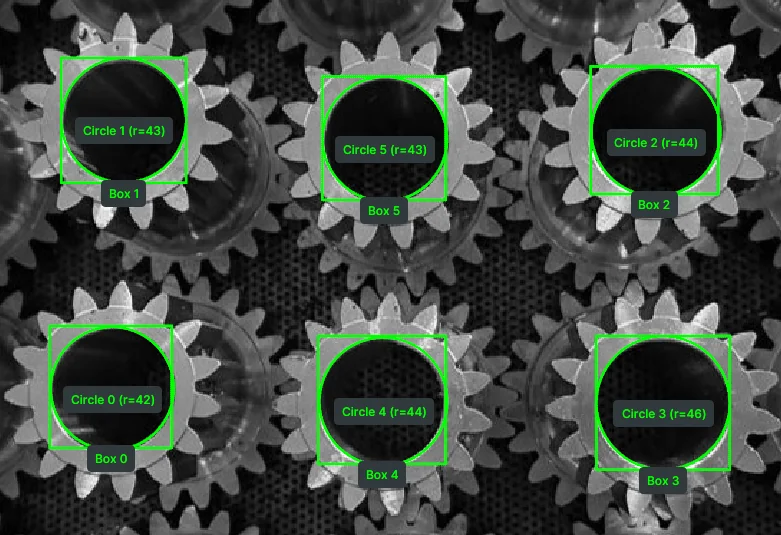
Detect Circle Using Classic Hough
Detect circular objects in grayscale images using the classic Hough Circle Transform, returning circle centers and radii for geometric analysis.
View docs →Product
One typed language for perception, motion, and data.
Browse it as skills, as an agent, or as the infrastructure underneath.
Overview
Built for robotics engineering teams shipping real-world robots: Telekinesis is one Python library that unifies perception, reasoning, execution, and the data that trains all three, so a natural-language prompt becomes a program you can read, review, and deploy on hardware.
Applications
Architecture
A full-stack, standardized operating system that turns any robot into an intelligent machine.
Read the Docs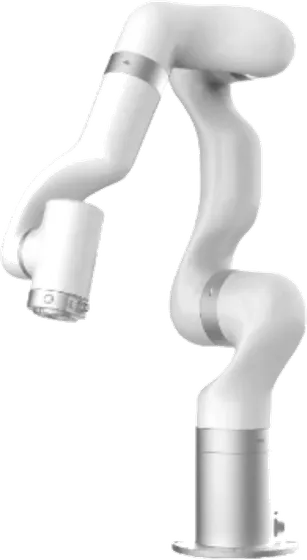 Robotic Arm
 Mobile Robot
 Humanoid
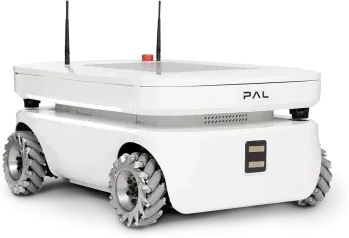
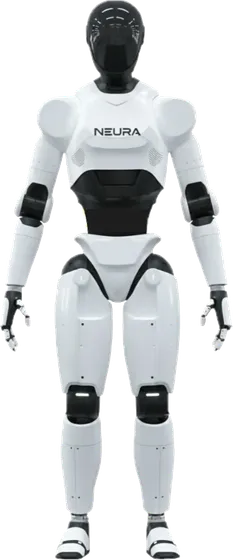
Any Robot, Any Form Factor
Skills
250+ production-grade Skills across four areas: strongly typed Python functions that compose into everything an Agent writes.
2D and 3D perception: detection, segmentation, point clouds, and the geometric operations you compose around them.
Cartesian and joint-space motion, kinematics, force and servo control, and full state readback, across every major robot brand.
Learned, end-to-end policies and world-model-based behaviors for manipulation and locomotion, trained and deployed like any other Skill.
Sim-to-sim and sim-to-real policy training and tuning, across Gymnasium, mjlab, and Isaac Lab.
Agent
A VLM/LLM-powered Physical AI Agent that turns a natural-language prompt into a runnable, auditable robot program by composing Skills under the Code-as-Policy paradigm.
Data Engine
Standardized data types, synthetic data generation, and continuous logging that closes the loop between training and deployment. The robots you ship today generate the data that improves the robots you ship next.
Communication
BabyROS gives Skills and Agents ultra-low-latency pub/sub and client/server messaging, with ROS-style ergonomics from one pip install, cloud to device over Zenoh.
Start Building
Install the SDK, drop in an API key, and run a pre-built example that visualizes robot motion in software, before you ever point it at a real arm.
pip install telekinesis-ai
export TELEKINESIS_API_KEY="..."
# run a pre-built example, no hardware required
Skills
Modular capabilities for robotic perception, motion, and planning, chained into workflows for Physical AI applications. Every Skill is one Python call with strictly typed inputs and outputs, so the output of one Skill feeds directly into the next.
287 of 287 results
RETINADetect circular objects in grayscale images using the classic Hough Circle Transform, returning circle centers and radii for geometric analysis.
View docs →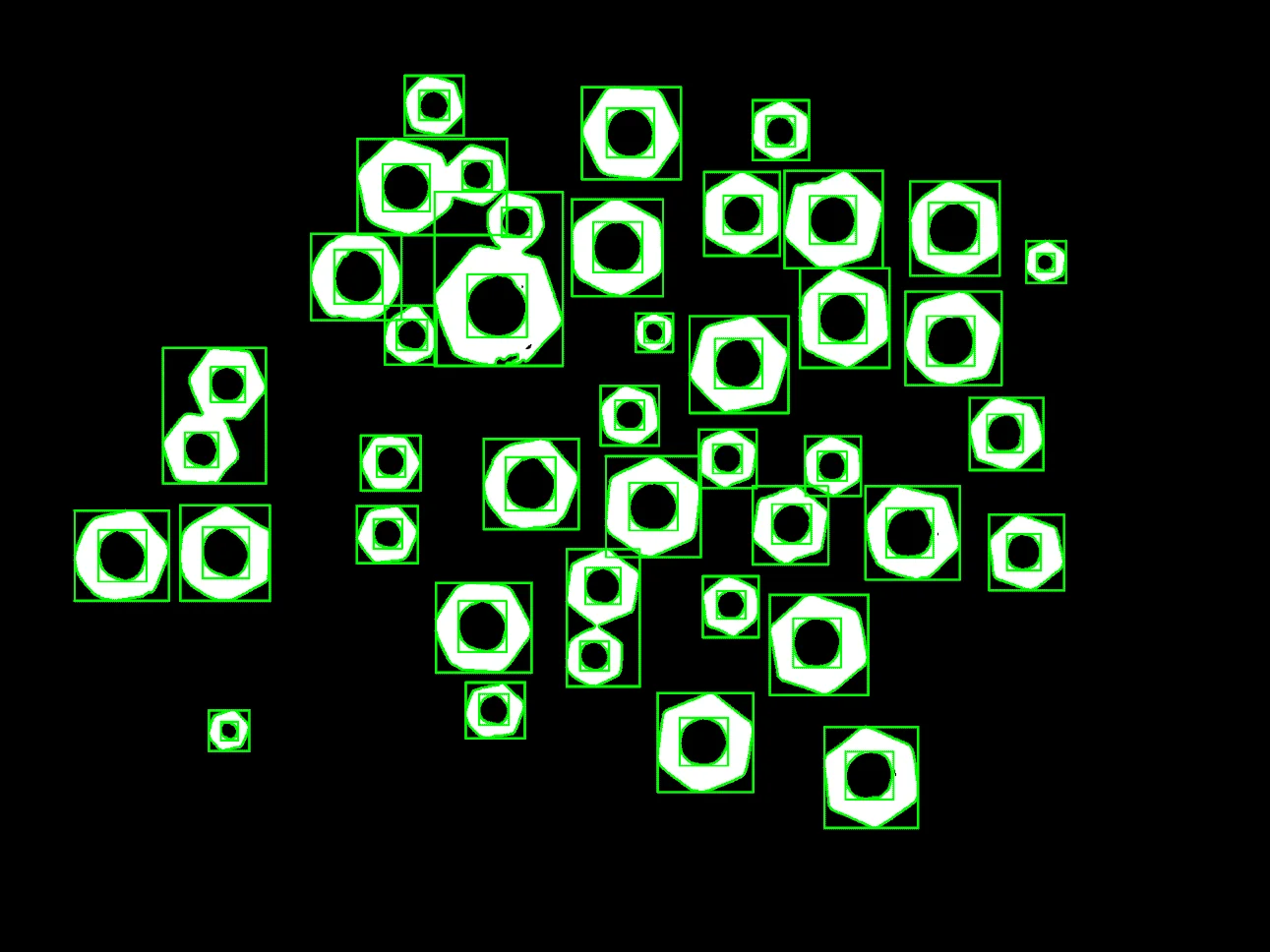 RETINA
Extract object outlines from binary or high-contrast images using contour detection for shape analysis and measurement.
View docs →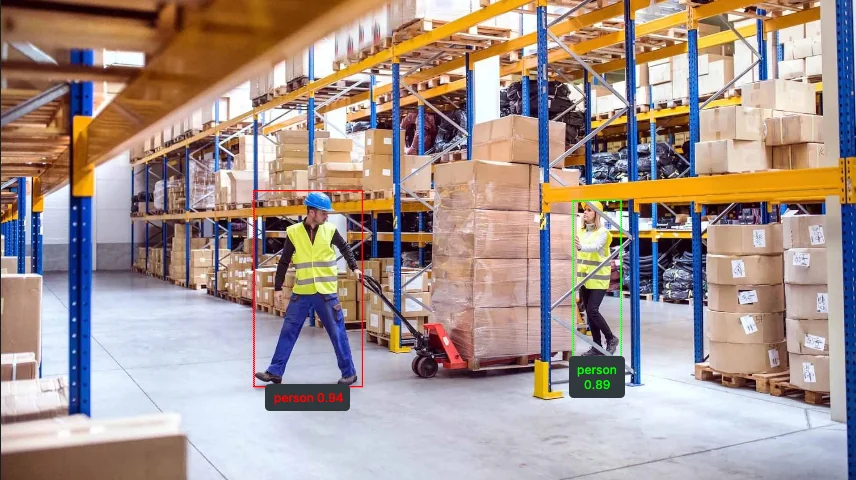 RETINA
Detect objects in images using RF-DETR with COCO 80-class categories, returning COCO-like detection results.
View docs →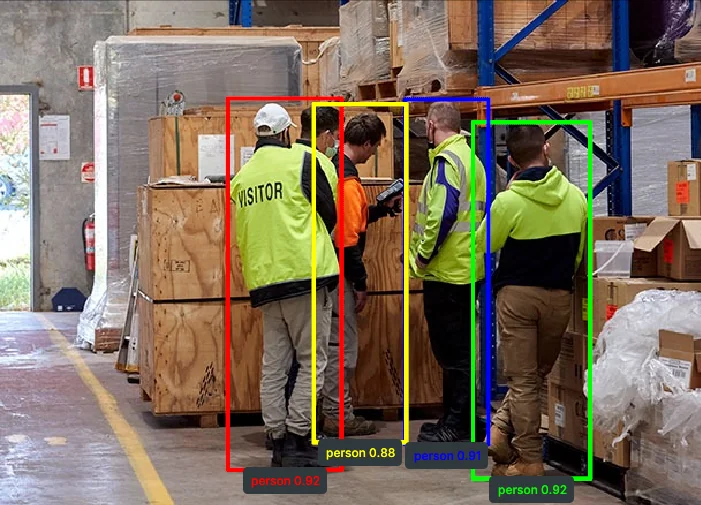 RETINA
Detect objects in images using YOLOX with COCO 80-class categories, returning COCO-like detection results.
View docs → RETINA
Perform flexible, name-driven object detection in images using the QWEN Vision Language Model, returning COCO-like detection results with categories.
View docs →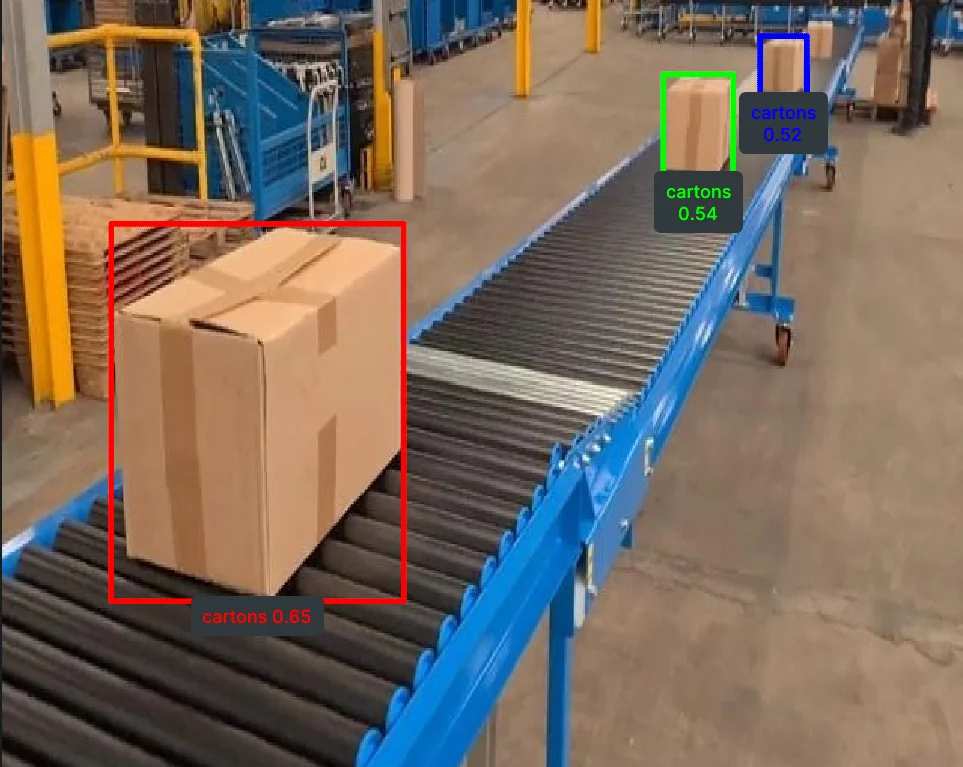 RETINA
Perform open-vocabulary object detection using Grounding DINO with a list of target object names, returning COCO-like detection results.
View docs → CORNEA
Perform image segmentation based on RGB color ranges to identify objects by their specific color values.
View docs →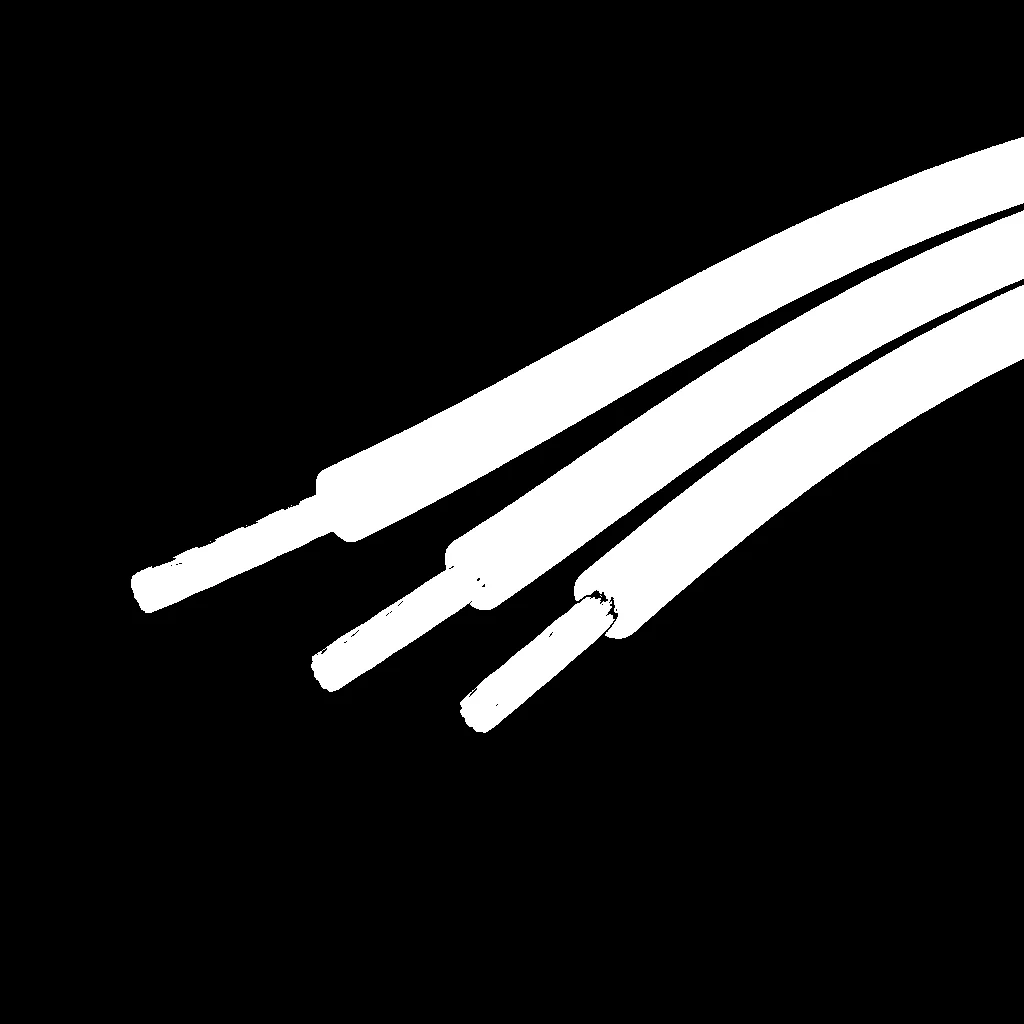 CORNEA
Perform robust color-based segmentation using HSV color space, separating hue, saturation, and value for consistent detection under varying lighting conditions.
View docs →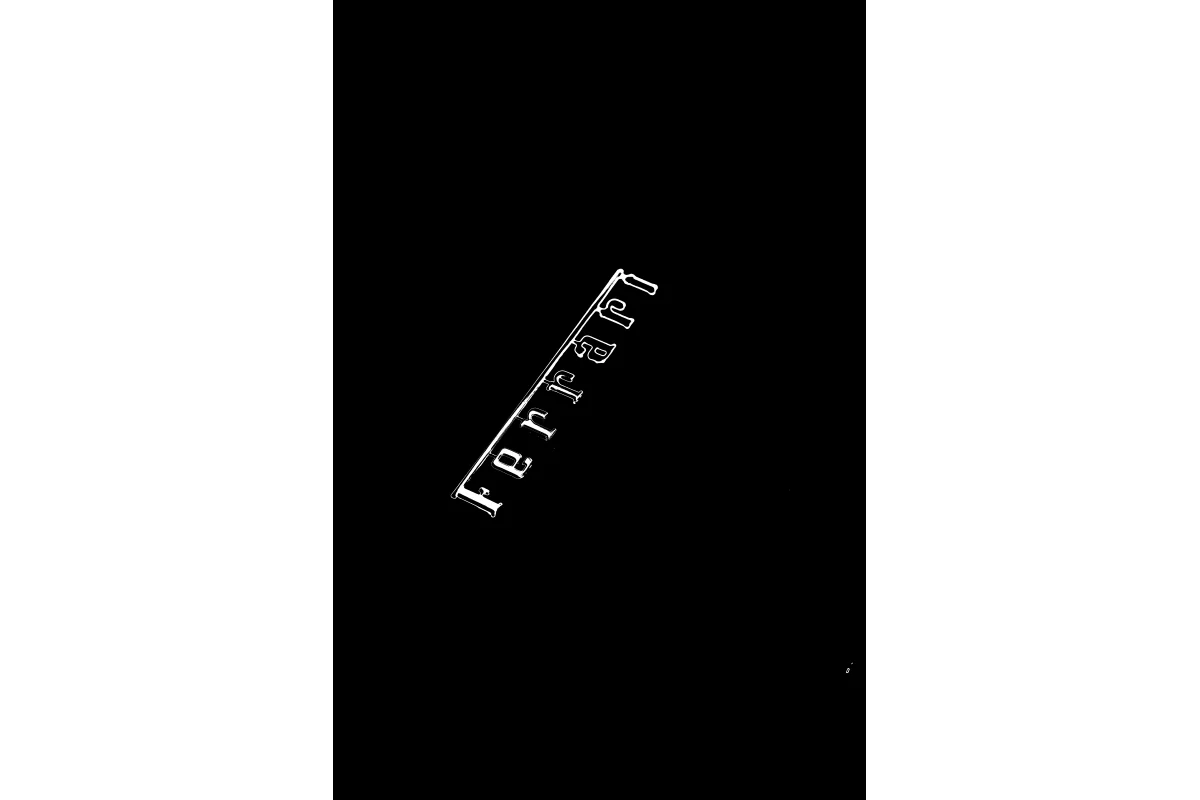 CORNEA
Perform perceptually uniform color-based segmentation using LAB color space, ideal for matching human color perception in image processing tasks.
View docs →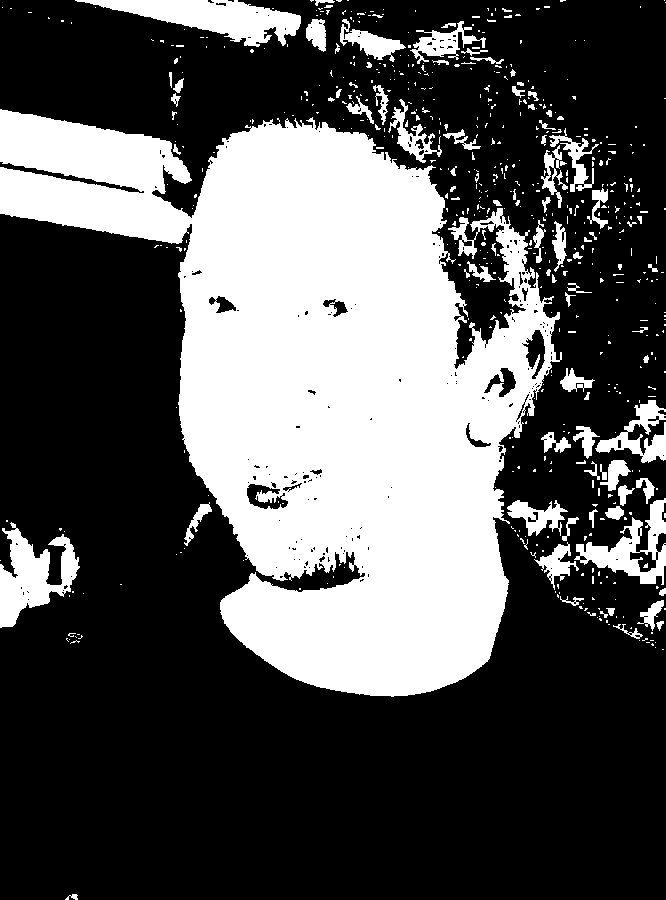 CORNEA
Perform YCrCb color space segmentation to detect objects based on chrominance, commonly used for skin detection and face detection.
View docs → CORNEA
Flood fill image segmentation for extracting connected regions based on a seed point and color tolerance for computer vision and image processing pipelines.
View docs →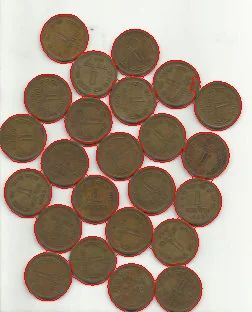 CORNEA
Perform marker-based watershed segmentation to separate touching or overlapping objects in an image.
View docs → CORNEA
Focus region segmentation for identifying in-focus areas based on image sharpness for computer vision, depth estimation, and image processing pipelines.
View docs →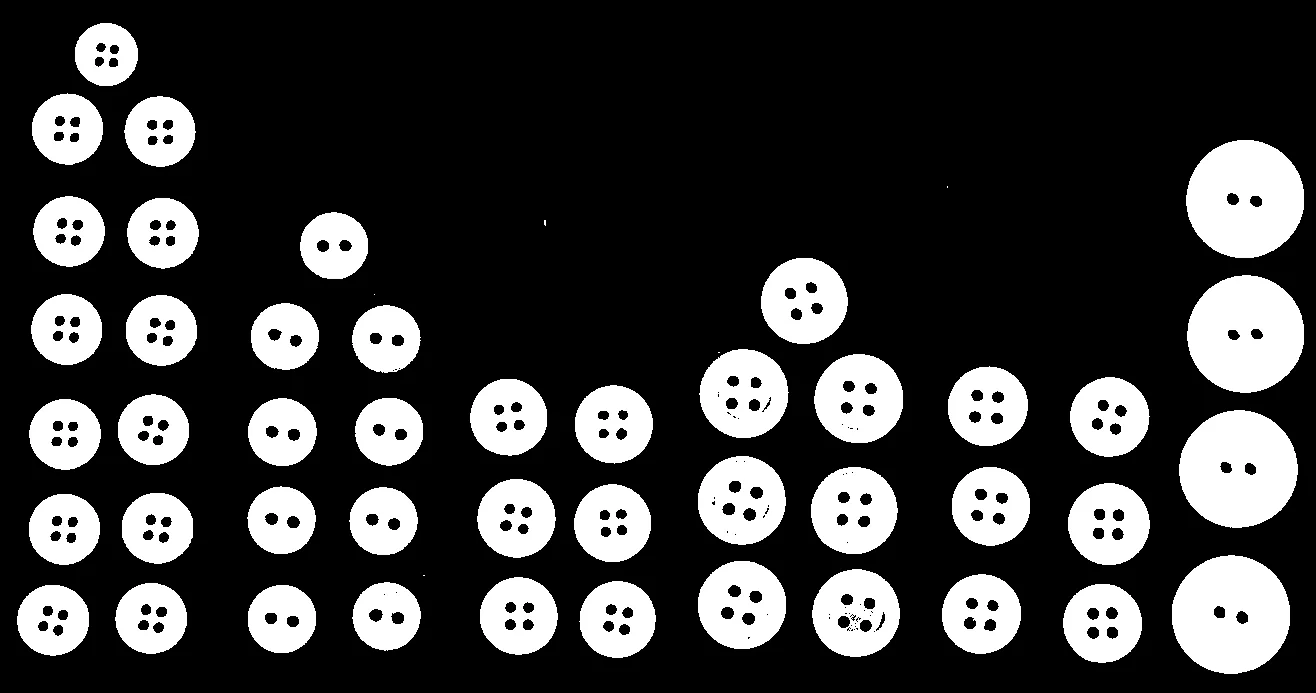 CORNEA
Automatically segment an image with a single global threshold chosen by Otsu's method, ideal for clearly bimodal intensity histograms.
View docs →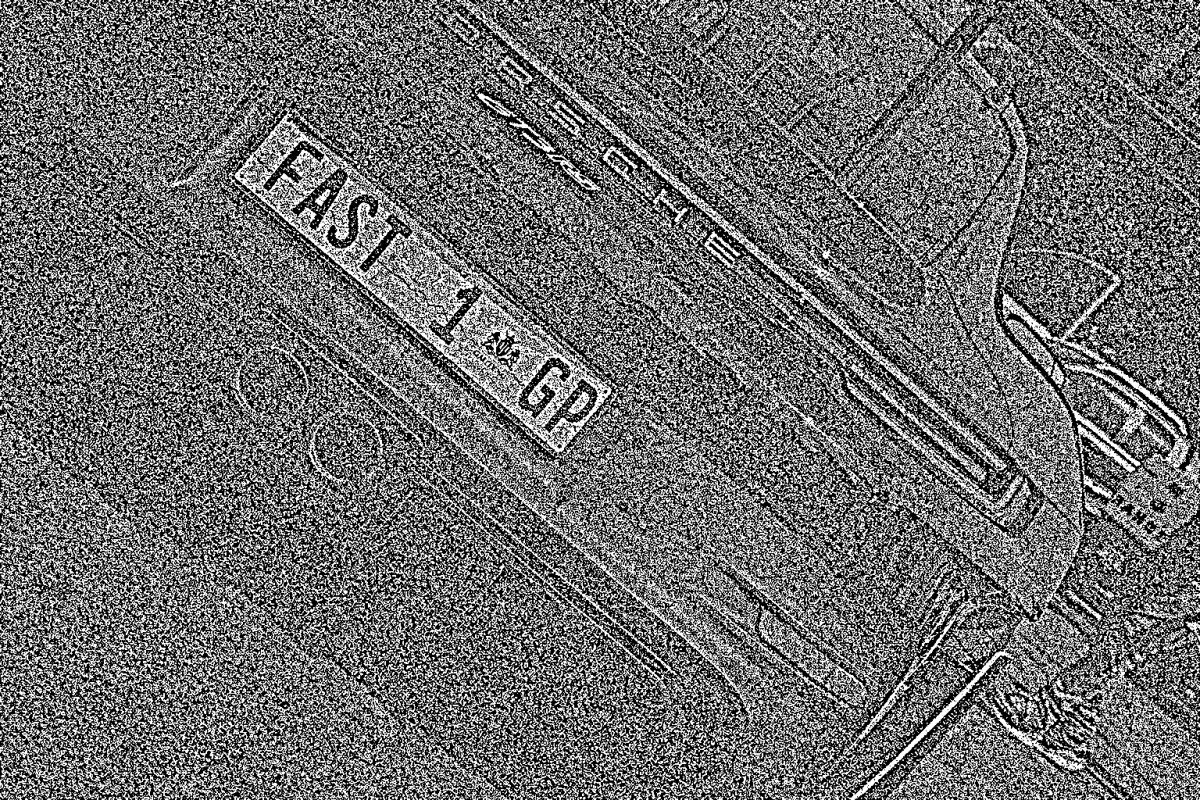 CORNEA
Segment images with non-uniform lighting or varying background intensity using a single-parameter, neighborhood-based local threshold.
View docs →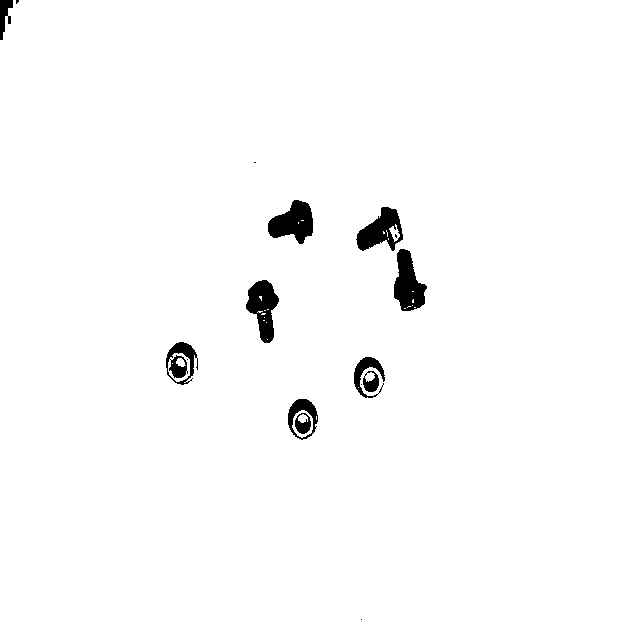 CORNEA
Automatically segment an image with a single global threshold chosen by Yen's entropy-based method, a parameter-free alternative to Otsu thresholding.
View docs →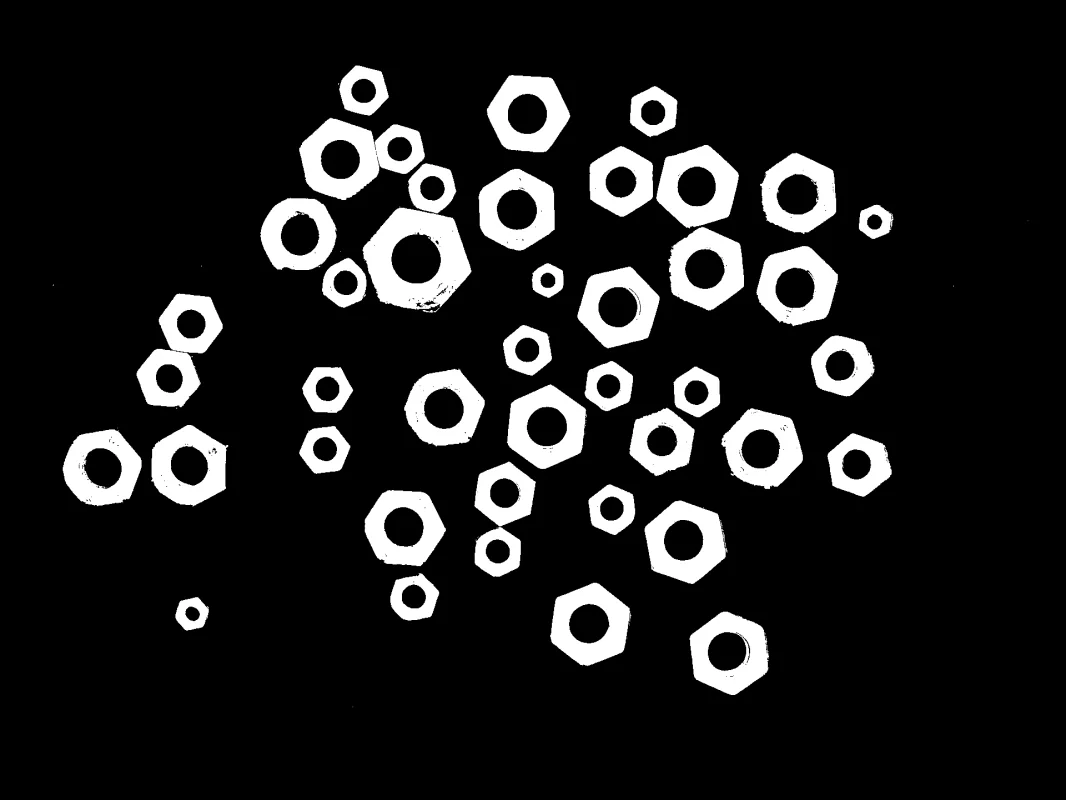 CORNEA
Perform manual global threshold segmentation with a chosen pixel value and one of five comparison modes to create a labeled segmentation mask.
View docs →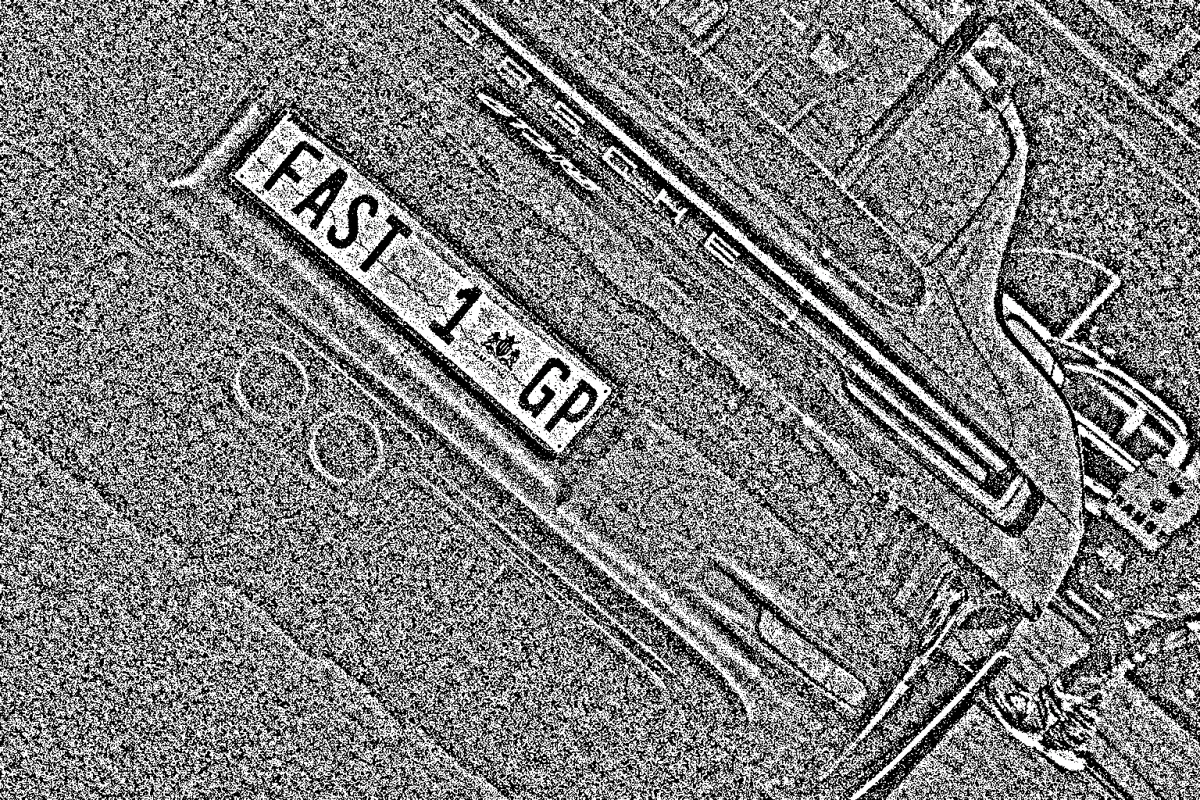 CORNEA
Adaptive per-pixel threshold segmentation for images with non-uniform lighting, shadows, and varying intensity, with control over the local-averaging method and comparison direction.
View docs →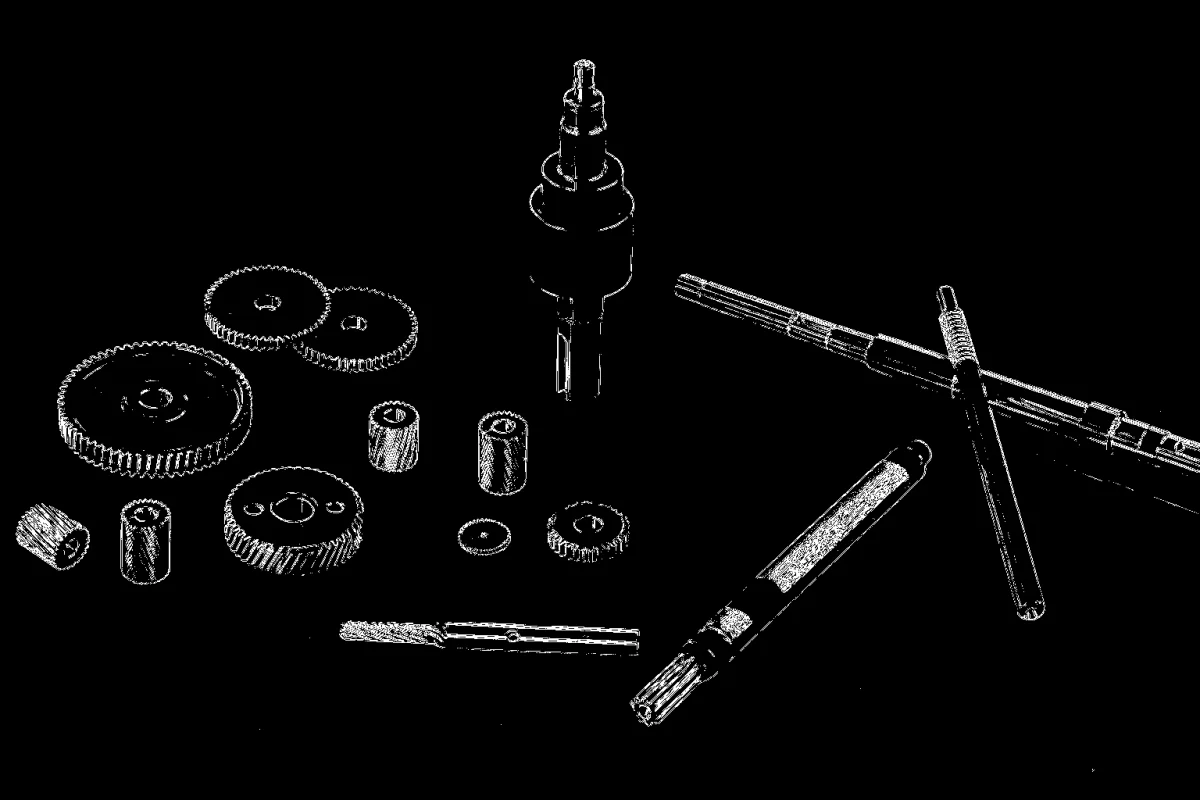 CORNEA
Segment an image's edge-rich, textured regions from its smooth regions by thresholding the Laplacian (second-derivative) edge response.
View docs →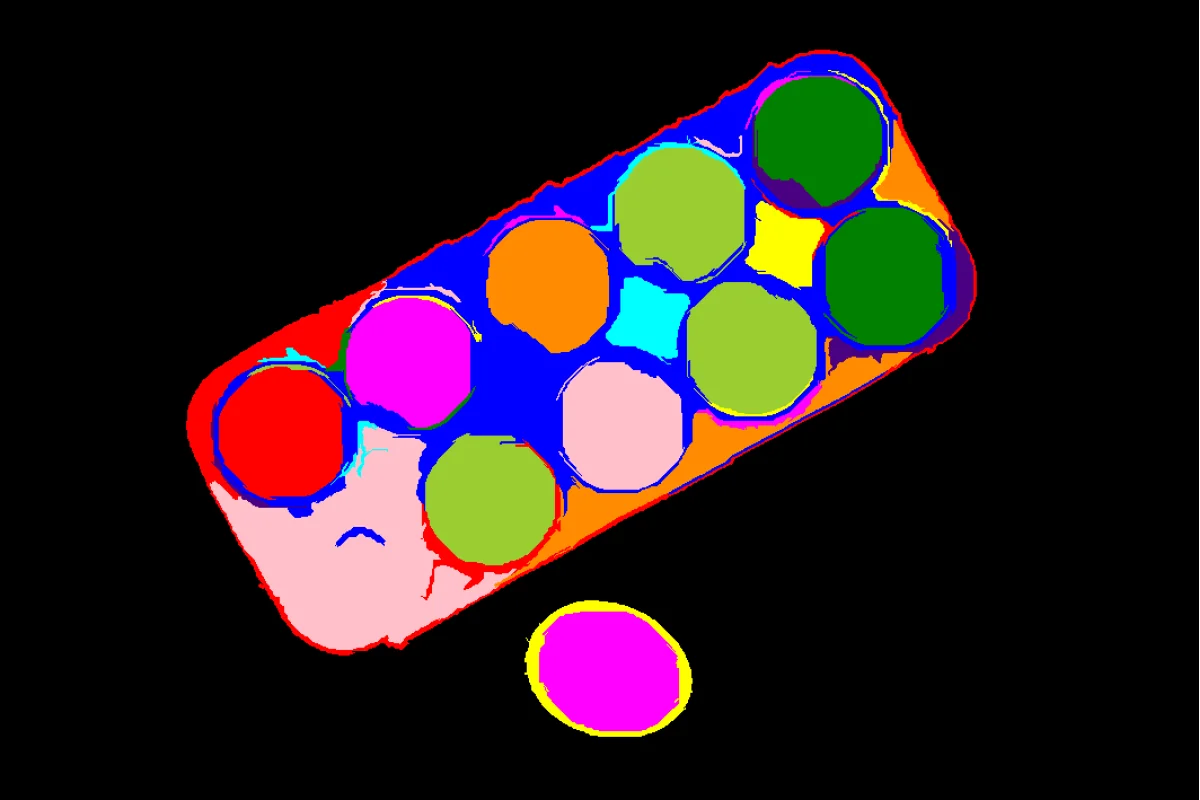 CORNEA
Generate irregularly-shaped, boundary-following superpixels with Felzenszwalb's graph-based segmentation algorithm.
View docs → CORNEA
Generate compact, near-uniform superpixels with the SLIC (Simple Linear Iterative Clustering) algorithm for predictable over-segmentation.
View docs →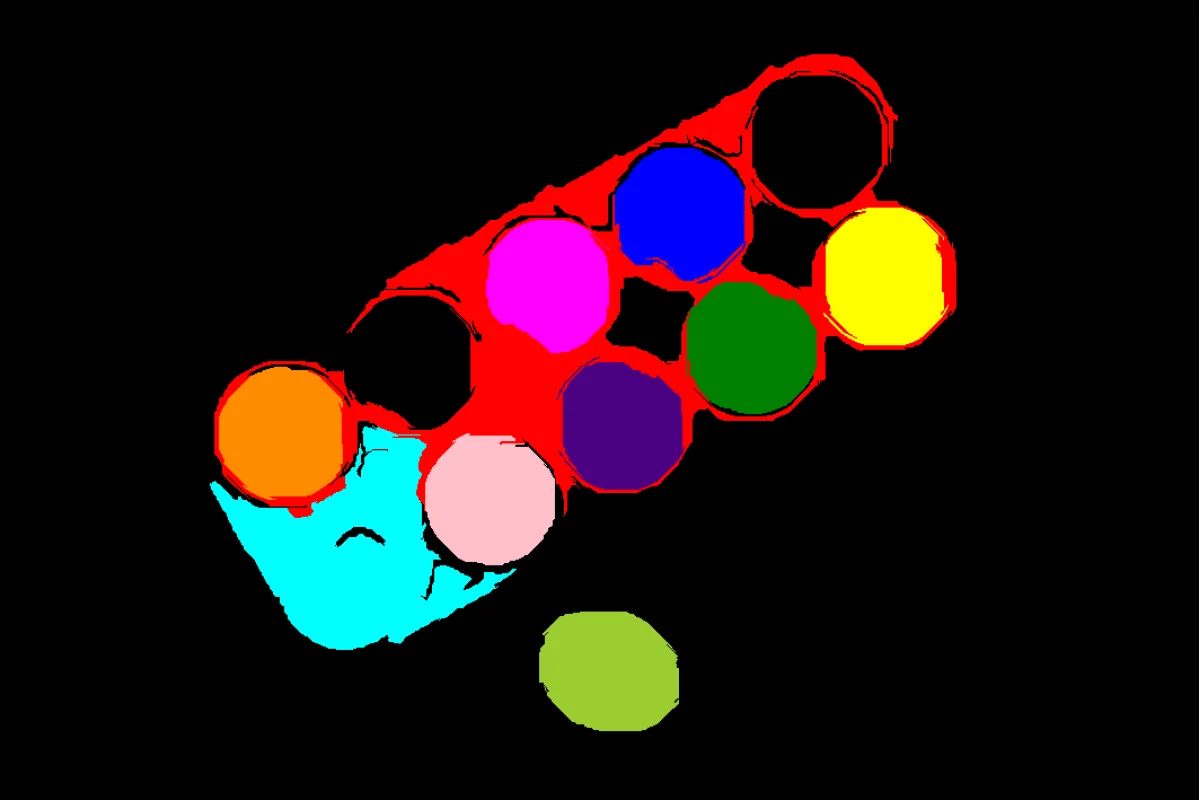 CORNEA
Remove segments smaller or larger than a given pixel-area range from an existing label map, discarding noise or implausibly large regions.
View docs →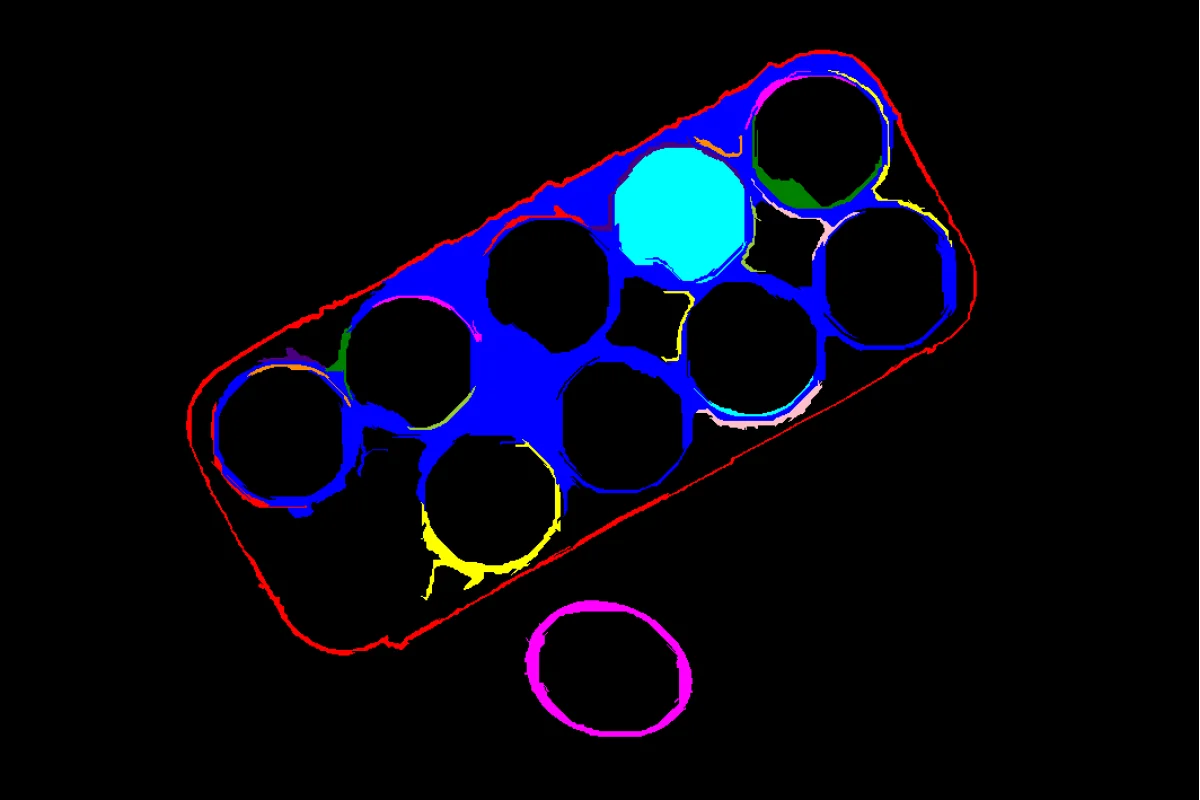 CORNEA
Remove segments from an existing label map whose mean pixel intensity falls outside a given range, keeping only bright or dark regions of interest.
View docs →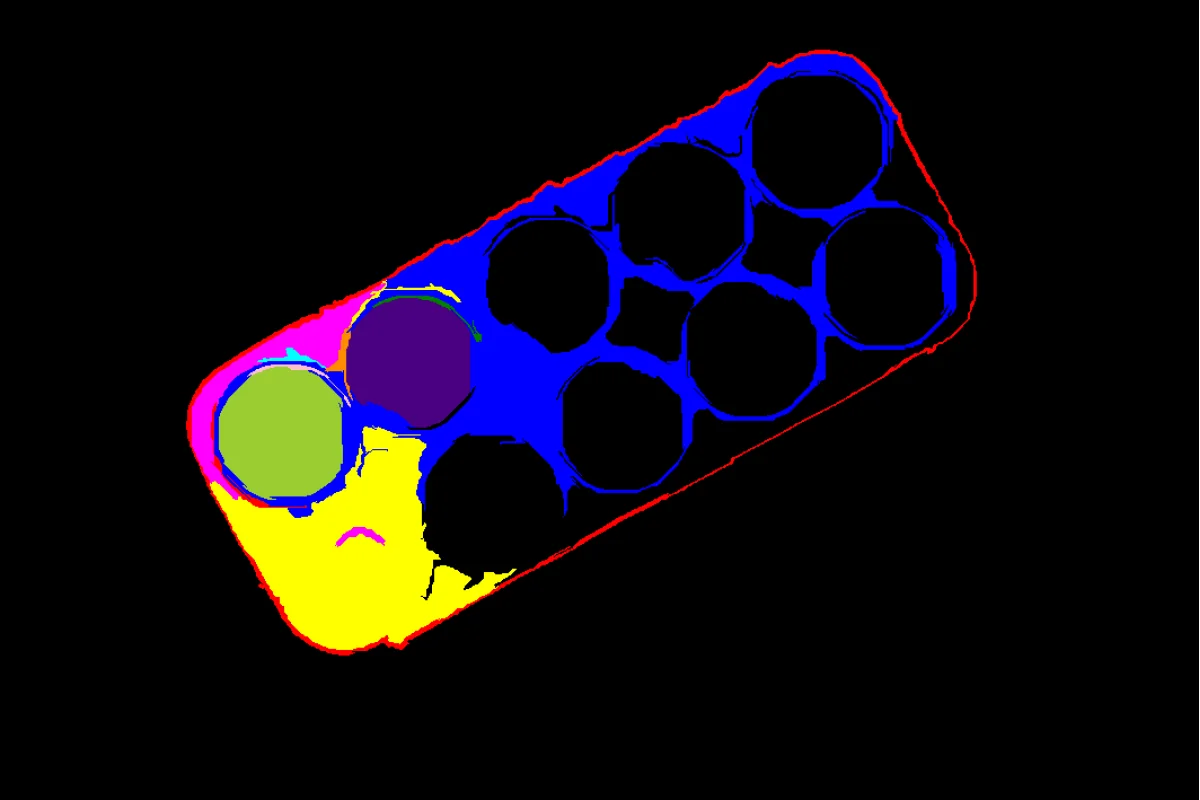 CORNEA
Keep only the segments of an existing label map that overlap a region-of-interest mask, discarding the rest.
View docs →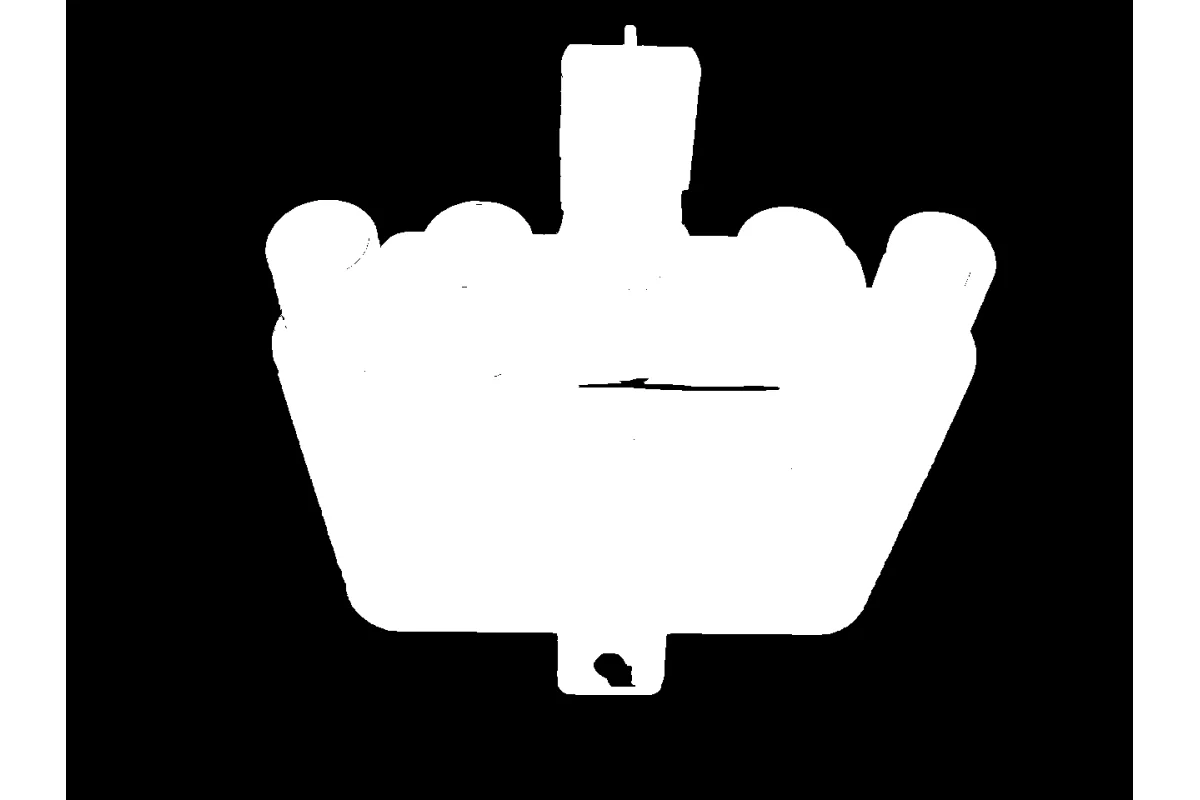 CORNEA
Perform foreground/background segmentation using GrabCut, an iterative graph cut algorithm for interactive object extraction and background removal.
View docs →Segment the salient foreground object from the background using BiRefNet, a deep-learning model that needs no bounding box or seed point.
View docs →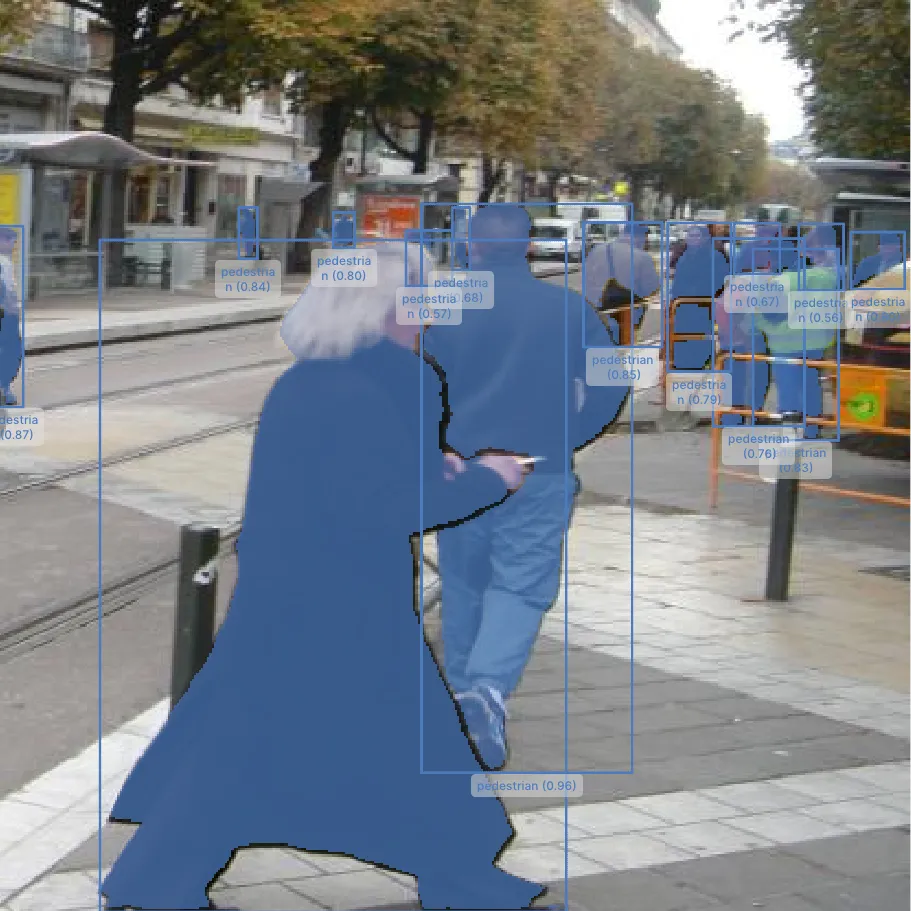 CORNEA
Segment objects inside bounding box prompts using Meta's Segment Anything Model (SAM), a deep-learning alternative to GrabCut for precise per-object masks.
View docs →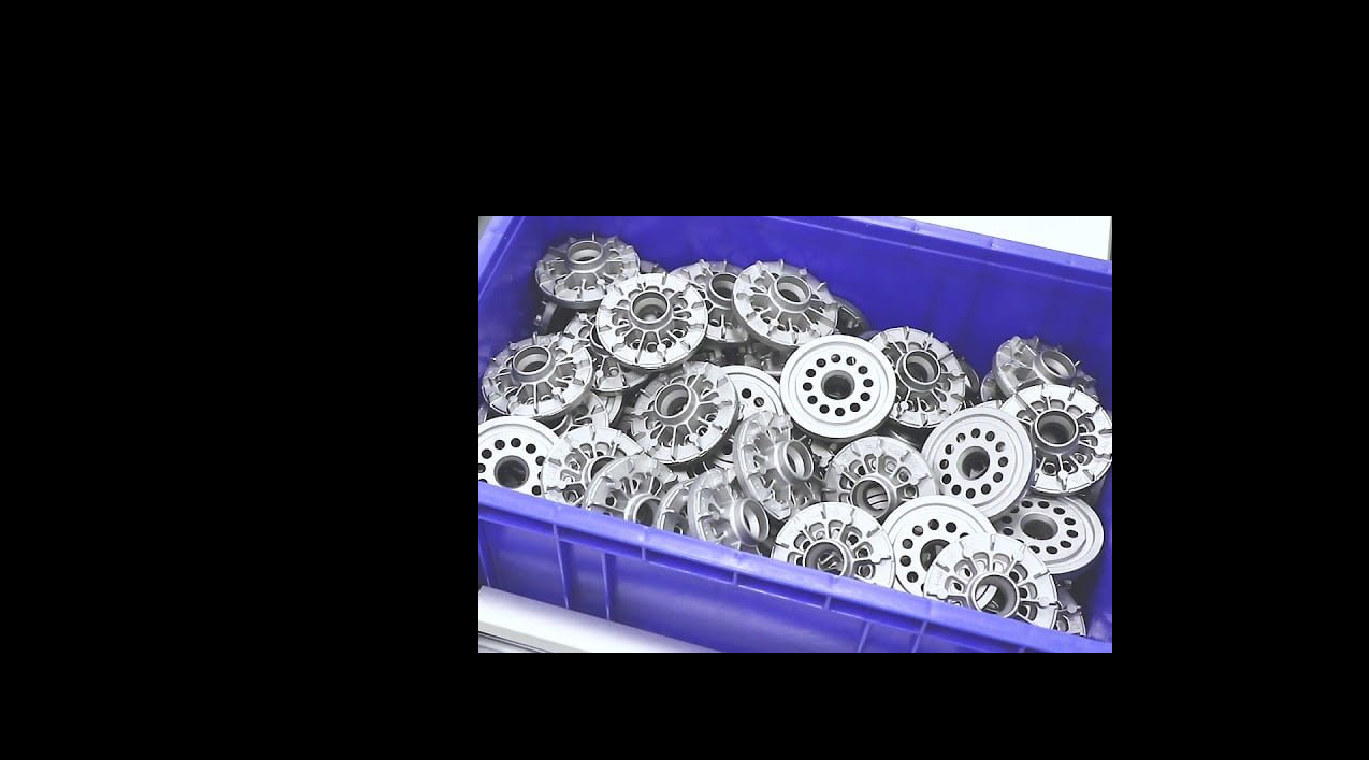 PUPIL
PUPILCompute the pixel-wise bitwise AND of two same-sized images or masks, keeping only pixels where both inputs are nonzero, such as intersecting a mask with a region.
View docs →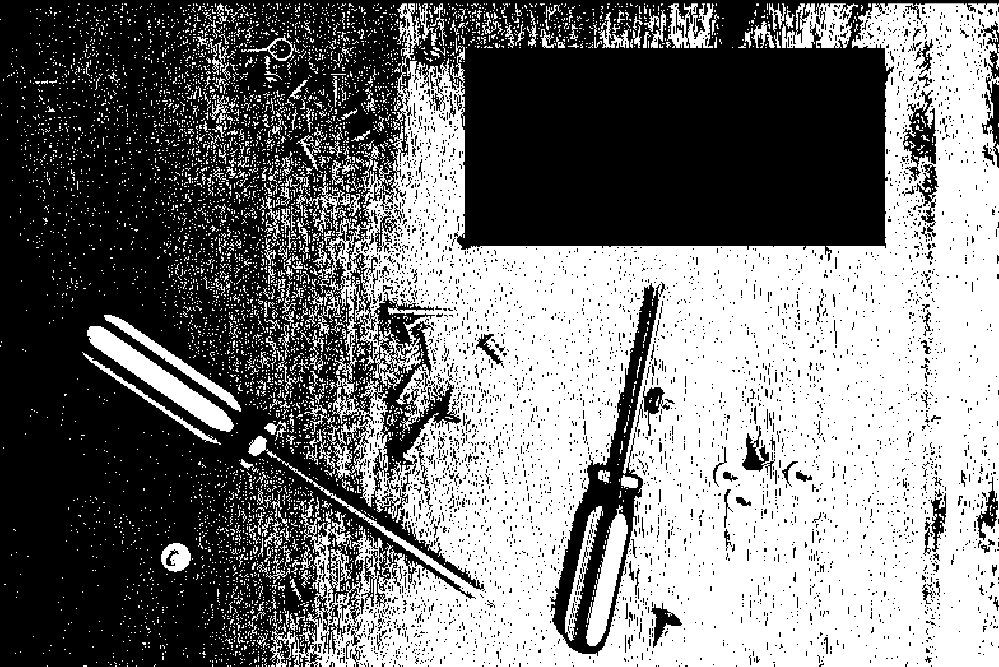 PUPIL
PUPILCompute the pixel-wise absolute difference between two same-sized images, highlighting regions where pixel intensities differ, such as for change or defect detection.
View docs →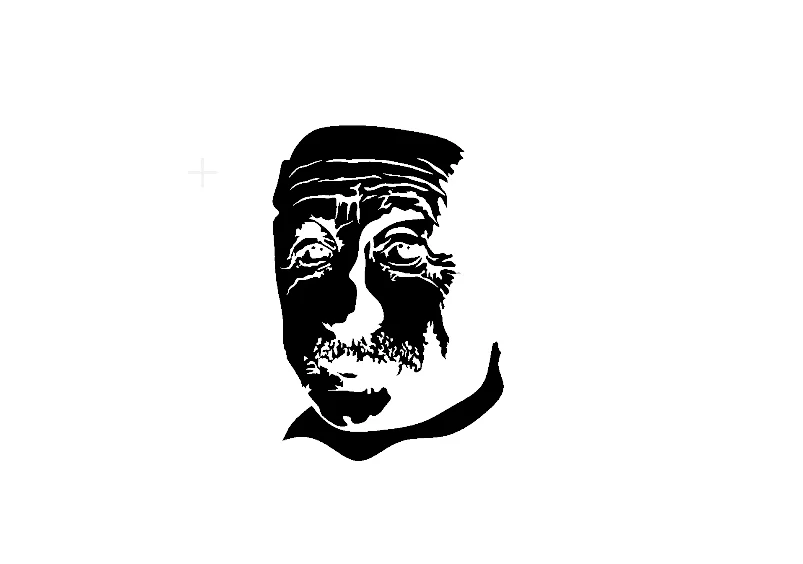 PUPIL
PUPILInvert every pixel value in an image via a pixel-wise bitwise NOT, such as swapping the foreground and background regions of a binary mask.
View docs →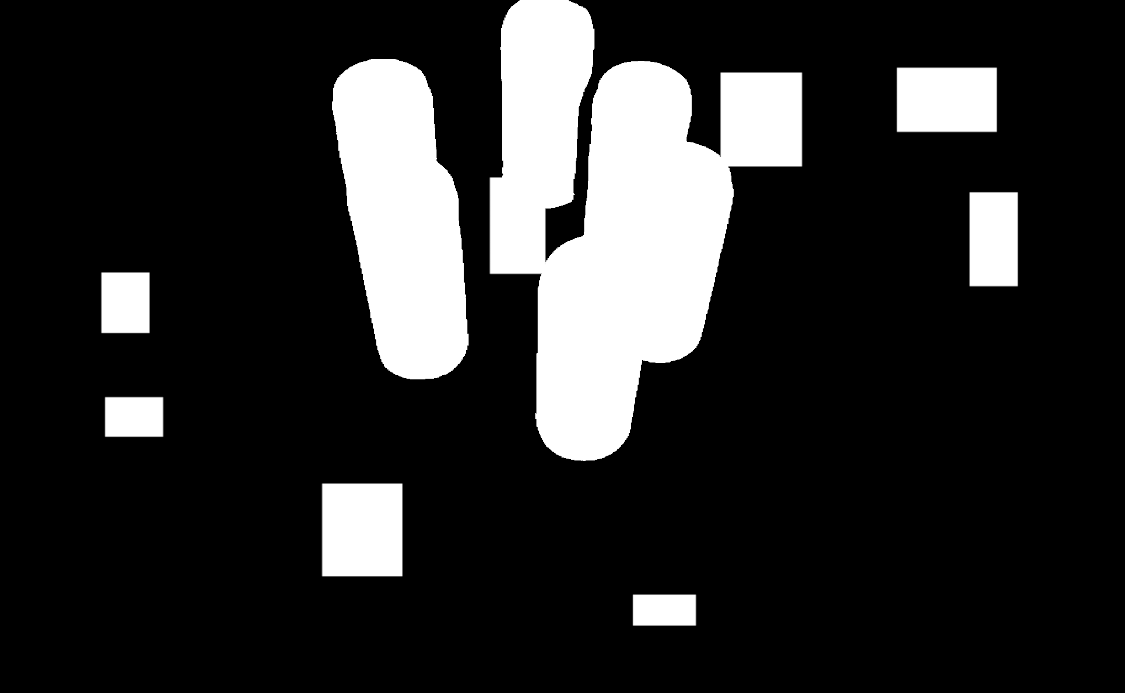 PUPIL
PUPILCompute the pixel-wise bitwise OR of two same-sized images or masks, merging both into their union, such as combining two segmentation masks into one.
View docs → PUPIL
PUPILCompute the pixel-wise bitwise XOR of two same-sized images or masks, keeping only pixels that differ between the two, such as highlighting mask disagreement.
View docs →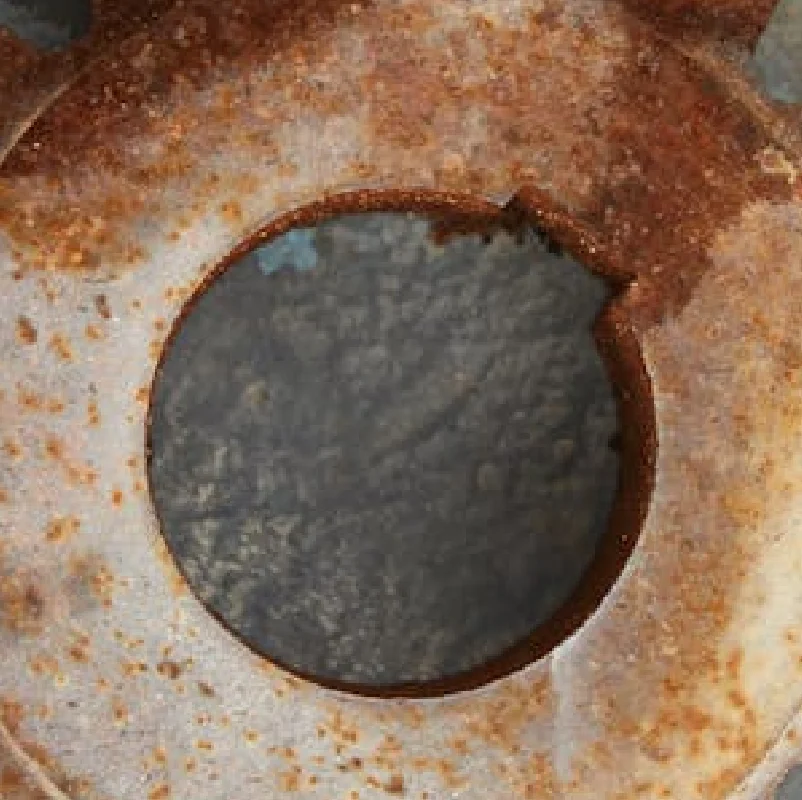 PUPIL
PUPILCrop an image to a fixed width and height centered on the image, padding with a fill color when the source is smaller than the target crop size.
View docs →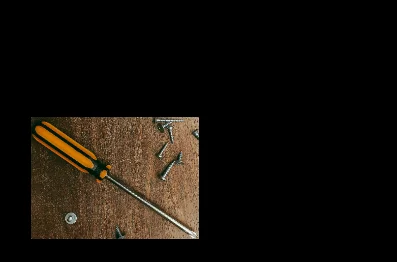 PUPIL
PUPILCrop multiple rectangular regions from a single image in one call, returning one cropped image per bounding box as an ImageBatch.
View docs →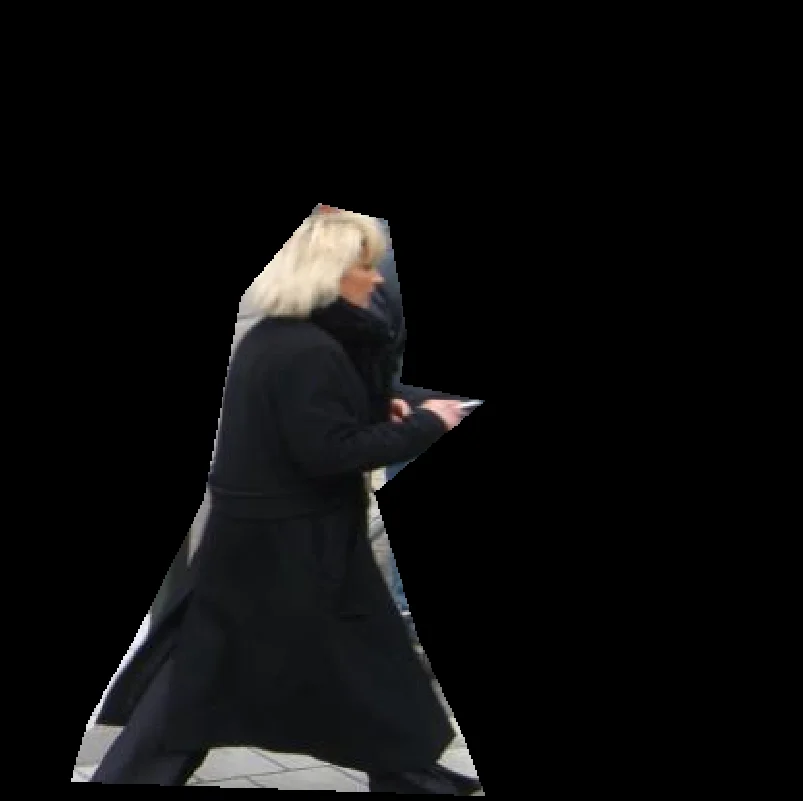 PUPIL
PUPILMask an image to an arbitrary polygon region, zeroing out pixels outside the polygon while keeping the original image size.
View docs →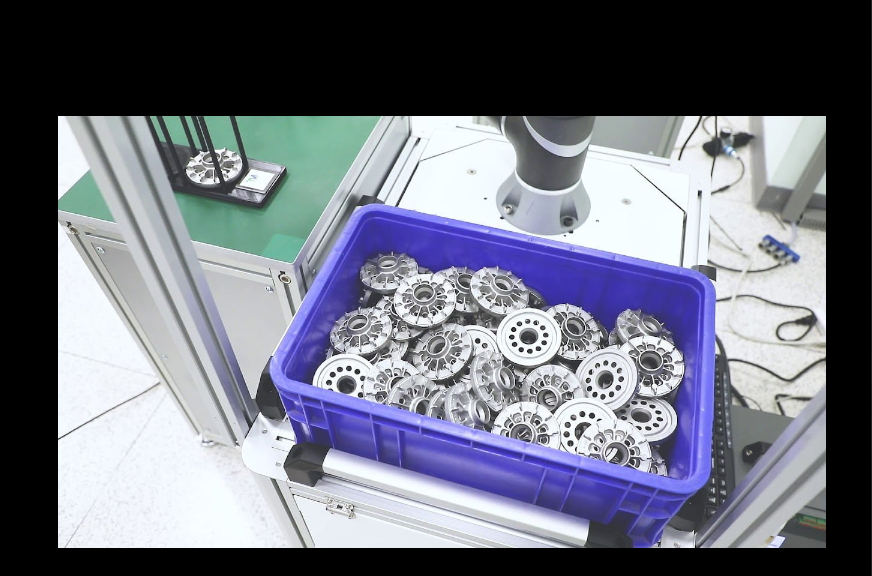 PUPIL
PUPILAdd explicit pixel padding to each side of an image independently, with configurable border handling and fill value.
View docs → PUPIL
PUPILResize an image uniformly by a scale factor, or to exact width and height, with a choice of interpolation method.
View docs →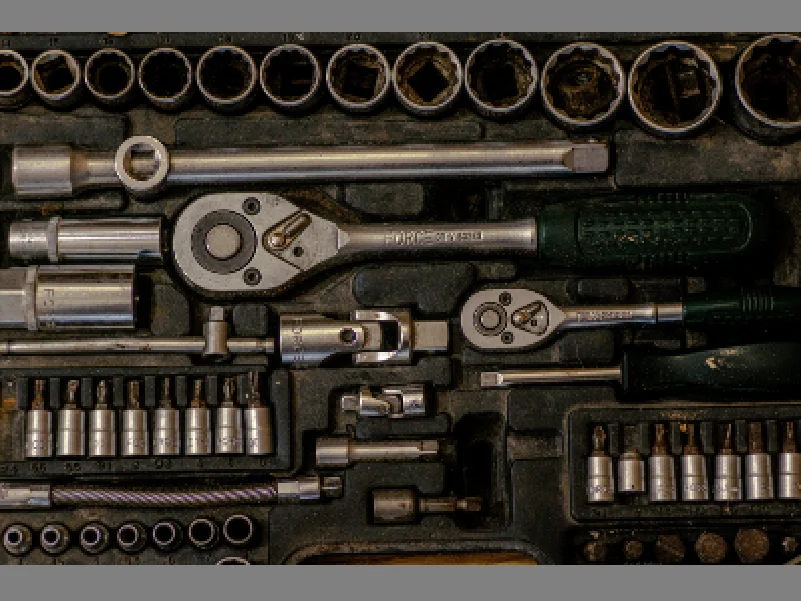 PUPIL
PUPILScale an image to fit within target width and height without distortion, padding the remainder with a fill color.
View docs →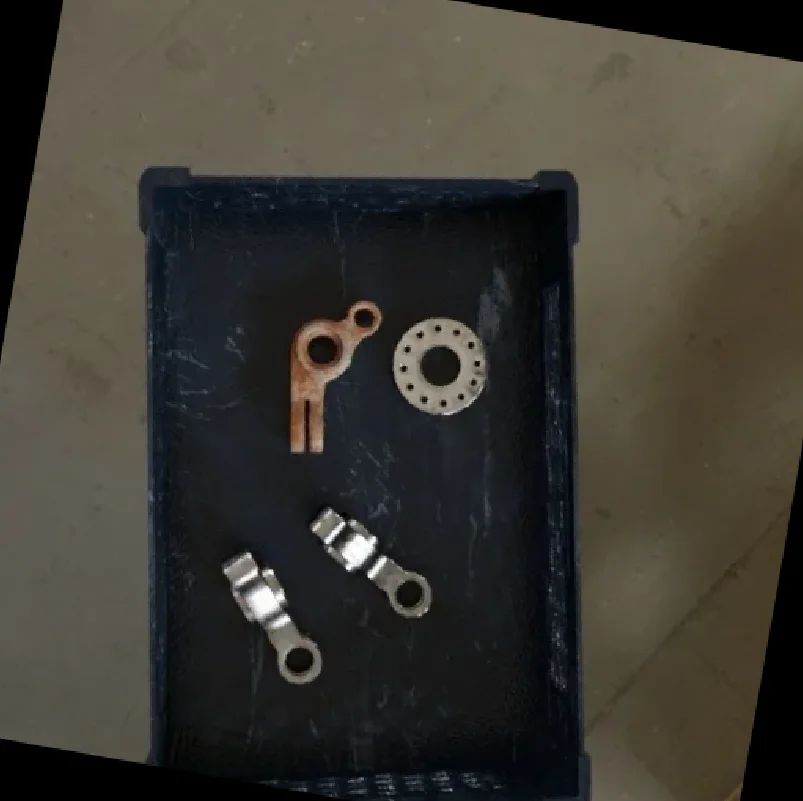 PUPIL
PUPILRotate an image by an angle in degrees around its center, choosing between cropped or expanded output dimensions.
View docs →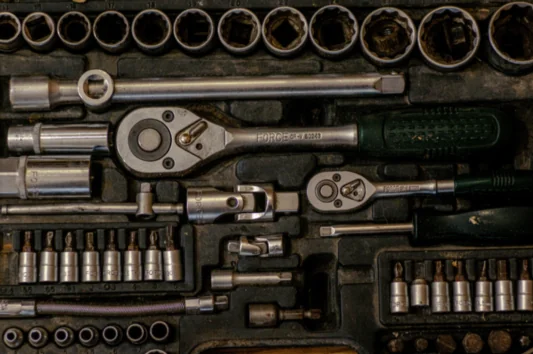 PUPIL
PUPILDownsample an image with a Gaussian pyramid step that smooths before reducing resolution, avoiding the aliasing a plain resize can introduce.
View docs → PUPIL
PUPILUpsample an image with a Gaussian pyramid step that interpolates and smooths, for image enlargement and pyramid reconstruction.
View docs →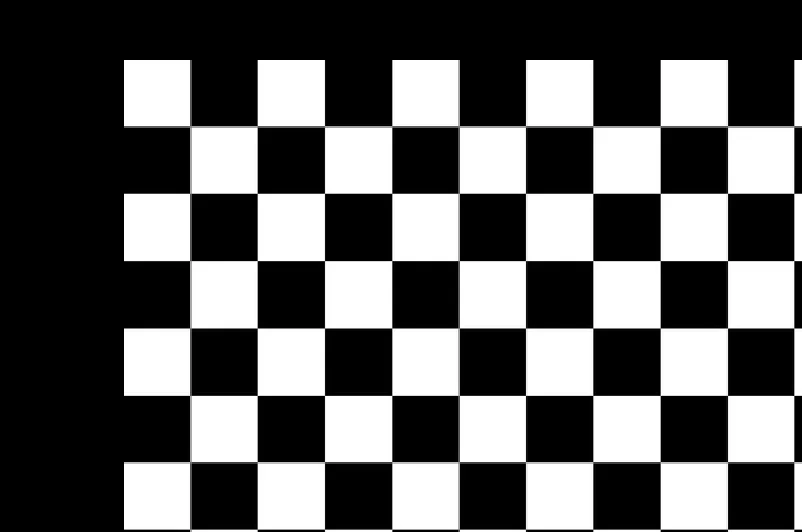 PUPIL
PUPILShift an image by a fixed number of pixels horizontally and vertically, with configurable border fill and interpolation.
View docs →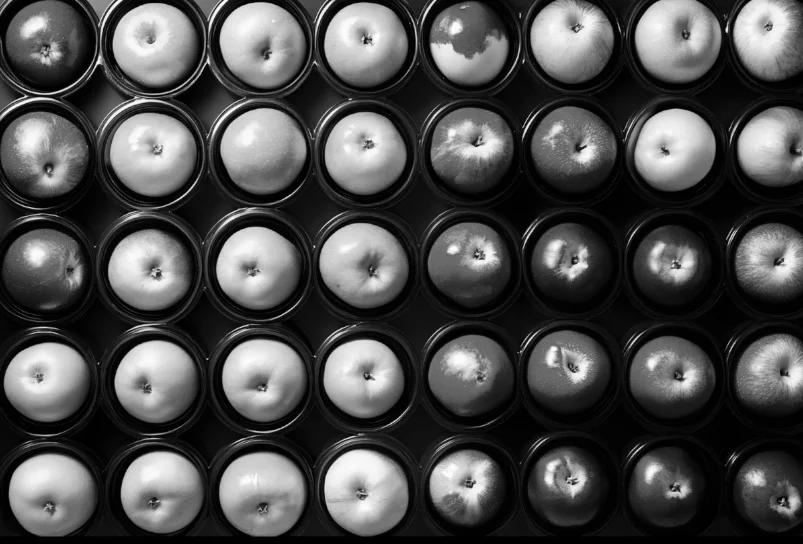 PUPIL
PUPILConvert an image between color spaces such as RGB, HSV, GRAY, and LAB to prepare it for a color-based or grayscale-based downstream Skill.
View docs → PUPIL
PUPILCombine multiple single-channel images into one multi-channel image, stacked in the given channel order.
View docs → PUPIL
PUPILBlend two same-size images pixel-wise using per-image weights, for cross-fades, multi-exposure effects, or overlays.
View docs → PUPIL
PUPILSplit a multi-channel image into its individual single-channel images, preserving input channel order.
View docs → PUPIL
PUPILApply Contrast Limited Adaptive Histogram Equalization to boost local contrast per-tile while capping noise amplification, ideal for unevenly lit images.
View docs → PUPIL
PUPILAutomatically corrects image brightness with a gamma value estimated from the image's own luminance statistics, with no manual tuning required.
View docs → PUPIL
PUPILAutomatically correct color casts caused by lighting conditions so that neutral colors in a color image appear natural, with no manual tuning required.
View docs → PUPIL
PUPILRescale image pixel intensities to a target range or norm using minmax, L-infinity, L1, or L2 normalization.
View docs →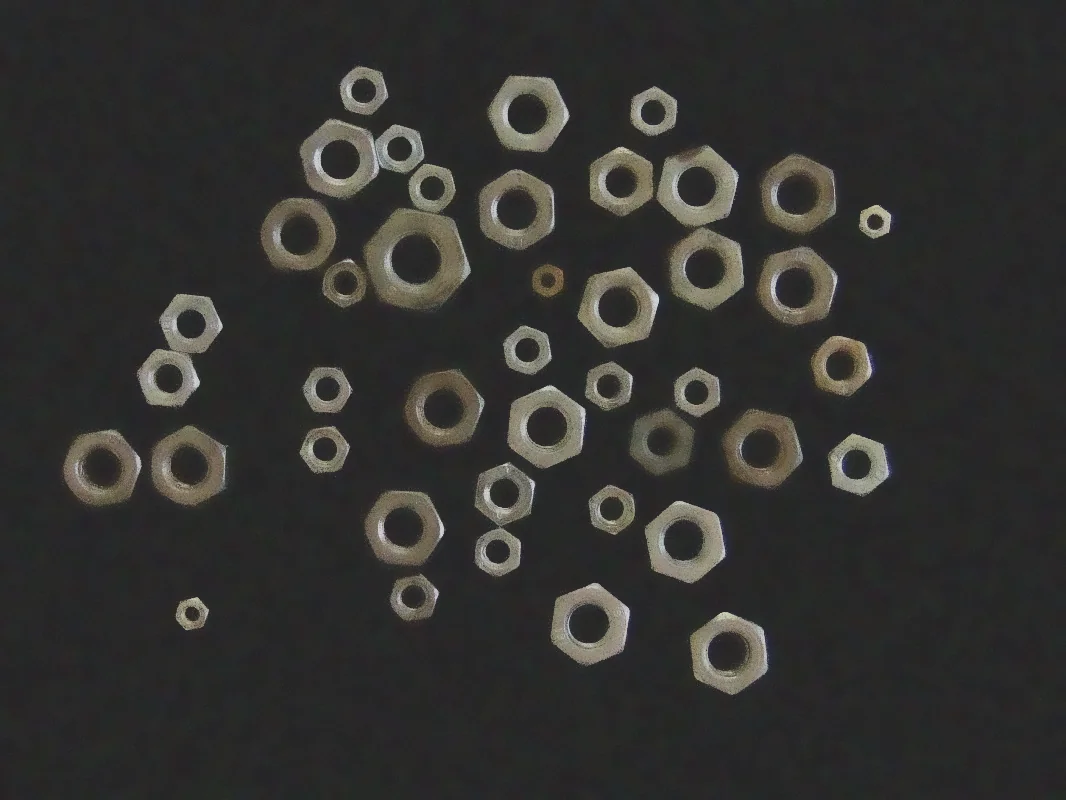 PUPIL
PUPILSmooth noise out of an image while preserving edges by weighting neighboring pixels on both spatial distance and color similarity.
View docs → PUPIL
PUPILApply a simple box blur that averages pixel values within a kernel for fast, uniform image smoothing when edge preservation is not required.
View docs → PUPIL
PUPILApply a normalized or unnormalized box filter to an image with configurable kernel size, normalization, and output bit depth.
View docs → PUPIL
PUPILSmooth an image and reduce noise with a Gaussian-weighted blur kernel, with configurable kernel size and per-axis standard deviation.
View docs → PUPIL
PUPILRemove salt-and-pepper (impulse) noise from an image using a median filter while preserving edges.
View docs → PUPIL
PUPILDetect edges using the second-derivative Laplacian operator, with configurable kernel size, scale, offset, and output bit depth.
View docs →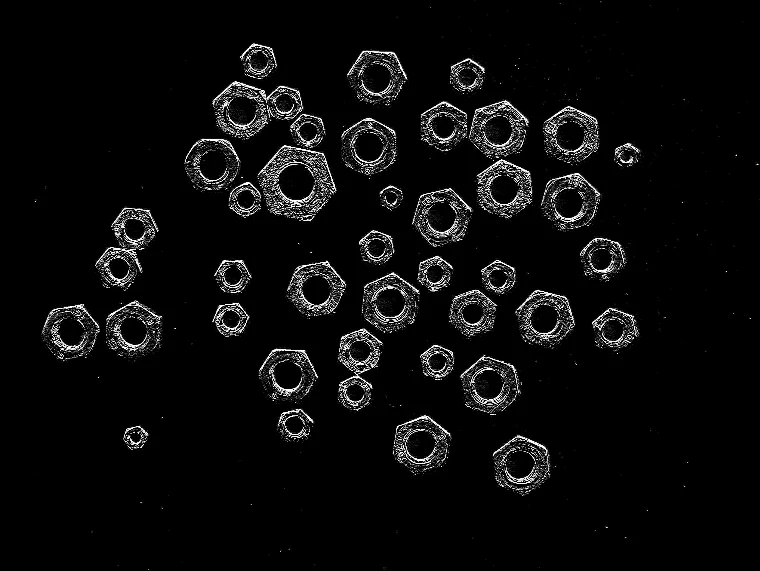 PUPIL
PUPILCompute a first-derivative Scharr gradient for high-accuracy, rotation-invariant edge detection on a fixed 3x3 kernel.
View docs →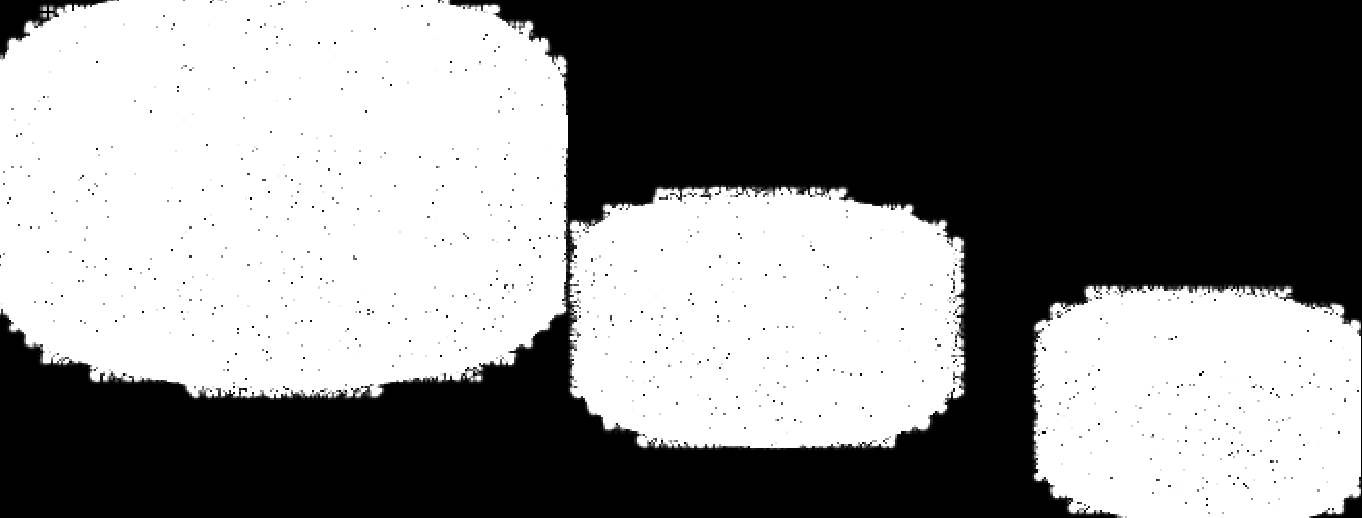 PUPIL
PUPILCompute directional image gradients with the Sobel operator, with configurable derivative order, kernel size, scale, offset, and output bit depth.
View docs →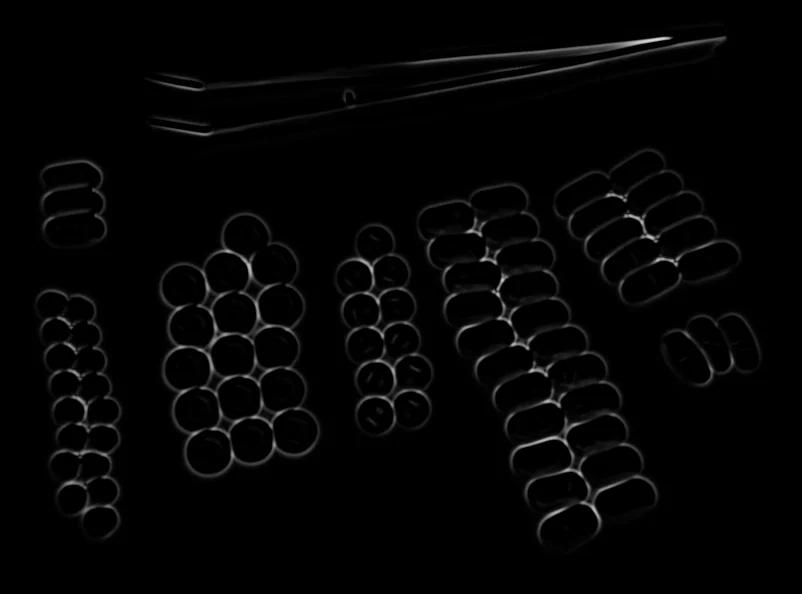 PUPIL
PUPILApply the Frangi multi-scale vesselness filter to enhance tubular structures such as vessels, wires, scratches, or cracks.
View docs →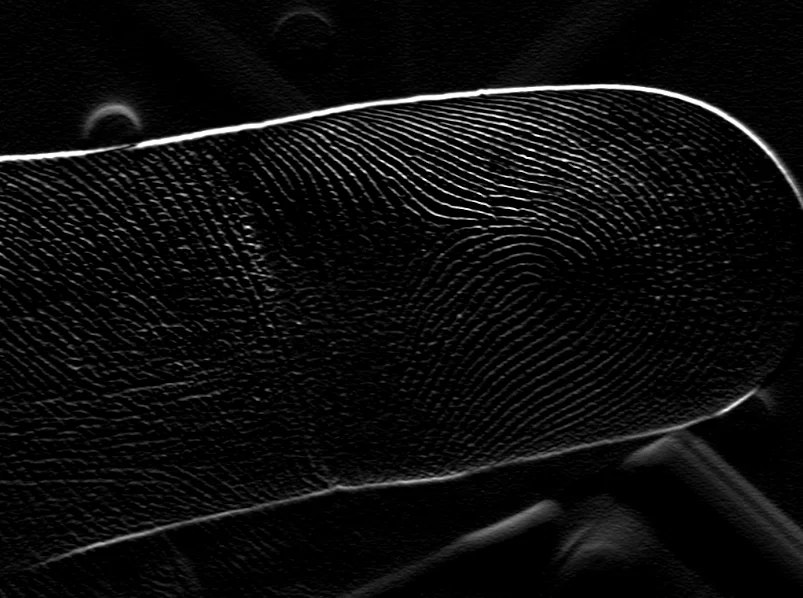 PUPIL
PUPILApply an oriented Gabor kernel to detect textures and features at a specific orientation, scale, and wavelength.
View docs →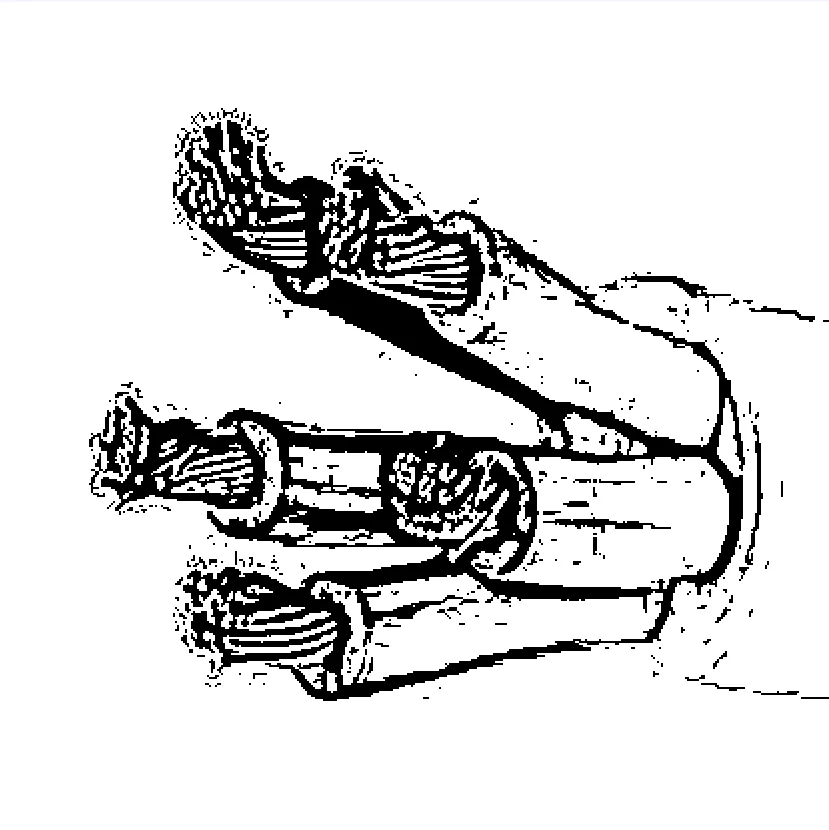 PUPIL
PUPILApply a Hessian eigenvalue-based vesselness filter to detect tubular structures, a faster alternative to the Frangi filter.
View docs →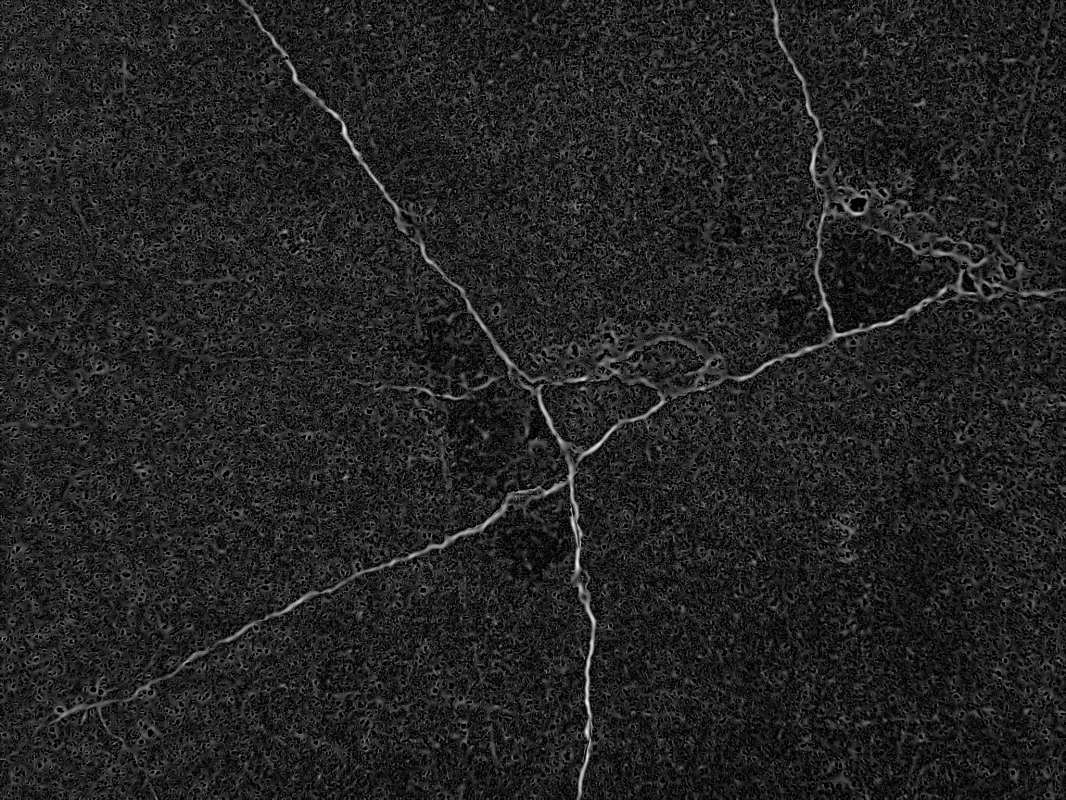 PUPIL
PUPILApply the Meijering multi-scale ridge filter to enhance thin, branching structures such as neurites, cracks, or wires in a grayscale image.
View docs →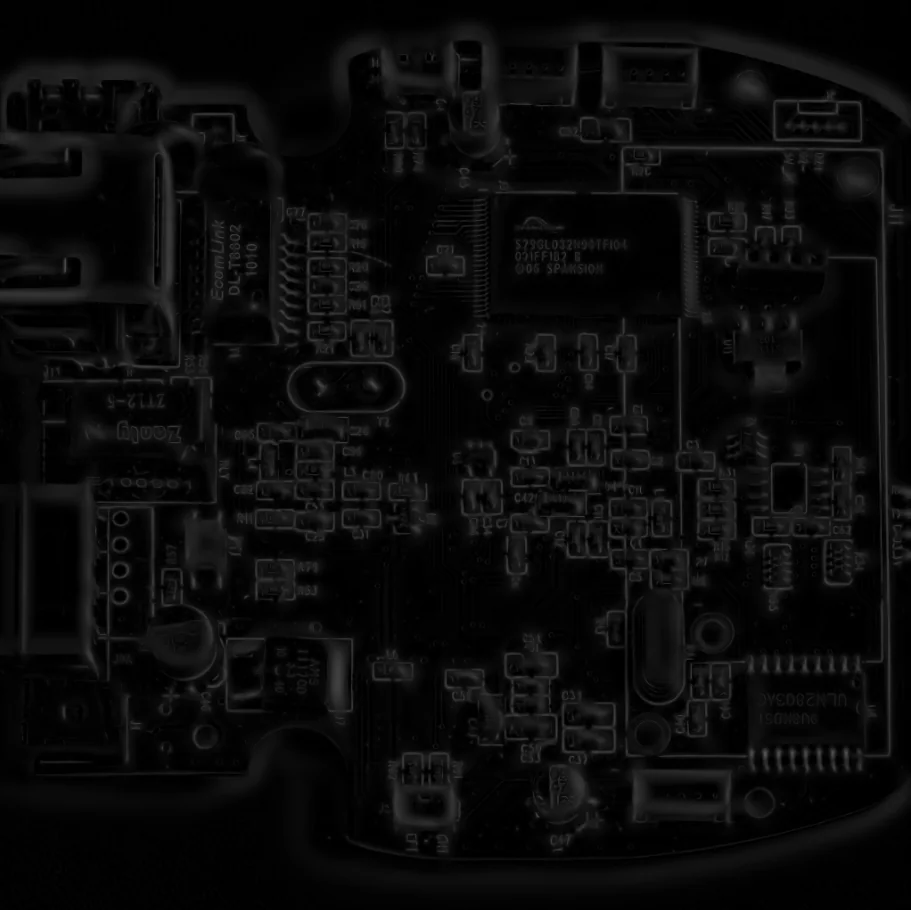 PUPIL
PUPILApply the Sato multi-scale ridge filter to enhance thin linear structures such as fibers, vessels, cracks, or PCB traces.
View docs →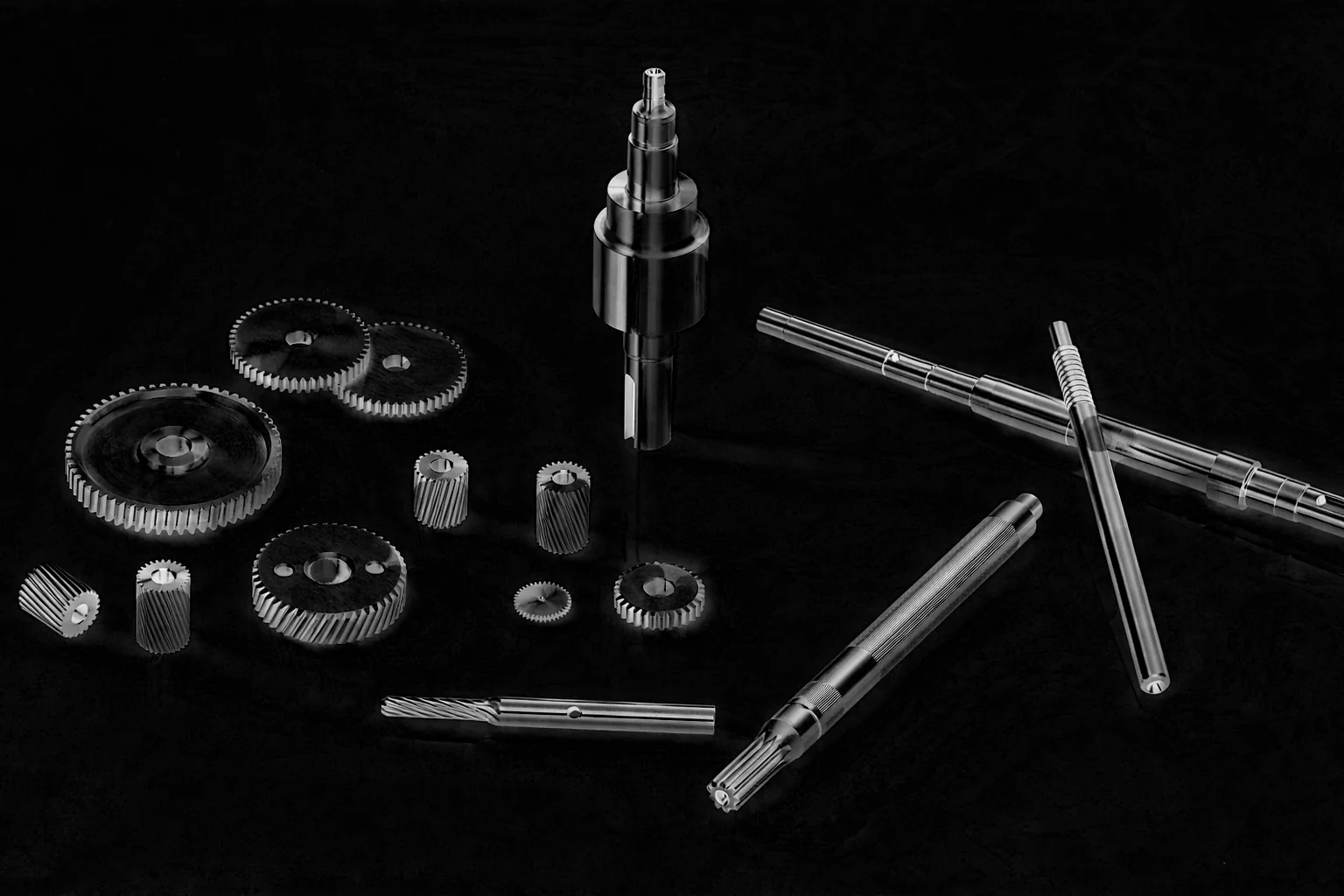 PUPIL
PUPILApply the morphological black-hat transform (closing minus the image) to isolate small dark features, cracks, or holes against a bright background.
View docs →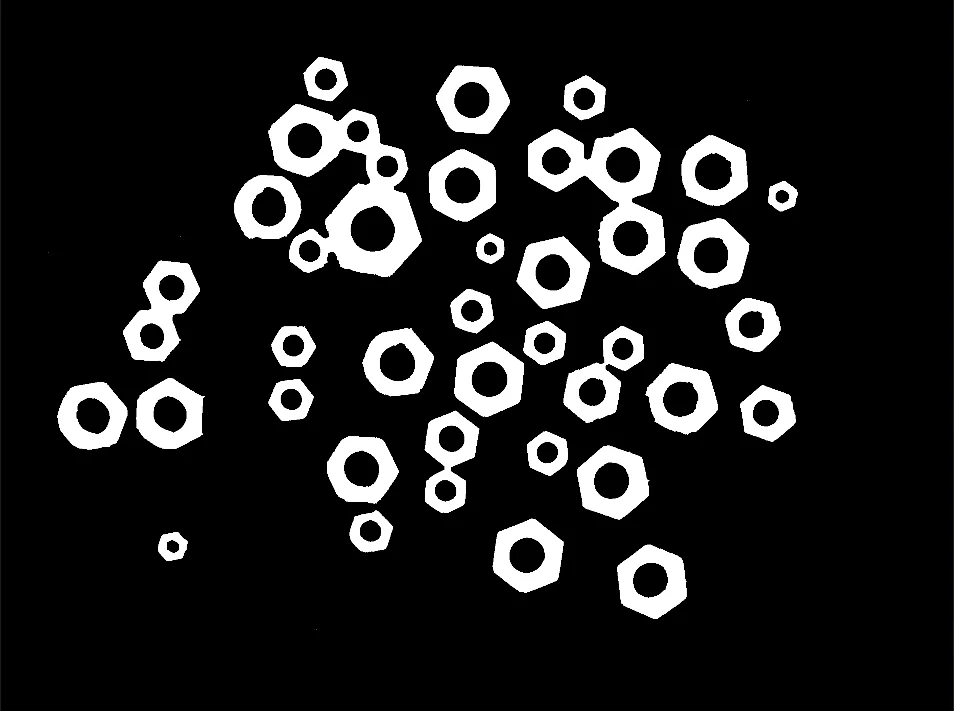 PUPIL
PUPILApply morphological closing (dilation followed by erosion) to fill small holes and connect nearby components while preserving overall object shape.
View docs →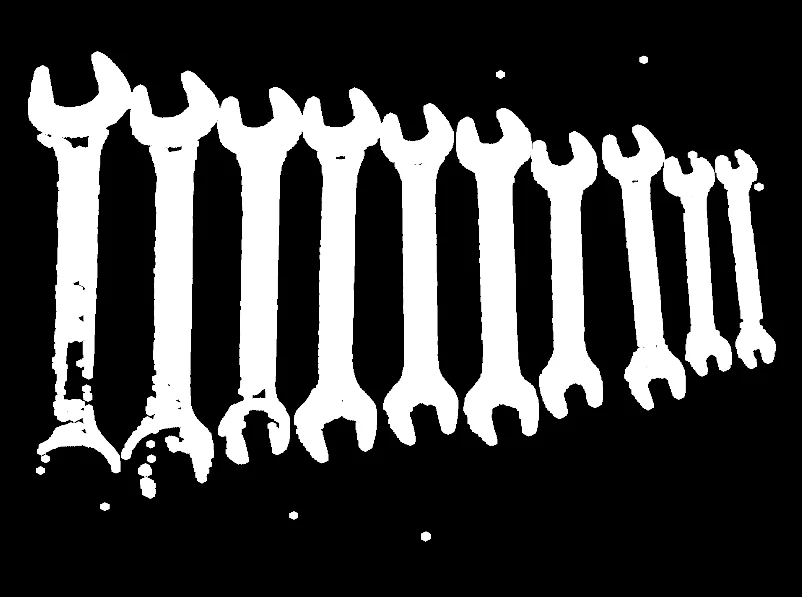 PUPIL
PUPILApply morphological dilation to expand bright regions and fill small gaps or holes, using a configurable structuring element and iteration count.
View docs →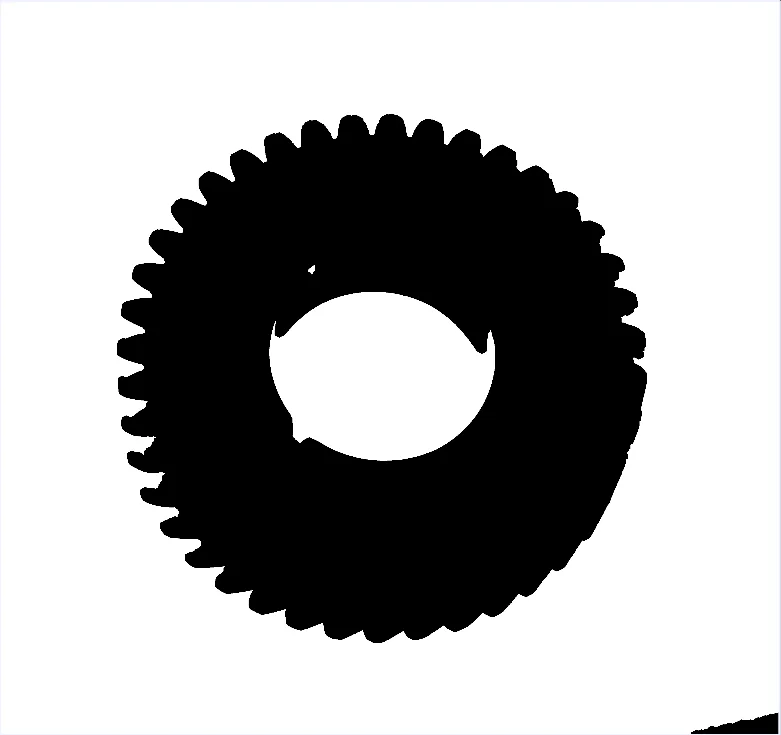 PUPIL
PUPILApply morphological erosion to shrink bright regions and remove small bright noise, using a configurable structuring element and iteration count.
View docs →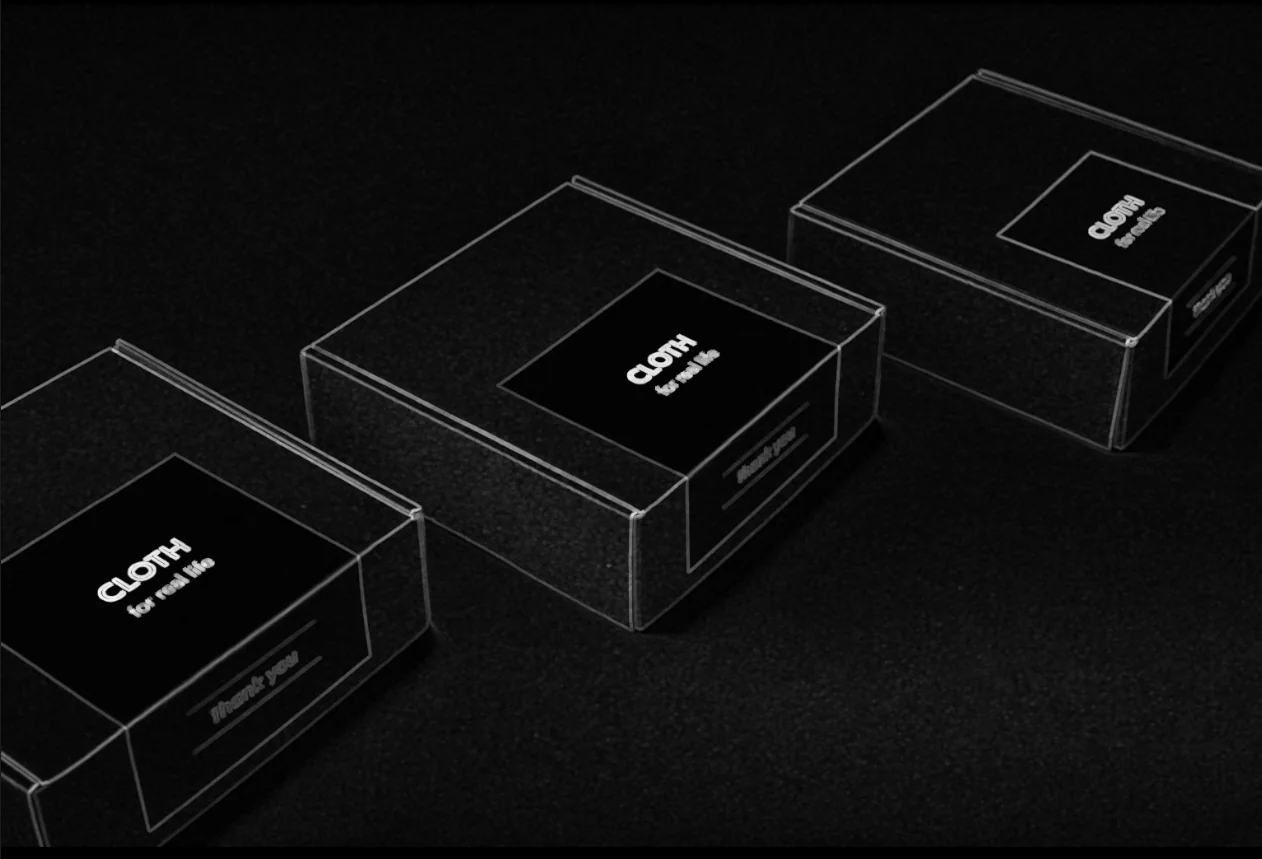 PUPIL
PUPILCompute the morphological gradient (dilation minus erosion) of a binary mask to extract object boundaries and outlines using a structuring element.
View docs →Apply the morphological hit-or-miss transform to match a specific binary pattern by testing foreground and background pixels simultaneously.
View docs →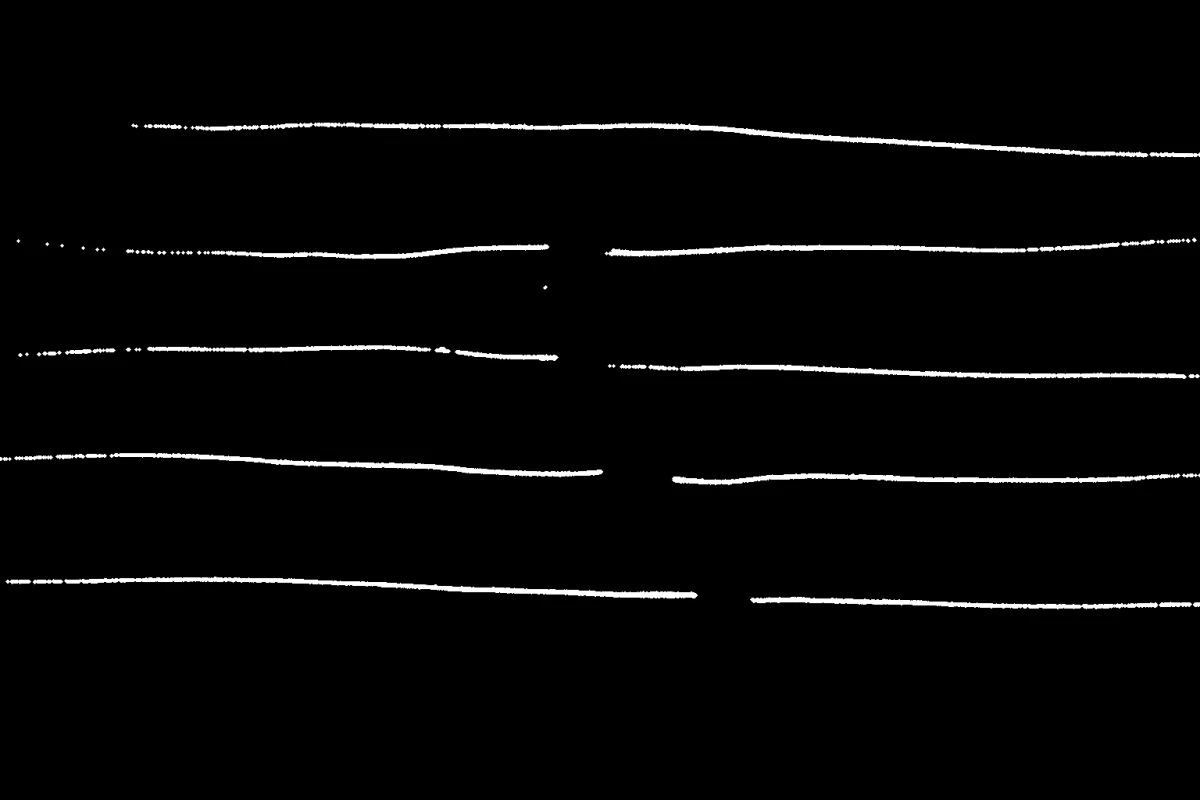 PUPIL
PUPILApply morphological opening (erosion followed by dilation) to remove small bright noise while preserving the overall size of larger objects.
View docs → PUPIL
PUPILApply the morphological top-hat transform (image minus its opening) to isolate small bright features and details smaller than the structuring element.
View docs → PUPIL
PUPILSkeletonize a binary mask down to a 1-pixel-wide representation using the Zhang-Suen or Guo-Hall thinning algorithm while preserving topology.
View docs →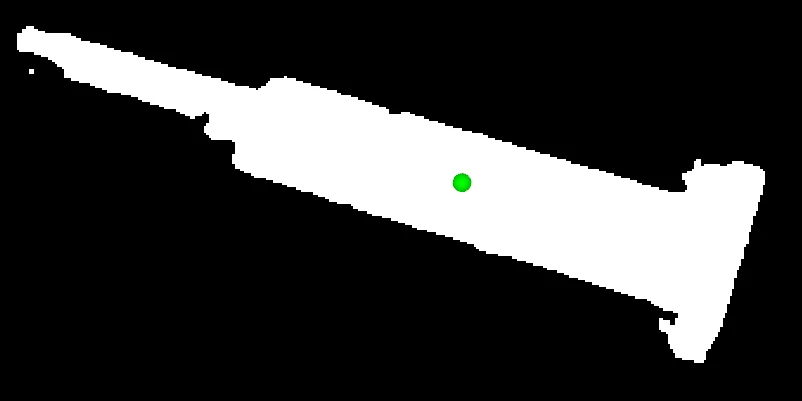 PUPIL
PUPILCompute the centroid (center of mass) of the non-zero pixels in a binary mask, returning pixel coordinates for object localization, alignment, or grasp planning.
View docs →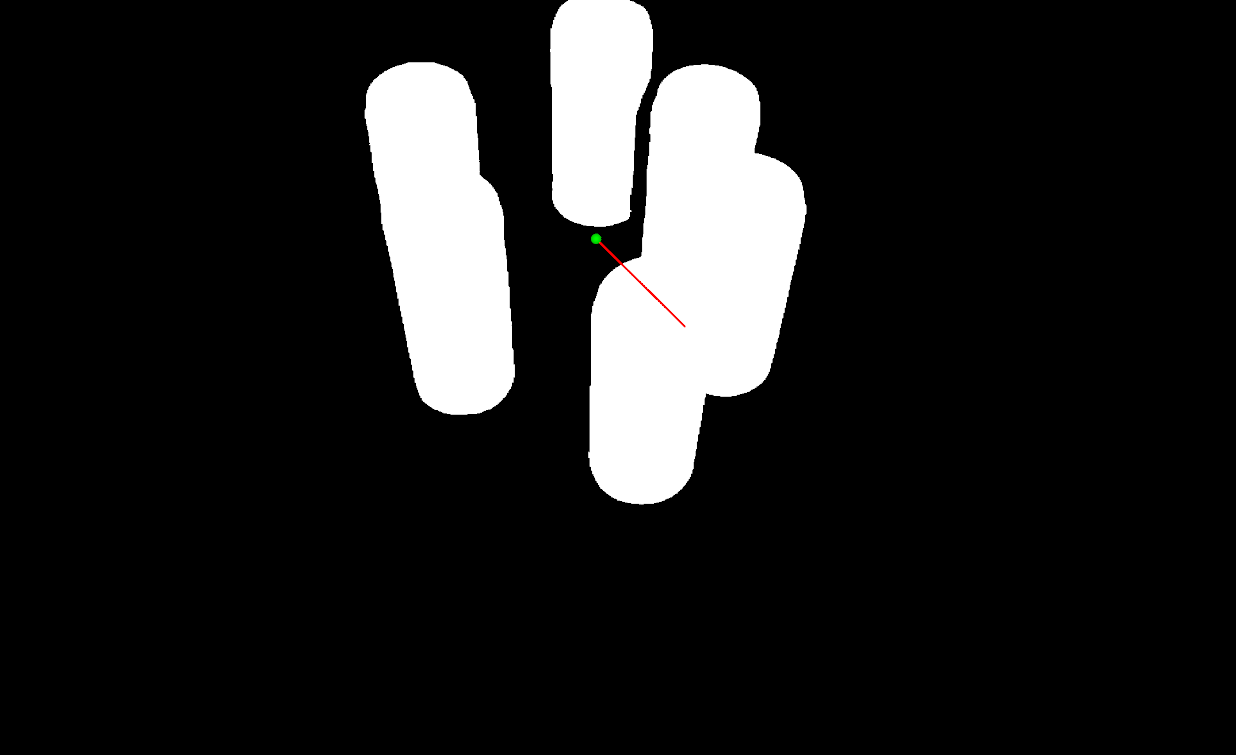 PUPIL
PUPILCompute PCA on a mask or grayscale image to get its centroid, principal-axis eigenvectors and eigenvalues, and dominant orientation angle.
View docs →Estimate the 3D pose of a flat object from a segmentation mask and an aligned depth image, combining 2D PCA with pinhole back-projection.
View docs →Project a 3D point given in camera coordinates to 2D pixel coordinates via the forward pinhole camera model, applying intrinsics and lens distortion.
View docs →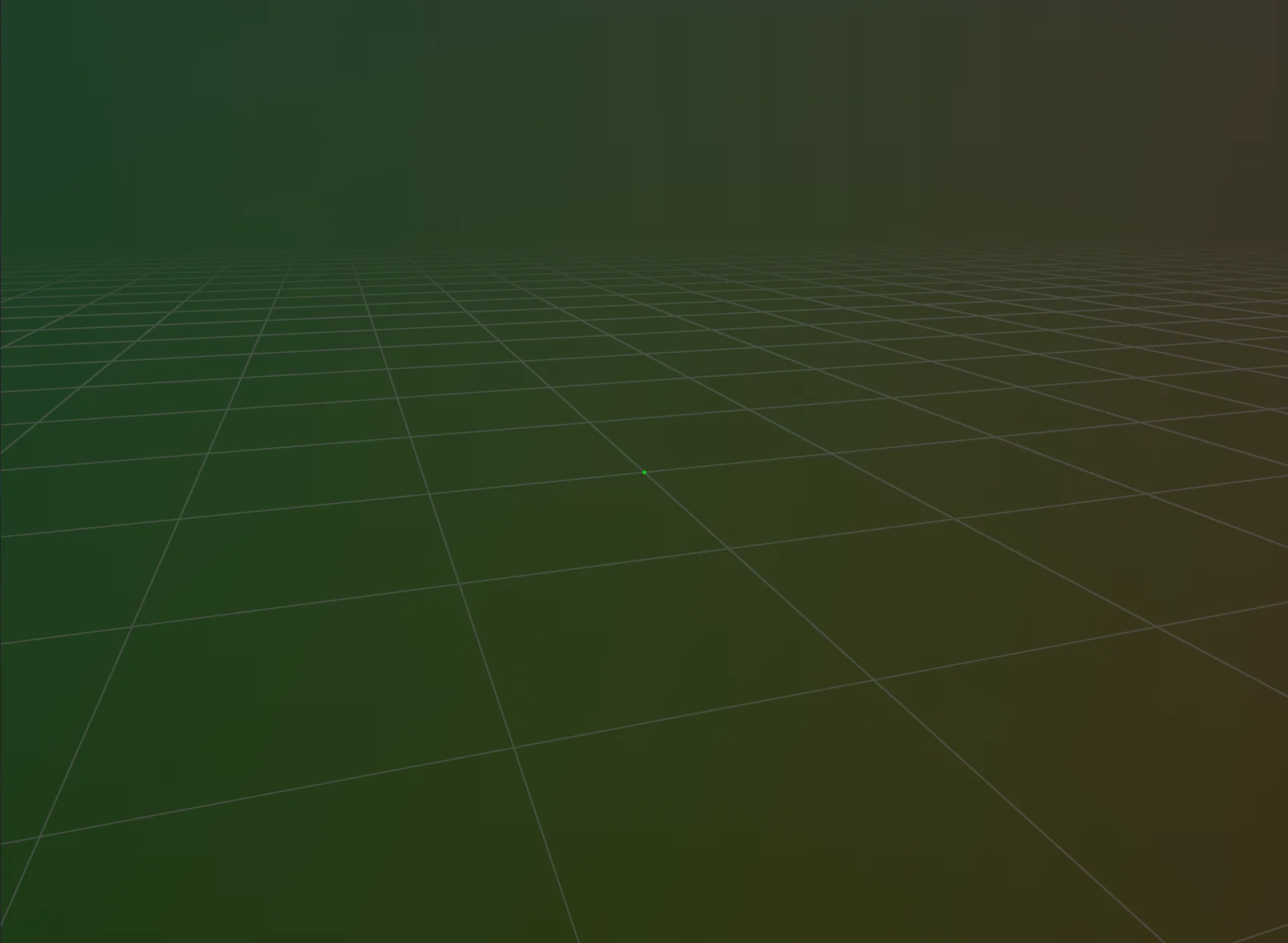 PUPIL
PUPILConvert a pixel coordinate and depth value into a 3D point in camera coordinates, using camera intrinsics to invert the pinhole projection.
View docs →Convert a pixel coordinate and depth value into a 3D point in world coordinates, combining camera intrinsics with a camera-to-world transform.
View docs →Project a 3D point given in world coordinates to 2D pixel coordinates, using a camera-to-world transform and the pinhole camera model.
View docs →Learn how to compute the smallest 3D axis-aligned bounding box (AABB) for a point cloud using the Telekinesis Agentic Skill Library. Ideal for Physical AI, robotics, computer vision, and scene understanding pipelines.
View docs →Learn how to compute a tightly-fitted, orientation-aware 3D bounding box (OBB) for a point cloud using the Telekinesis Agentic Skill Library. Ideal for Physical AI, robotics, computer vision, pose estimation, and grasp planning.
View docs →Learn how to compute the normal vector of a plane from its coefficients using the Telekinesis Agentic Skill Library. Ideal for Physical AI, robotics, computer vision, surface alignment, and plane-based reasoning.
View docs →Learn how to compute the geometric center (centroid) of a 3D point cloud using Telekinesis Vitreous. Useful for robotics, Physical AI, object localization, grasp planning, and reference frame computation.
View docs →Compute the dominant local direction of a 3D point cloud neighborhood using PCA for grasp planning, fine manipulation, and local feature analysis in industrial robotics.
View docs →Compute the principal directions of a 3D point cloud using PCA or OBB for industrial robotic manipulation, grasp planning, and object orientation estimation.
View docs →Segment a point cloud into clusters by detecting sharp density changes along a chosen axis using Telekinesis Agentic Skill Library. Ideal for stacked objects, layered structures, or closely packed items in robotics and Physical AI pipelines.
View docs →Segment a 3D point cloud into clusters using DBSCAN from the Telekinesis Agentic Skill Library. Ideal for detecting distinct objects, handling noise, and separating spatially distributed items in robotics and perception pipelines.
View docs →Learn how to segment point clouds by color using the Vitreous SDK. Ideal for identifying and isolating objects based on color cues in robotics, industrial pipelines, and 3D perception.
View docs →Learn how to segment planar surfaces from point clouds using the Vitreous SDK. Ideal for detecting floors, walls, tables, and other flat surfaces in robotics, industrial pipelines, and 3D perception.
View docs →Keep or remove points near an infinite 3D line defined by a point and direction vector, using the Telekinesis SDK. Ideal for isolating rods, cables, edges, or other linear structures in a point cloud.
View docs →Retain points within specified axis-aligned bounds using a passthrough filter for robotics tasks like workspace region extraction, object isolation, and perception.
View docs →Extract points within a 3D axis-aligned bounding box (AABB) to isolate regions of interest in point clouds for robotics, grasp planning, and object detection.
View docs →Remove base points from cylindrical meshes to isolate object geometry for robotics applications like pose estimation, grasp planning, and cylinder alignment.
View docs →Apply a 2D boolean mask to selectively filter points from an organized point cloud for robotics tasks like object segmentation, ROI extraction, and grasp planning.
View docs →Crop a point cloud to a rotated 3D region using an oriented bounding box (OBB) for robotics tasks like object isolation, pose estimation, and manipulation.
View docs →Extract points near a plane defined by a reference point and normal vector for robotics tasks like planar surface extraction, ground removal, and tabletop detection.
View docs →Extract points near a plane defined by coefficients [a, b, c, d] for robotics tasks like planar surface extraction, ground removal, and tabletop detection.
View docs →Retain points on one side of a plane using coefficients [a, b, c, d]. Ideal for robotics tasks like ground removal, workspace segmentation, and object separation.
View docs →Remove isolated or noisy points in a point cloud using radius-based neighbor filtering. Ideal for denoising, preprocessing, and improving 3D perception in robotics.
View docs →Remove noise from point clouds using statistical analysis of neighbor distances. Ideal for denoising, preprocessing, and improving 3D perception in robotics pipelines.
View docs →Reduce point cloud density by selecting every Nth point for faster processing. Ideal for robotics pipelines, preview generation, and preprocessing of large 3D datasets.
View docs →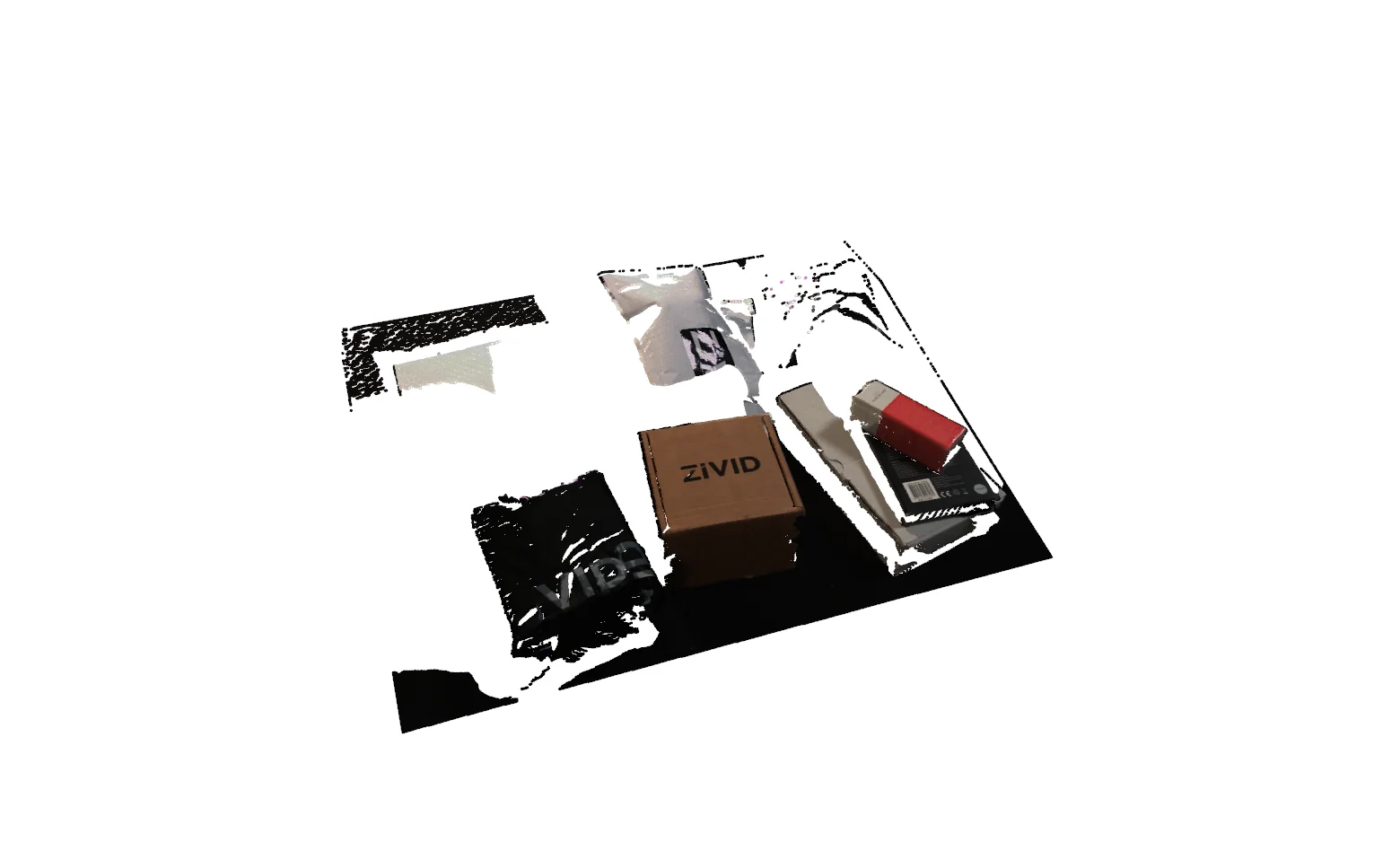 VITREOUS
Remove occluded points from a point cloud based on a specific viewpoint. Ideal for robotics pipelines, sensor simulation, and occlusion-aware perception.
View docs →Reduce point cloud density using voxel downsampling. Ideal for preprocessing, registration, clustering, and segmentation in robotics and 3D point cloud workflows.
View docs →Learn how to combine two 3D point clouds into a single unified cloud using the Telekinesis Agentic Skill Library. Perfect for multi-view fusion, sensor aggregation, and robotics pipelines.
View docs →Learn how to subtract one point cloud from another using the Vitreous SDK. Ideal for isolating objects, removing backgrounds, or filtering known surfaces in robotics, industrial pipelines, and 3D perception.
View docs →Learn how to uniformly scale a point cloud about a center point using the Vitreous SDK. Ideal for resizing objects and scenes in robotics, industrial pipelines, and simulations.
View docs →Learn how to move, rotate, or align 3D point clouds using the Telekinesis Agentic Skill Library. Ideal for Physical AI, robotics, computer vision, and multi-view sensor pipelines.
View docs →Back-project a depth image into a 3D point cloud using a pinhole camera model and camera intrinsics, with the Telekinesis SDK. Ideal for turning RGB-D/depth sensor output into point clouds for robotics perception pipelines.
View docs →Convert 3D triangle meshes into point clouds using the Telekinesis SDK. Ideal for 6D pose estimation, registration, and robotic perception pipelines with controlled point sampling density.
View docs →Generate a 3D cylinder mesh using the Telekinesis SDK for pose estimation, 3D detection, and robotics perception pipelines. Ideal for representing rods, pipes, and cylindrical objects with precise geometry.
View docs →Generate a 3D plane or cuboid mesh using the Telekinesis SDK for pose estimation, 3D detection, and robotics perception pipelines. Ideal for representing floors, walls, tabletops, or planar reference surfaces.
View docs →Generate a 3D spherical mesh using the Telekinesis SDK for pose estimation, 3D detection, and robotics perception pipelines. Ideal for representing balls, spherical markers, or rounded components with precise geometry.
View docs →Generate a 3D torus mesh using the Telekinesis SDK for pose estimation, 3D detection, and robotics perception pipelines. Ideal for representing rings, wheels, or circular components with parametric precision.
View docs →Learn how to project a 3D point cloud onto a plane using general plane coefficients [a, b, c, d] with the Vitreous SDK. Useful for robotics, AI, and physical pipelines in planar alignment, ground plane removal, and feature extraction.
View docs →Learn how to project a 3D point cloud onto a plane using a reference point and normal vector with the Vitreous SDK. Useful for robotics, AI, and physical pipelines in planar alignment, registration, and feature extraction.
View docs →Learn how to reconstruct a convex mesh from a 3D point cloud using the Vitreous SDK. Ideal for robotics, AI, and physical pipelines in collision geometry, grasp planning, and simplified object modeling.
View docs →Learn how to reconstruct a smooth, watertight 3D mesh from a point cloud with normals using Poisson surface reconstruction with the Vitreous SDK. Ideal for high-quality object surfaces in robotics, AI, and industrial pipelines.
View docs →Compute a fast, coarse translation-only alignment between two point clouds by matching their centroids, using the Telekinesis SDK. Ideal as a first step before finer ICP-based registration.
View docs →Align two point clouds with an uncertain relative translation by sampling candidate translations on a 3D grid and refining each with ICP, keeping the best-scoring result.
View docs →Align two point clouds using Fast Global Registration (FGR), a feature-based method that matches points by FPFH descriptor similarity and does not require the clouds to already be roughly aligned.
View docs →Refine the alignment of two roughly pre-aligned point clouds by minimizing each source point's distance to the target surface's tangent plane, using surface normals for faster, more accurate convergence.
View docs →Refine the alignment of two roughly pre-aligned point clouds with the classic Iterative Closest Point (ICP) algorithm, minimizing raw point-to-point distances.
View docs →Align two point clouds with an uncertain relative rotation by sampling candidate rotations on a grid of Euler angles and refining each with ICP, keeping the best-scoring result.
View docs →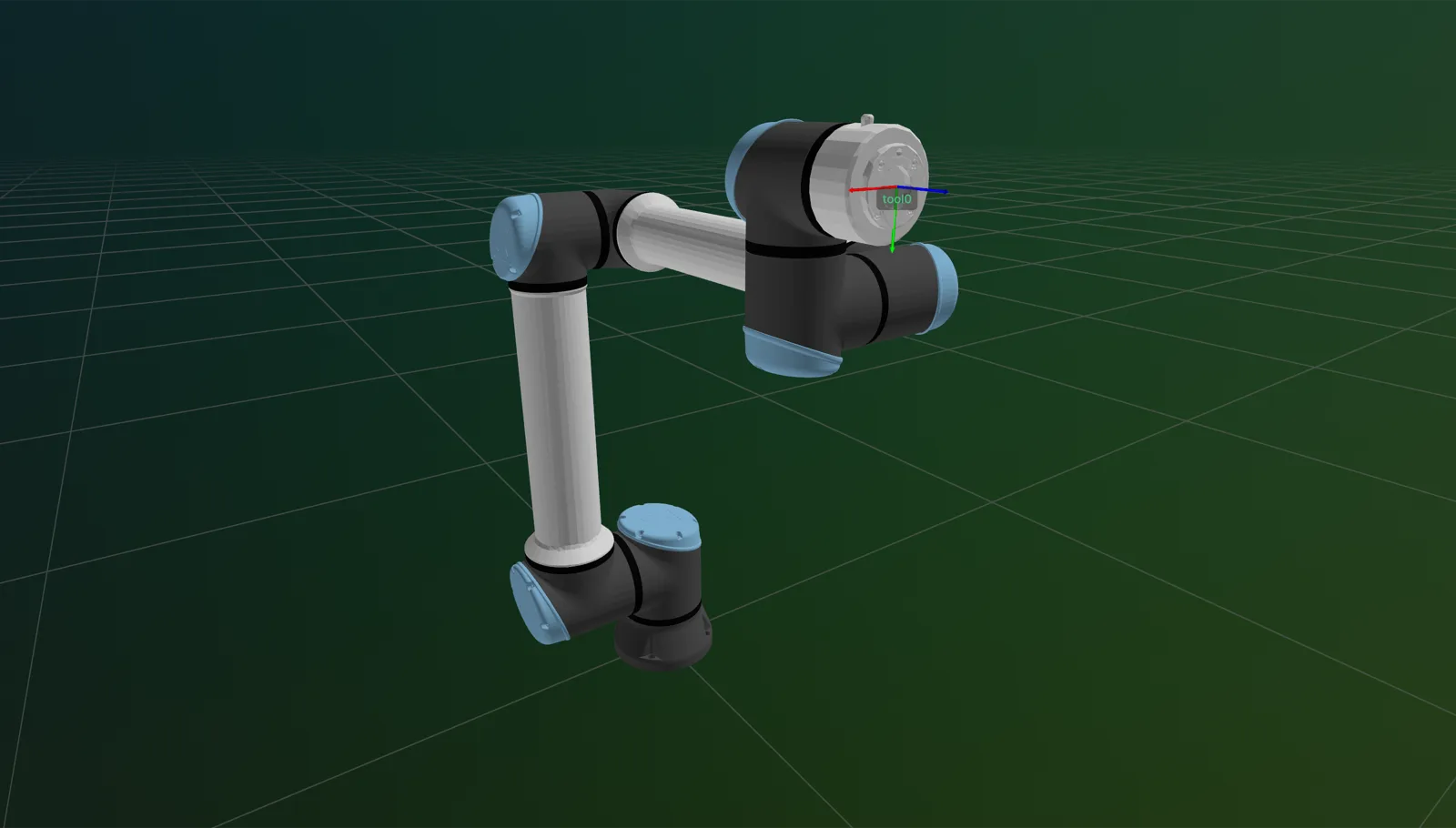 SYNAPSE
Connect to and disconnect from robot controllers for reliable runtime operations in Synapse.
View docs →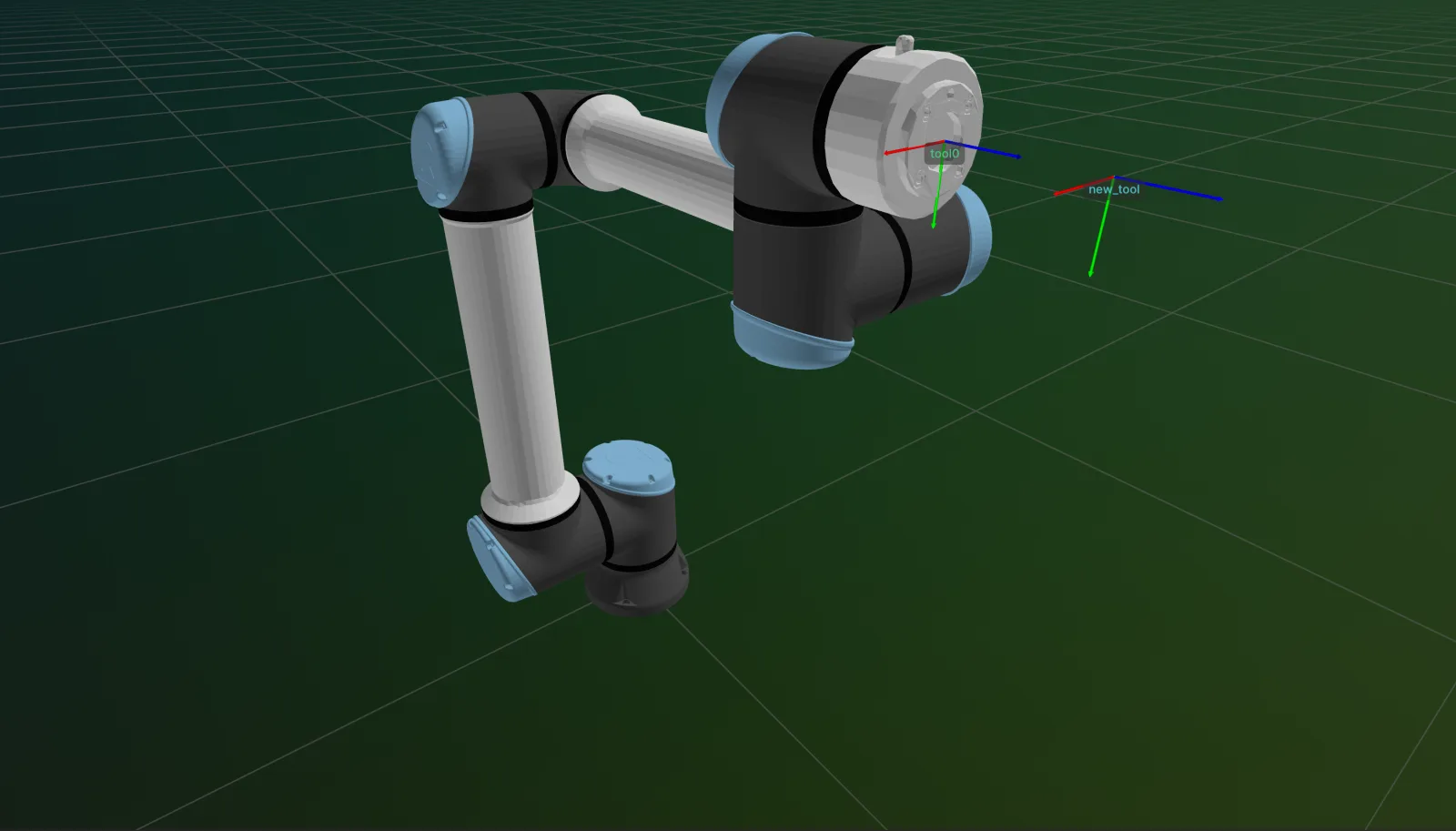 SYNAPSE
Register a new named Tool Center Point (TCP) frame at an offset from the default TCP, optionally making it active.
View docs →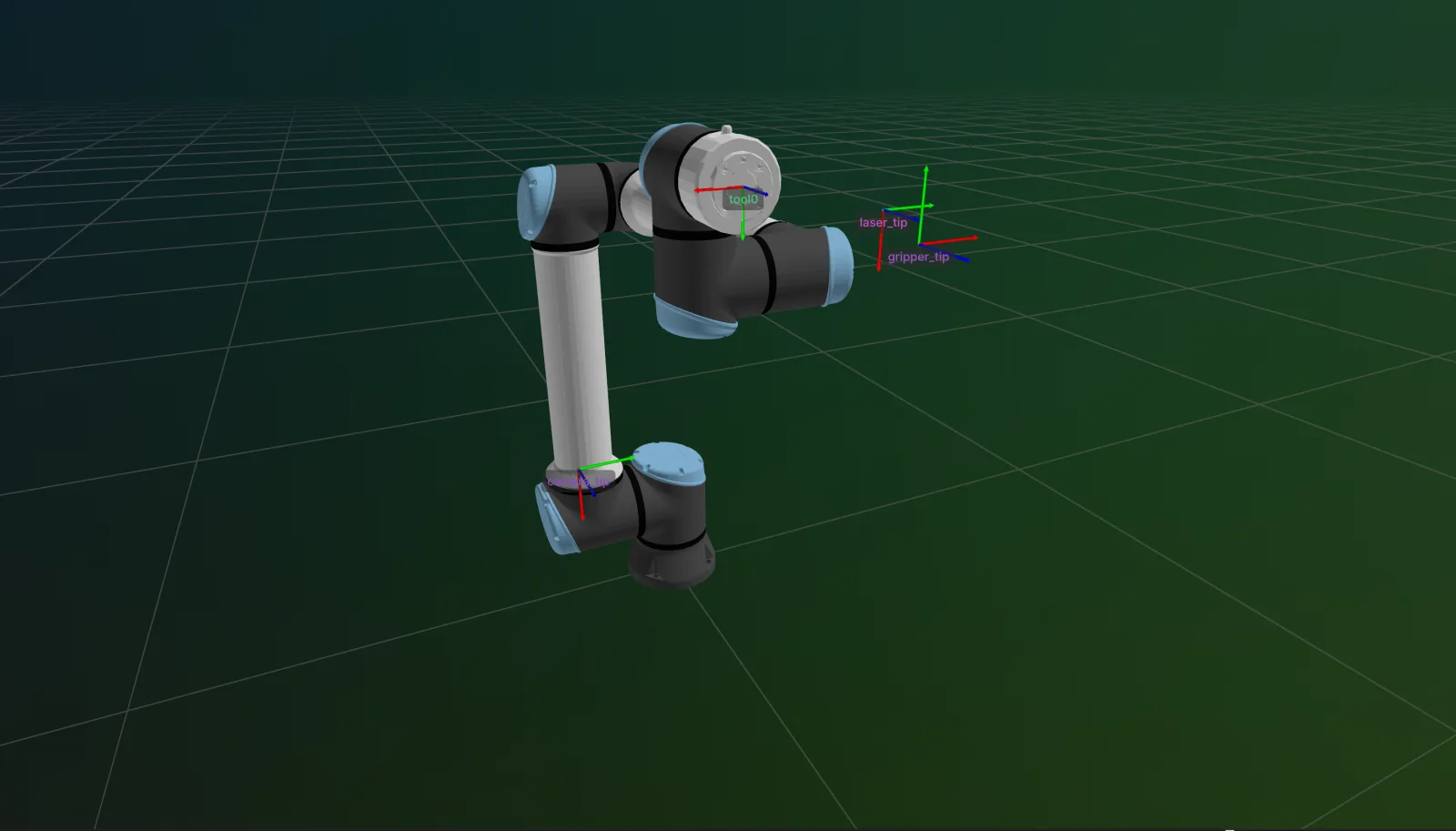 SYNAPSE
Switch the robot's active Tool Center Point (TCP) and push the change to the controller with a single assignment.
View docs →Update the transform of an already-registered named Tool Center Point (TCP) frame.
View docs →Remove a previously-registered named Tool Center Point (TCP) frame.
View docs →Check whether the robot has an active hardware connection in Synapse.
View docs →Read all currently registered Tool Center Point (TCP) frames on the robot.
View docs →Switch the active TCP to the controller's own built-in TCP interface frame.
View docs →Command robot motion to target Cartesian poses with Synapse Set Cartesian Pose.
View docs →Command robot motion to target joint configurations with Synapse Set Joint Positions.
View docs →Command robot motion to a target Cartesian pose using a joint-space interpolated trajectory with Synapse.
View docs →Command robot motion to a target joint configuration using a Cartesian-interpolated trajectory with Synapse.
View docs →SYNAPSEConfigure the default joint configuration used as the offline starting pose and IK seed in Synapse.
View docs →Execute force-aware approach motions that stop on contact with Synapse Move Until Contact.
View docs →Decelerate and stop any ongoing Cartesian motion of the robot with Synapse.
View docs →Decelerate and stop any ongoing joint-space motion of the robot with Synapse.
View docs →Immediately halt all robot motion by triggering a protective stop with Synapse.
View docs →Start and stop continuous Cartesian TCP jogging with Synapse.
View docs →Start and stop gravity-compensated back-drivable (freedrive) mode on the robot with Synapse.
View docs →Start and stop zero-gravity teach mode for unconstrained manual back-drive with Synapse.
View docs →Plan collision-aware and feasible robot trajectories with Synapse Motion Planning.
View docs →Arm, poll, and disarm asynchronous contact detection on the robot with Synapse.
View docs →Check whether the tool has made contact in a specified Cartesian direction with Synapse.
View docs →Send real-time high-frequency joint servo commands to the robot controller with Synapse.
View docs →Send real-time high-frequency Cartesian servo commands to the robot controller with Synapse.
View docs →Execute a circular arc move via the robot controller servo interface with Synapse.
View docs →Stop an active servo motion (servo_joint or servo_cartesian) with Synapse.
View docs →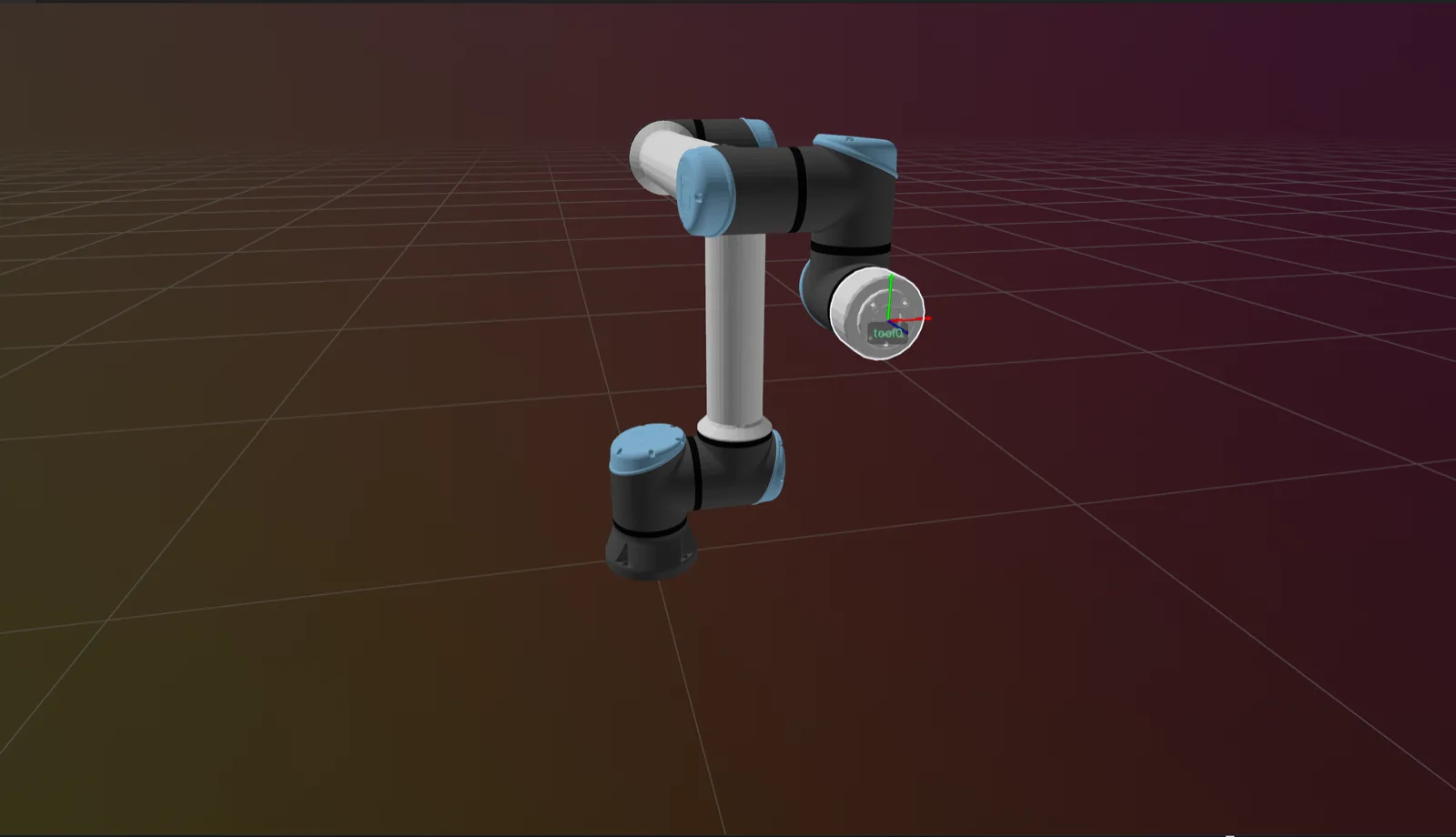 SYNAPSE
Compute robot end-effector pose from joint values using Synapse Forward Kinematics.
View docs →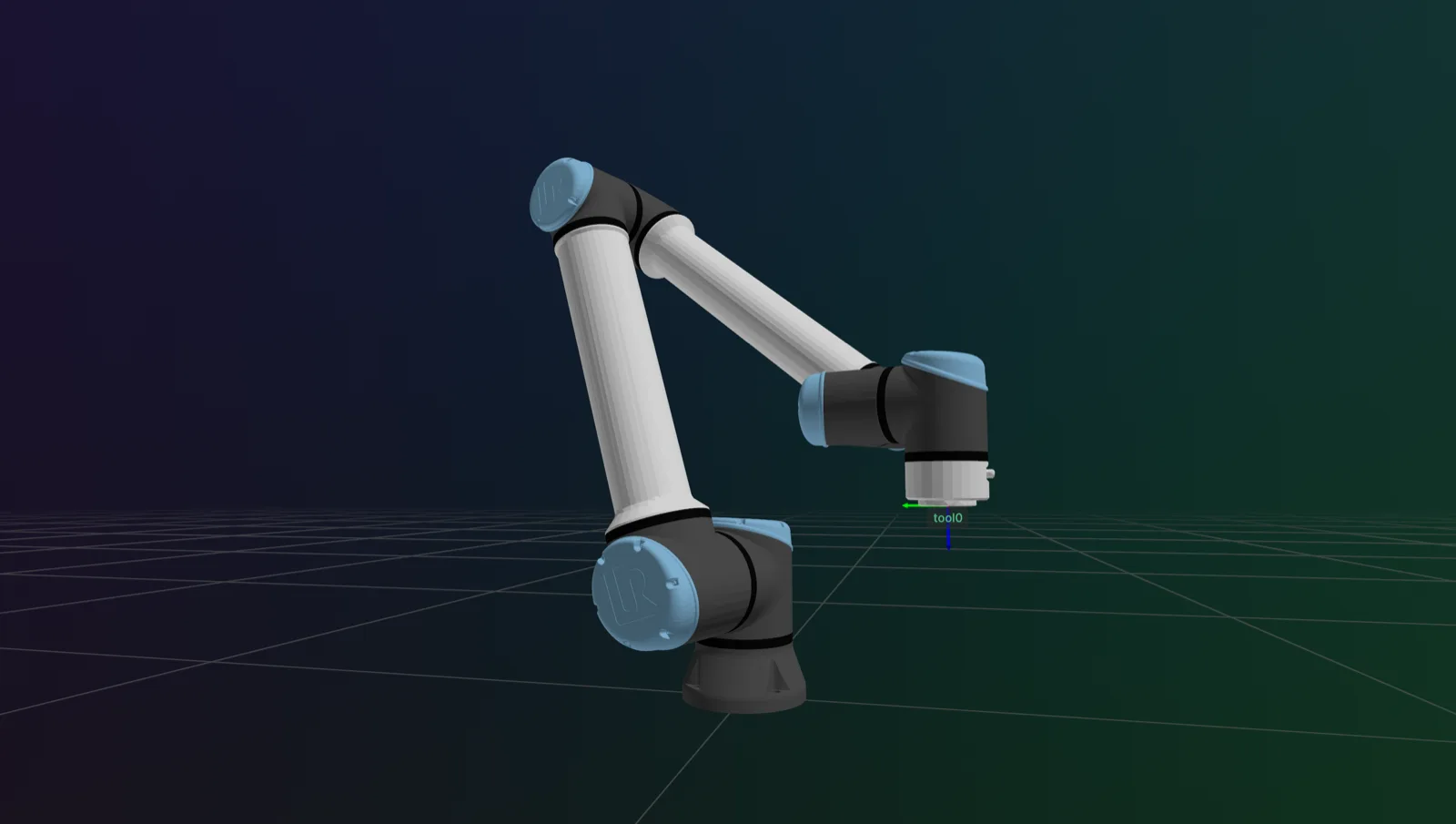 SYNAPSE
Solve joint configurations from target Cartesian poses using Synapse Inverse Kinematics.
View docs →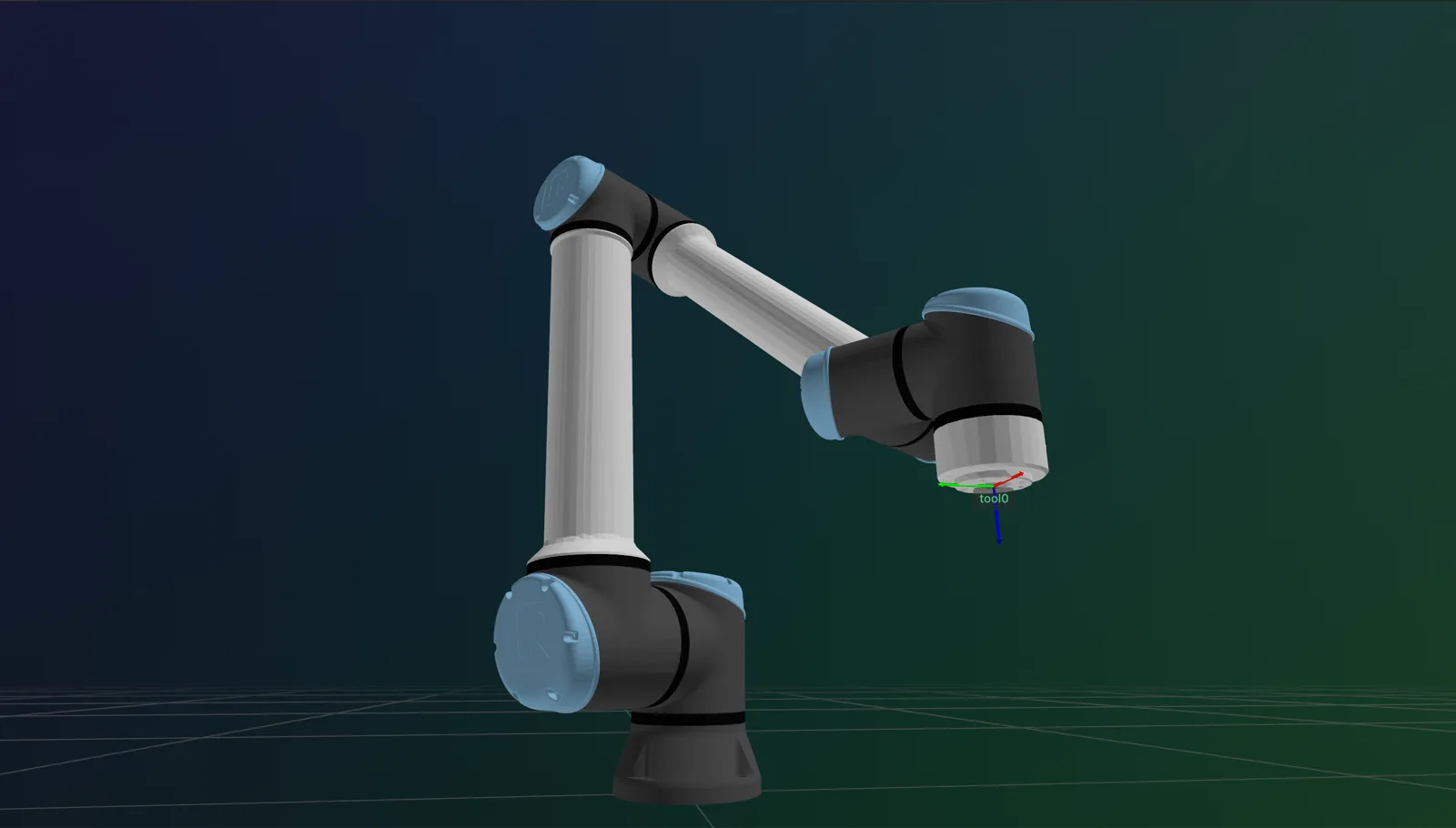 SYNAPSE
Initialize and cache an inverse-kinematics solver by name in Synapse.
View docs →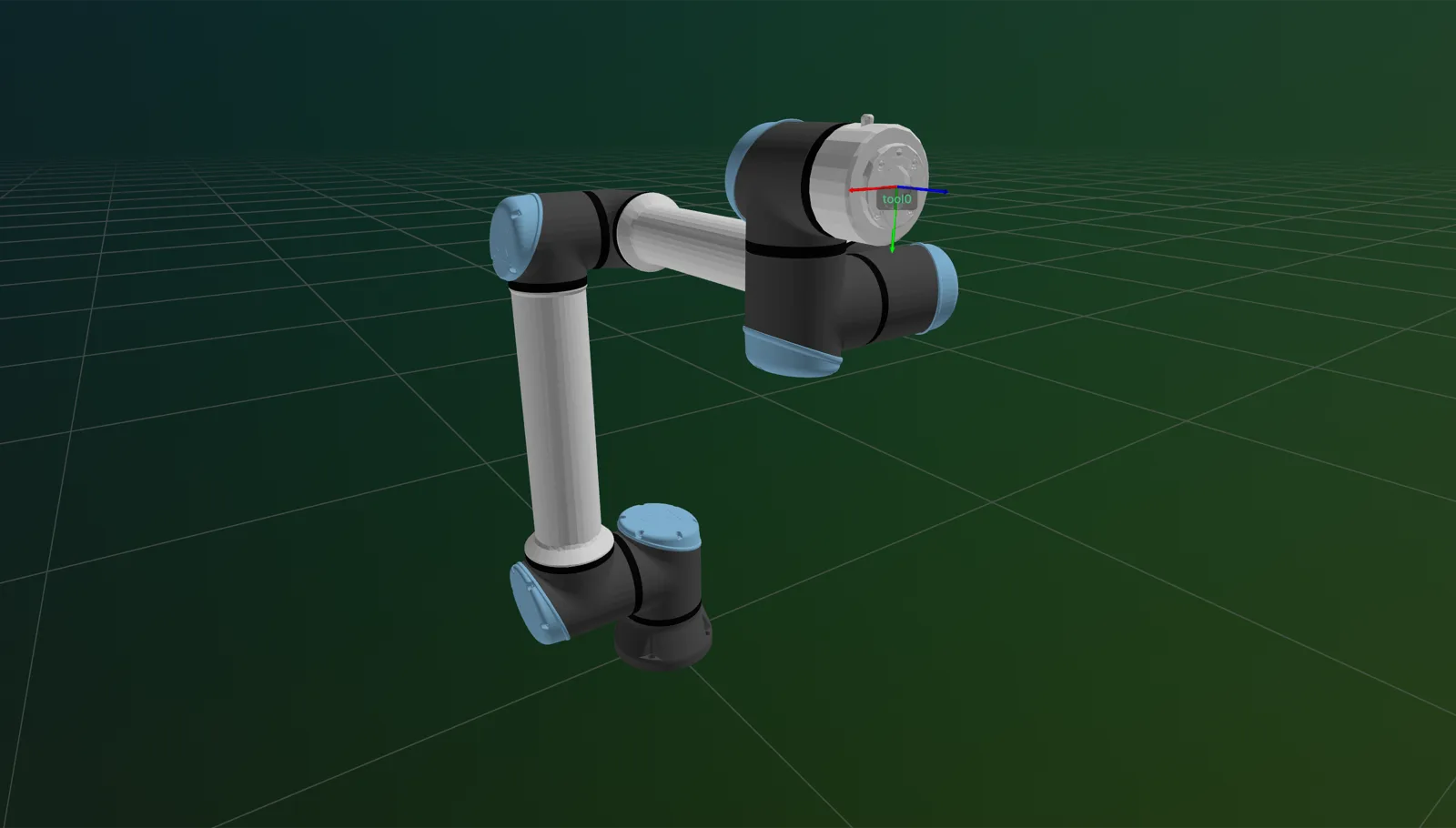 SYNAPSE
Visualize a Synapse robot and attached gripper live in Rerun: meshes, link transforms, and TCP pose, updating in real time.
View docs →Compute the world transform of every link frame at the current joint configuration with Synapse.
View docs →Compute the world transform of each link's visual mesh at the current joint configuration with Synapse.
View docs →Load per-link URDF visual mesh data (vertices, triangles, normals, colors) for visualization in Synapse.
View docs →Retrieve the Python Pinocchio kinematic model built from the robot URDF in Synapse.
View docs →Retrieve the Python Pinocchio collision GeometryModel built from the robot URDF in Synapse.
View docs →Retrieve the Python Pinocchio visual GeometryModel built from the robot URDF in Synapse.
View docs →Every property the manipulator state object exposes, its offline value, its live value, and the getter skill that reads it.
View docs →Read the current joint positions of the robot in degrees with Synapse.
View docs →Read the current joint velocities of the robot in degrees per second with Synapse.
View docs →Read the net joint torques (gravity and friction corrected) from the robot controller with Synapse.
View docs →Read the current TCP pose of the robot as [x, y, z, rx, ry, rz] with Synapse.
View docs →Read the current Tool Center Point speed in Cartesian coordinates with Synapse.
View docs →Read the generalized forces at the TCP (wrench) from the robot controller with Synapse.
View docs →Read the controller-commanded target joint positions with Synapse.
View docs →Read the controller-commanded target joint velocities with Synapse.
View docs →Read the controller-commanded target joint accelerations with Synapse.
View docs →Read the controller-commanded target TCP pose with Synapse.
View docs →Read the controller-commanded target TCP twist with Synapse.
View docs →Read the timestamp of the most recent state update with Synapse.
View docs →Read the measured publish rate (Hz) of the automatic RobotStateAndTFPublisher started when a robot is constructed with name=....
View docs →Read the topic names and message types published by the automatic RobotStateAndTFPublisher started when a robot is constructed with name=....
View docs →Read the current robot mode integer code from the controller with Synapse.
View docs →Read the robot status bitmask from the controller with Synapse.
View docs →Read the current safety mode integer code from the robot controller with Synapse.
View docs →Read the current program runtime state from the robot controller with Synapse.
View docs →Measure the robot controller's update frequency in Hz with Synapse.
View docs →Read the combined effective speed scaling factor with Synapse.
View docs →Read the teach-pendant speed slider value with Synapse.
View docs →Read the robot safety system status as a bitmask with Synapse.
View docs →Check whether a joint configuration lies within the robot's configured joint limits with Synapse.
View docs →Check whether the robot is currently in an emergency stop state with Synapse.
View docs →Check whether a joint configuration is within the robot's configured safety limits with Synapse.
View docs →Check whether a Cartesian pose is within the robot's configured safety limits with Synapse.
View docs →Check whether a program is currently running on the robot controller with Synapse.
View docs →Check whether the robot is currently in a protective stop state with Synapse.
View docs →Check whether the robot is fully at rest with Synapse.
View docs →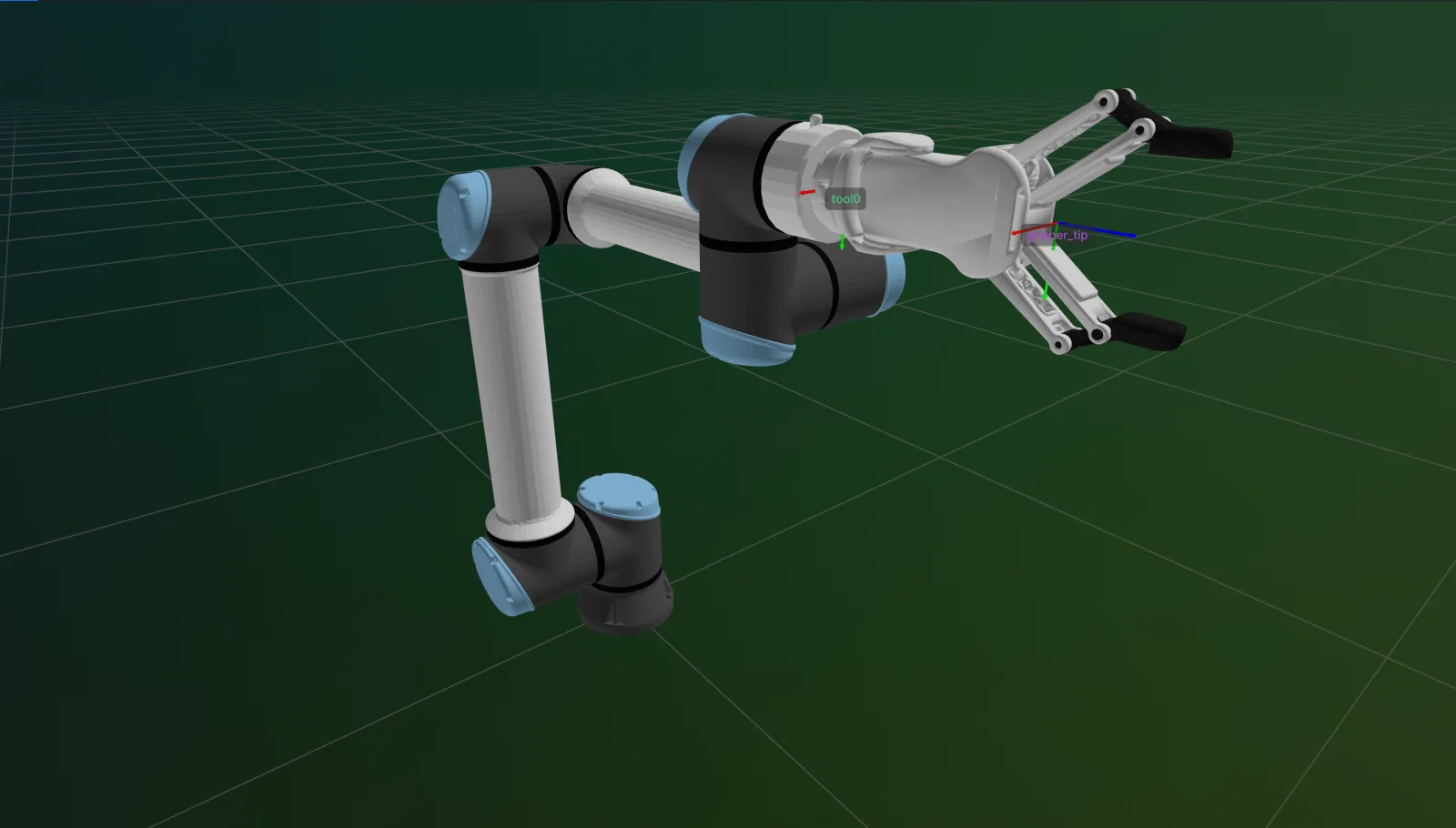 SYNAPSE
Attach a gripper or other end-effector to the robot so it participates in kinematics and visualization.
View docs →Detach a previously attached gripper or other end-effector from the robot's visualization and kinematics.
View docs →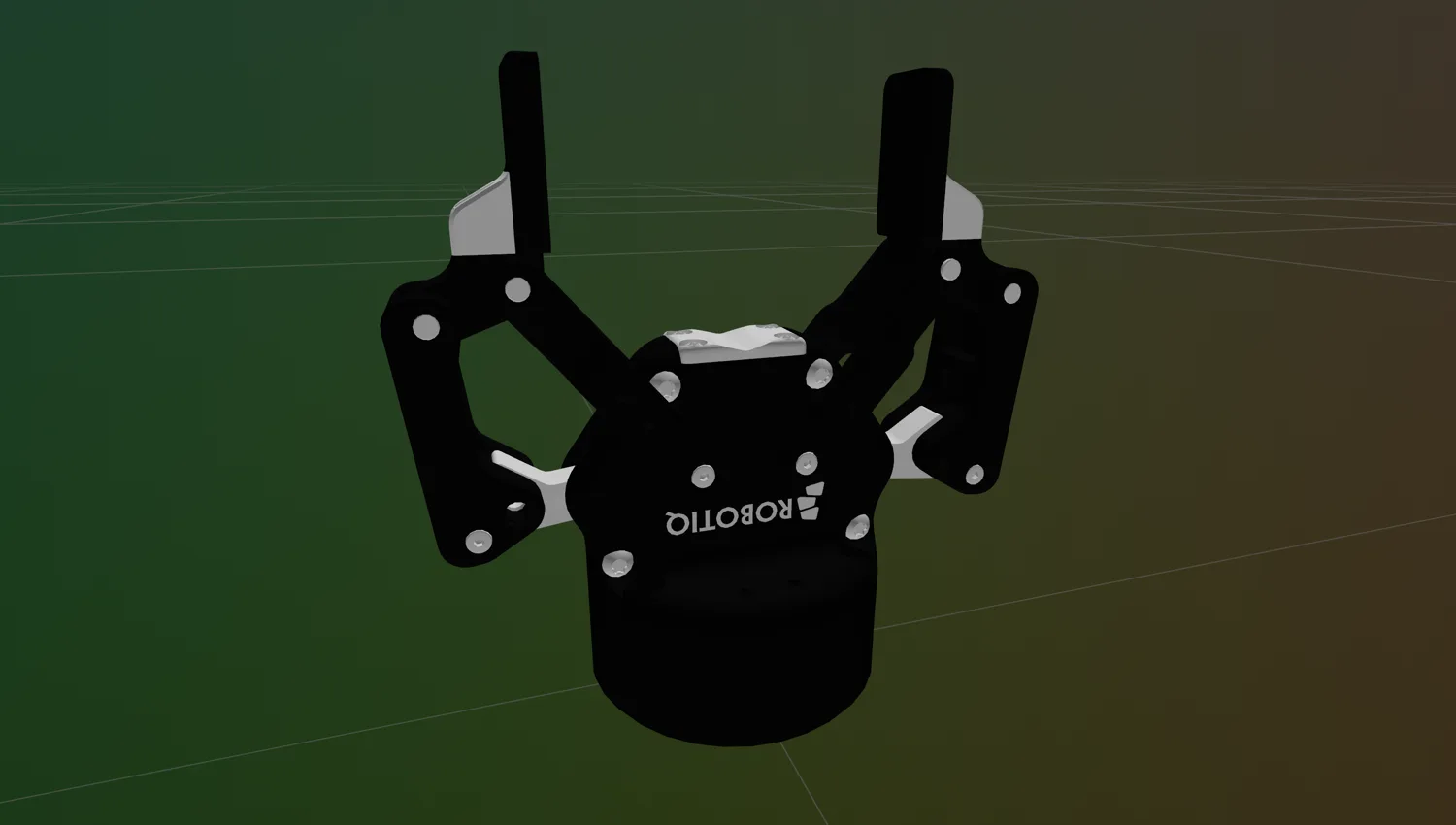 SYNAPSE
Connect to and disconnect from parallel grippers for reliable runtime operations in Synapse.
View docs →SYNAPSEActivate a parallel gripper to enable motion commands using Synapse.
View docs →SYNAPSEConfigure the units for position, speed, and force parameters on a parallel gripper using Synapse.
View docs →SYNAPSEConfigure the physical stroke range of a parallel gripper for millimeter-unit commands in Synapse.
View docs →SYNAPSEConfigure the default motion speed of a parallel gripper using Synapse.
View docs →SYNAPSEConfigure the default gripping force of a parallel gripper using Synapse.
View docs →SYNAPSEFully open a parallel gripper using Synapse.
View docs →SYNAPSEClose a parallel gripper to grasp an object using Synapse.
View docs →SYNAPSEMove a parallel gripper to a specific position using Synapse.
View docs →SYNAPSERead the current finger position of a parallel gripper using Synapse.
View docs →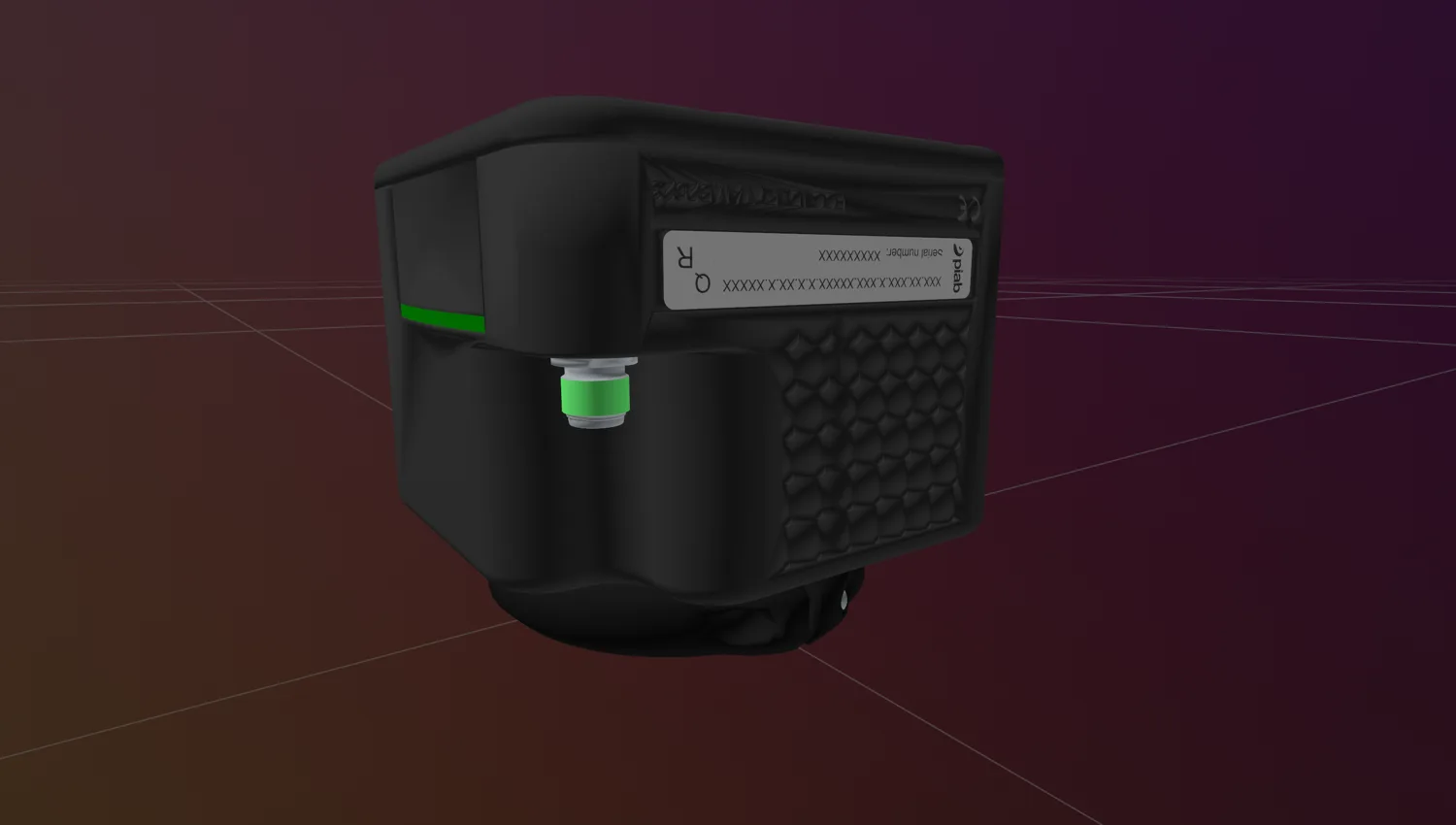 SYNAPSE
Connect to and disconnect from suction grippers for reliable runtime operations in Synapse.
View docs →SYNAPSEStart vacuum generation to grasp an object with a suction gripper in Synapse.
View docs →SYNAPSEStop vacuum generation to release a grasped object with a suction gripper in Synapse.
View docs →SYNAPSEConfigure the default vacuum level of a suction gripper in Synapse.
View docs →SYNAPSERead the last commanded vacuum level of a suction gripper in Synapse.
View docs →SYNAPSEConfigure the maximum vacuum-pump speed of a suction gripper in Synapse.
View docs →SYNAPSEDetect whether a suction gripper is currently holding a part in Synapse.
View docs →SYNAPSERead the decoded pump process data of a suction gripper in Synapse.
View docs →Open a connection to a camera via the Medulla module of the Telekinesis SDK.
View docs →Cleanly release a camera connection in the Medulla module of the Telekinesis SDK.
View docs →Capture a single color frame from a camera using the Medulla module of the Telekinesis SDK.
View docs →Capture a single depth frame from a 3D camera using the Medulla module of the Telekinesis SDK.
View docs →Capture a colour-mapped point cloud from a 3D camera using the Medulla module of the Telekinesis SDK.
View docs →Stream continuous color frames from a camera using the Medulla module of the Telekinesis SDK.
View docs →Stream continuous depth frames from a 3D camera using the Medulla module of the Telekinesis SDK.
View docs →Stream a continuous colour-mapped point cloud from a 3D camera using the Medulla module of the Telekinesis SDK.
View docs →Read a camera parameter (exposure, frame rate, etc.) using the Medulla module of the Telekinesis SDK.
View docs →Write a camera parameter (exposure, frame rate, etc.) using the Medulla module of the Telekinesis SDK.
View docs →Load camera settings from a YAML file using the Medulla module of the Telekinesis SDK.
View docs →Save camera settings to a YAML file using the Medulla module of the Telekinesis SDK.
View docs →Retrieve camera intrinsic parameters using the Medulla module of the Telekinesis SDK.
View docs →Stream live video over BabyROS using a server/client split, and remotely control camera capture and parameters via BabyROS topics.
View docs →Complete reference of calibration target types supported by Axon, ChessboardTarget, CharucoTarget, and ArucoTarget, plus target selection best practices.
View docs →object_points() returns the board-frame 3D coordinates of every inner corner of a ChessboardTarget. API reference for the Telekinesis Axon skill.
View docs →detect_and_annotate() detects ChArUco corners on an image and returns an annotated copy plus the corner count. API reference for the Telekinesis Axon skill.
View docs →ArucoTarget describes a grid of independent ArUco markers with no shared chessboard backing. API reference for the Telekinesis Axon skill.
View docs →find_corners() detects target corners in a set of images with no calibration solve, for detection-only workflows. API reference for the Telekinesis Axon skill.
View docs →PerturbationSampler generates a structured sweep of robot poses around one or more home poses for hand-eye data collection. API reference for the Telekinesis Axon skill.
View docs →collect() drives a robot through every pose in a sampler and saves a synchronized calibration dataset to disk. API reference for the Telekinesis Axon skill.
View docs →load_configs() loads a YAML config file of robot/camera/board/sampler parameters for scripting data collection runs. API reference for the Telekinesis Axon skill.
View docs →Read and write the single-camera hand-eye dataset layout directly, for callers managing their own capture loop. API reference for the Telekinesis Axon skill.
View docs →Read and write the multi-camera dataset layout directly, for callers managing their own capture loop. API reference for the Telekinesis Axon skill.
View docs →Complete reference of Axon's three calibrators, IntrinsicCalibrator, EyeInHandCalibrator, and MultiCameraCalibrator, and how to choose between them.
View docs →calibrate() is the primary skill on every Axon calibrator, IntrinsicCalibrator, EyeInHandCalibrator, and MultiCameraCalibrator. API reference for the Telekinesis Axon skill.
View docs →calibrate() detects the calibration target in every image and solves the camera's intrinsic matrix and distortion coefficients via cv::calibrateCamera. API reference for the Telekinesis Axon skill.
View docs →State-reading methods on IntrinsicCalibrator, corner_images(), detections(), target(), and options(). API reference for the Telekinesis Axon skill.
View docs →IntrinsicOptions fields reference for tuning IntrinsicCalibrator's cv::calibrateCamera solve. API reference for the Telekinesis Axon skill.
View docs →calibrate() solves tcp_T_camera, the fixed transform between a robot's TCP and a wrist-mounted camera, via cv::calibrateHandEye. API reference for the Telekinesis Axon skill.
View docs →State-reading methods on EyeInHandCalibrator, last_result(), corner_images(), target(), and the TargetConsistencyStats struct. API reference for the Telekinesis Axon skill.
View docs →compute_camera_T_target_list() runs ChArUco detection plus solvePnP per frame to precompute target poses for EyeInHandCalibrator. API reference for the Telekinesis Axon skill.
View docs →calibrate() solves the pose of every camera in a synchronized rig relative to a reference camera via pairwise cv::stereoCalibrate. API reference for the Telekinesis Axon skill.
View docs →format_results(), print_results(), last_result(), target(), num_cameras(), and reference_index() on MultiCameraCalibrator. API reference for the Telekinesis Axon skill.
View docs →triangulate() reconstructs ChArUco corners in 3D from a solved rig and validates against known board geometry. API reference for the Telekinesis Axon skill.
View docs →calibrate_subsets() calibrates and triangulates every camera subset of a given size to isolate underperforming cameras. API reference for the Telekinesis Axon skill.
View docs →run() cross-validates an intrinsic calibration configuration and, optionally, a full eye-in-hand round trip. API reference for the Telekinesis Axon skill.
View docs →cross_validate() computes mean reprojection error over held-out folds of a set of calibration images. API reference for the Telekinesis Axon skill.
View docs →hand_eye_roundtrip() recovers base_T_board from all frames and reports the reprojection error of that round trip. API reference for the Telekinesis Axon skill.
View docs →analyze_rotation_variety() checks whether a captured hand-eye dataset spans enough of SO(3) to be well-determined. API reference for the Telekinesis Axon skill.
View docs →compare_hand_eye_methods() re-solves a hand-eye dataset with every method and flags methods that diverge from consensus. API reference for the Telekinesis Axon skill.
View docs →Write and read a hand_eye.json result file. API reference for the Telekinesis Axon skill.
View docs →Write and read a multi_camera_calibration.json result file. API reference for the Telekinesis Axon skill.
View docs →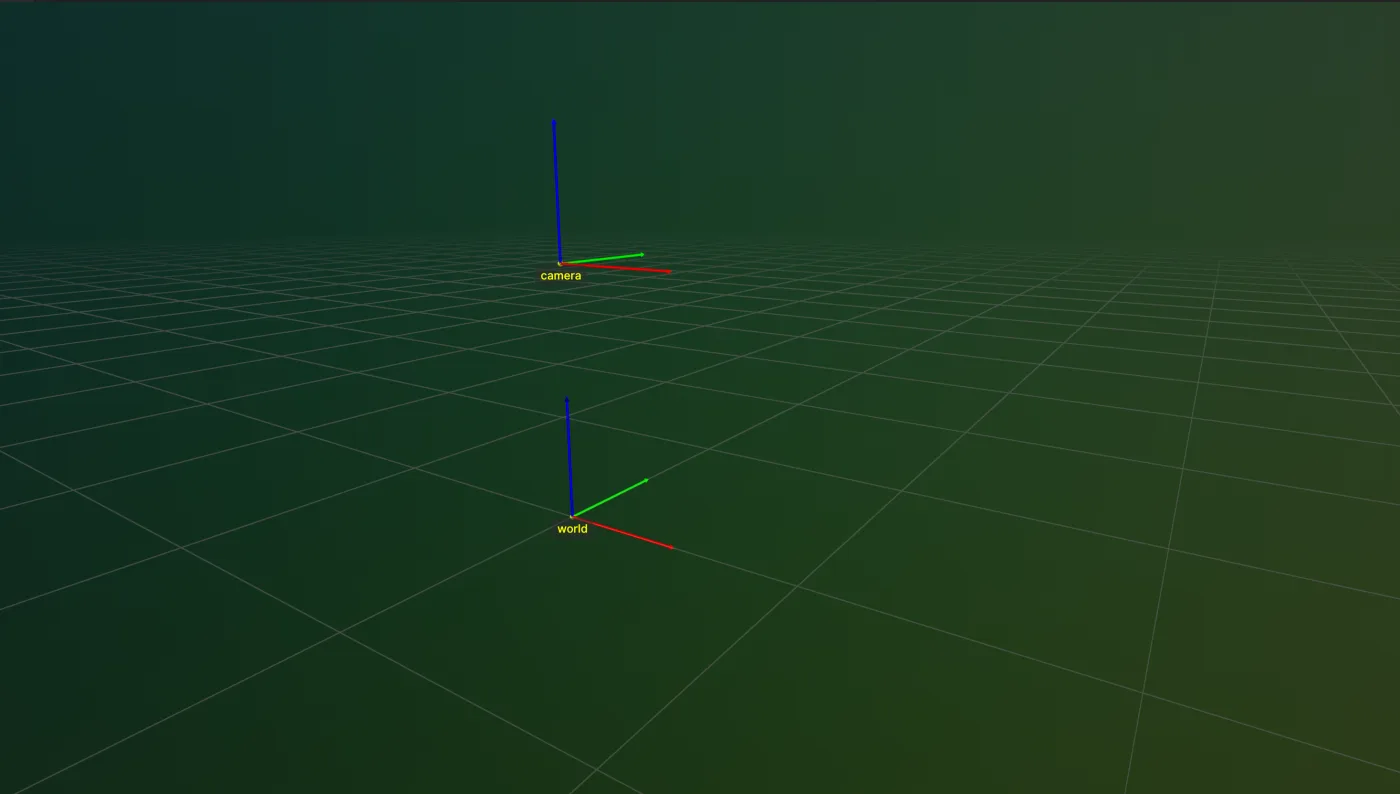 TF
TFAdd a new frame under an existing frame in a TransformTree of the Telekinesis SDK.
View docs →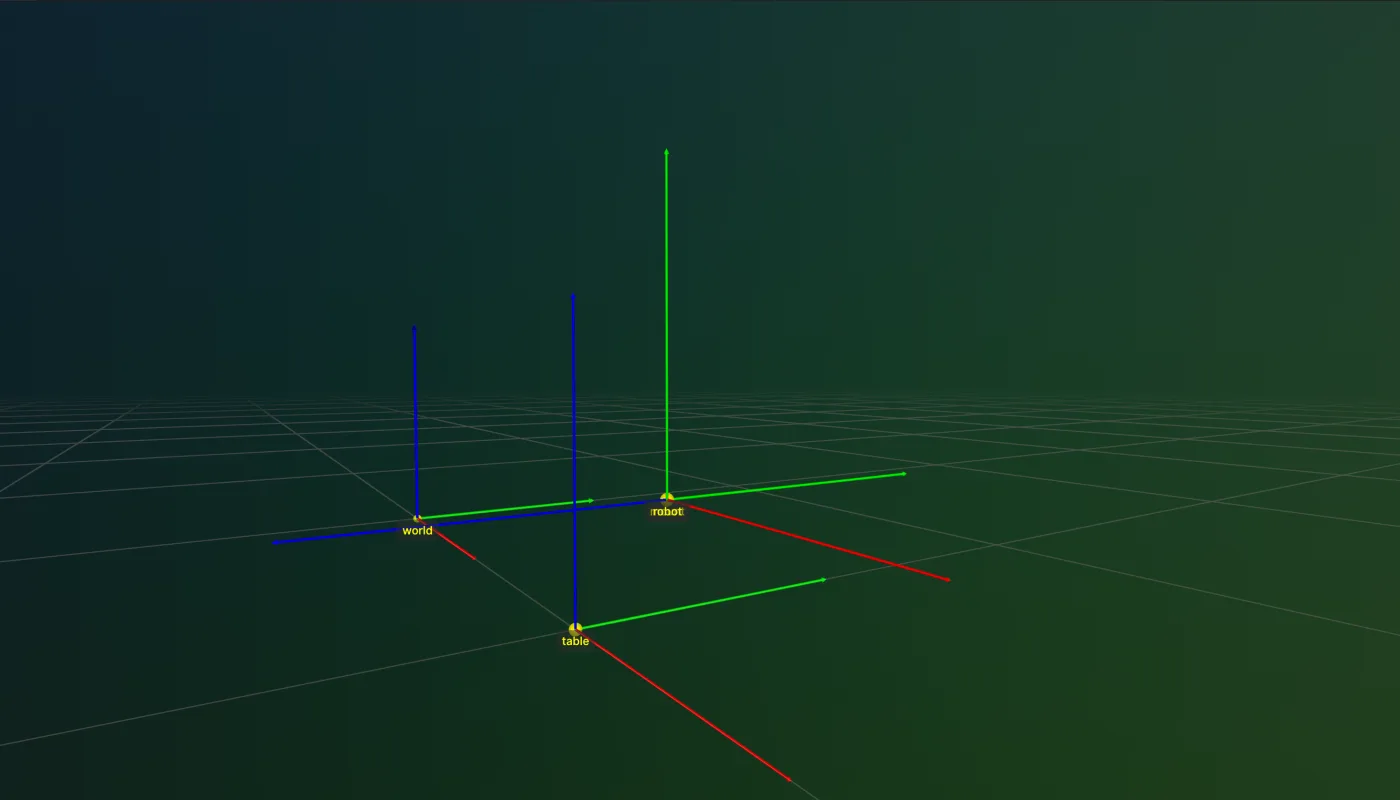 TF
TFGraft another TransformTree in as a subtree in the TF module of the Telekinesis SDK.
View docs →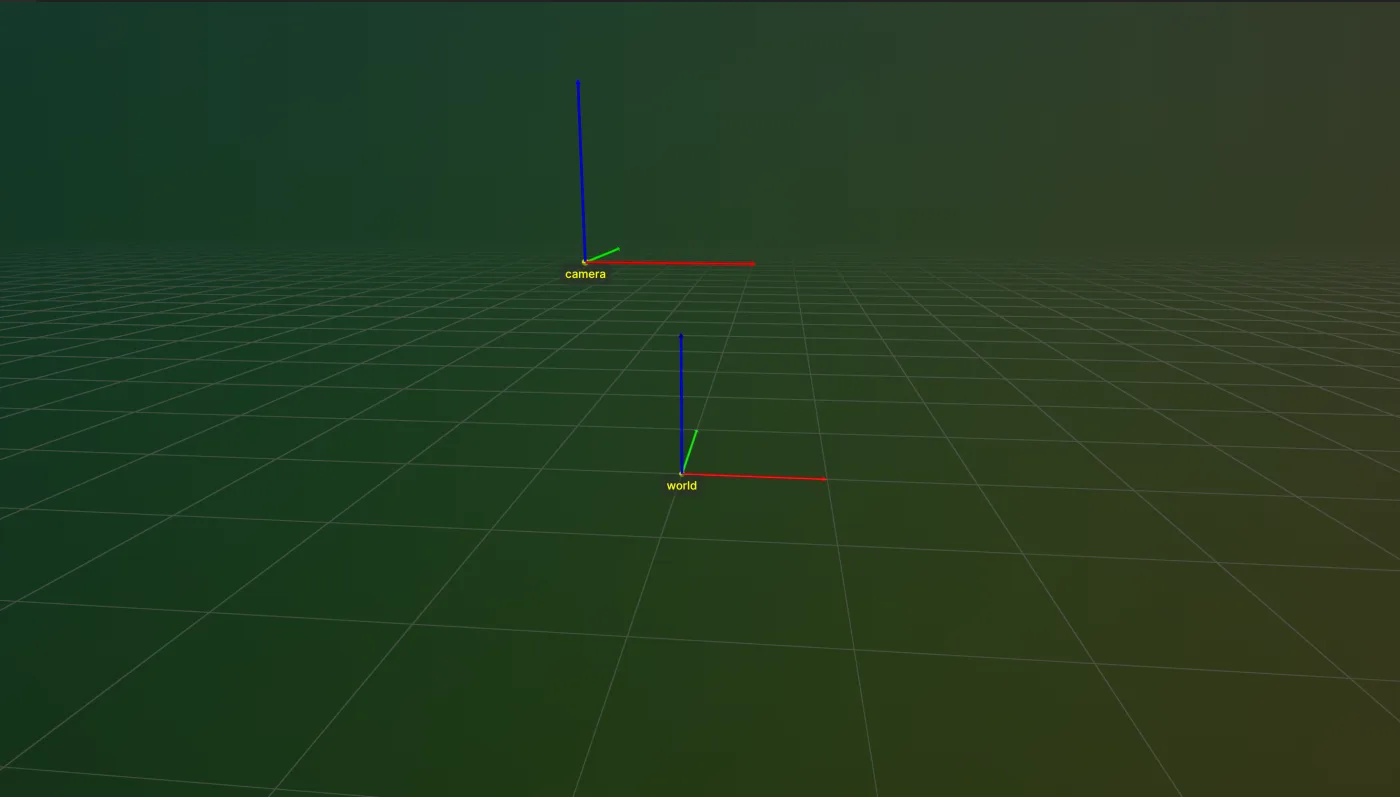 TF
TFUpdate the transform of an existing frame in a TransformTree of the Telekinesis SDK.
View docs →Remove a frame from a TransformTree in the TF module of the Telekinesis SDK.
View docs →Rename a frame in a TransformTree in the TF module of the Telekinesis SDK.
View docs →Look up nodes in a TransformTree by name in the TF module of the Telekinesis SDK.
View docs →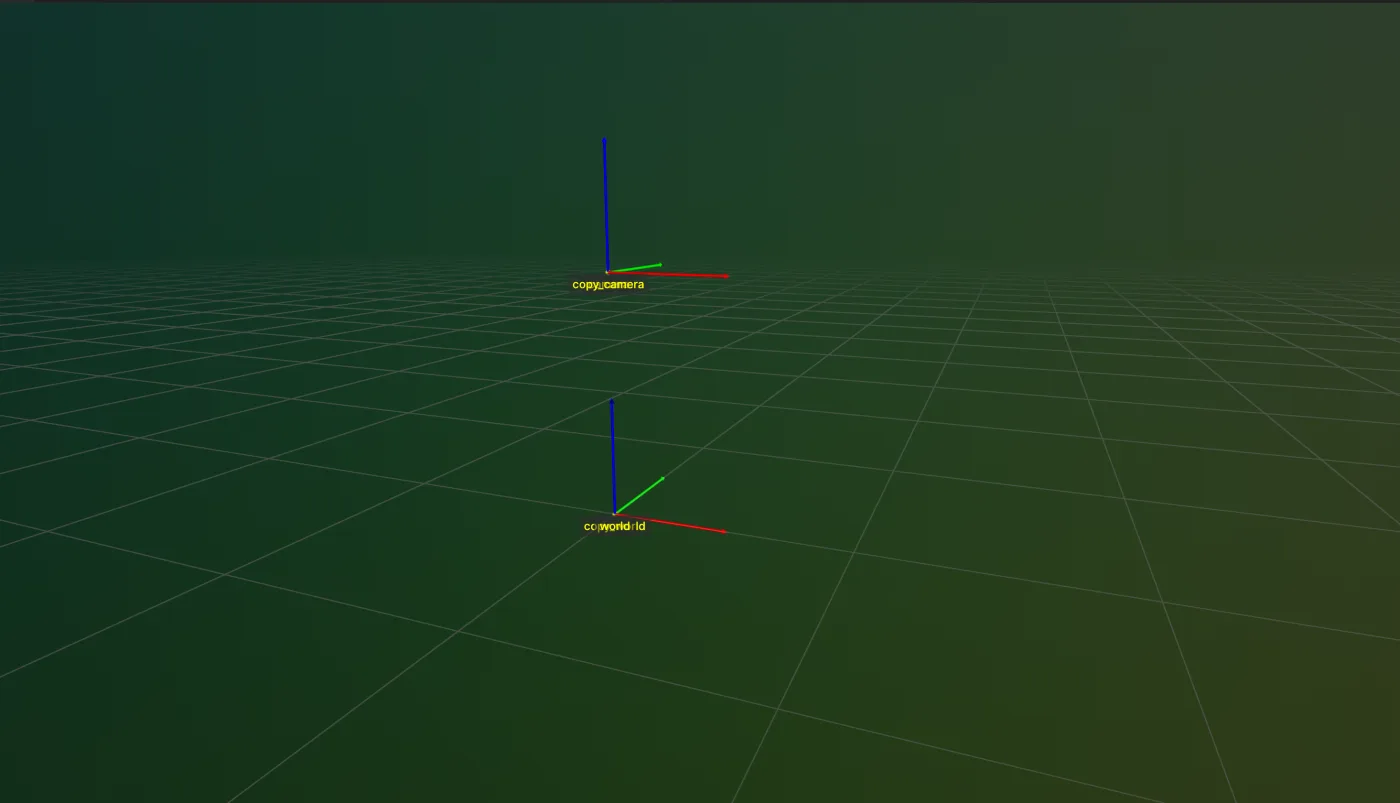 TF
TFDeep copy a TransformTree with a renamed root in the TF module of the Telekinesis SDK.
View docs →Get the name of the root frame of a TransformTree in the TF module of the Telekinesis SDK.
View docs →Set the name of the root frame of a TransformTree in the TF module of the Telekinesis SDK.
View docs →Get the parent of a frame in a TransformTree in the TF module of the Telekinesis SDK.
View docs →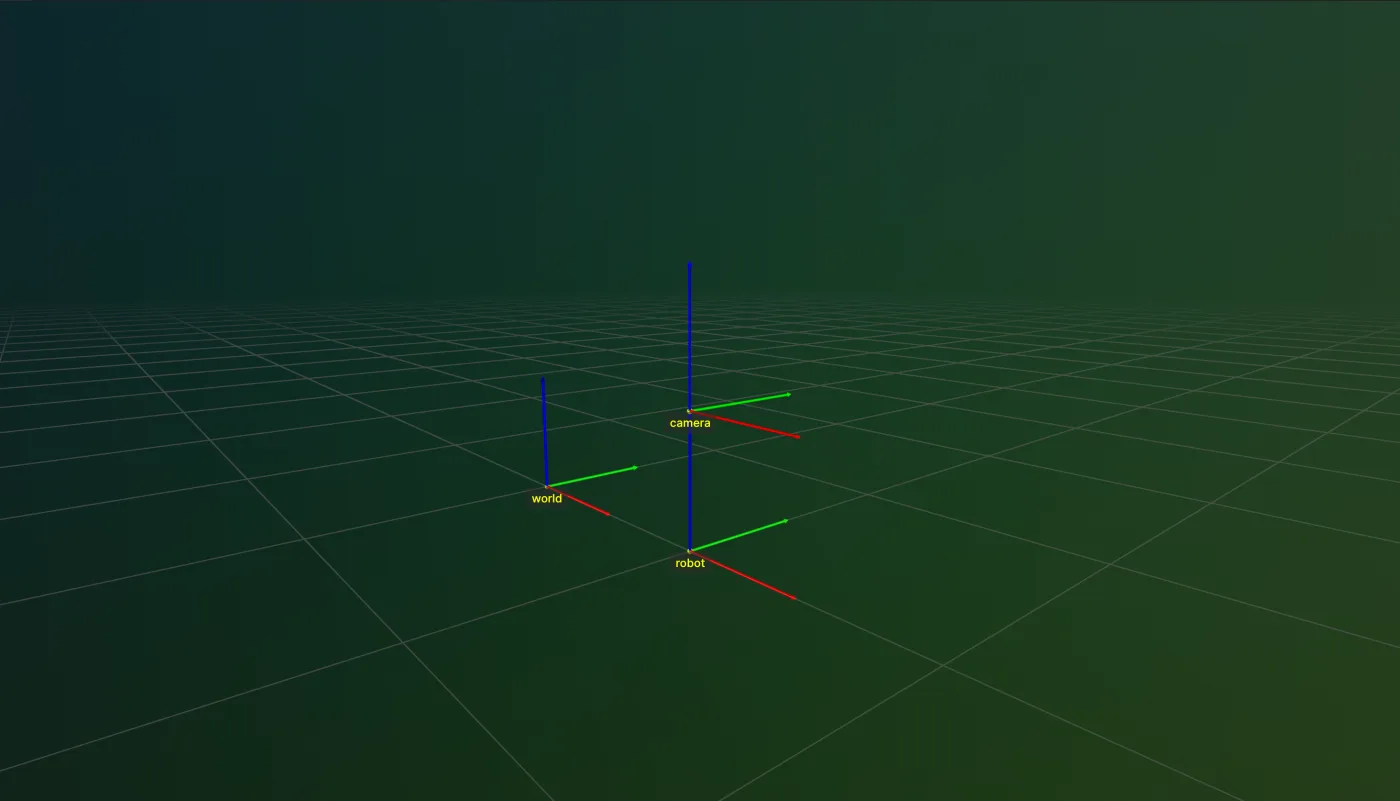 TF
TFMove a frame under a different parent in a TransformTree in the TF module of the Telekinesis SDK.
View docs →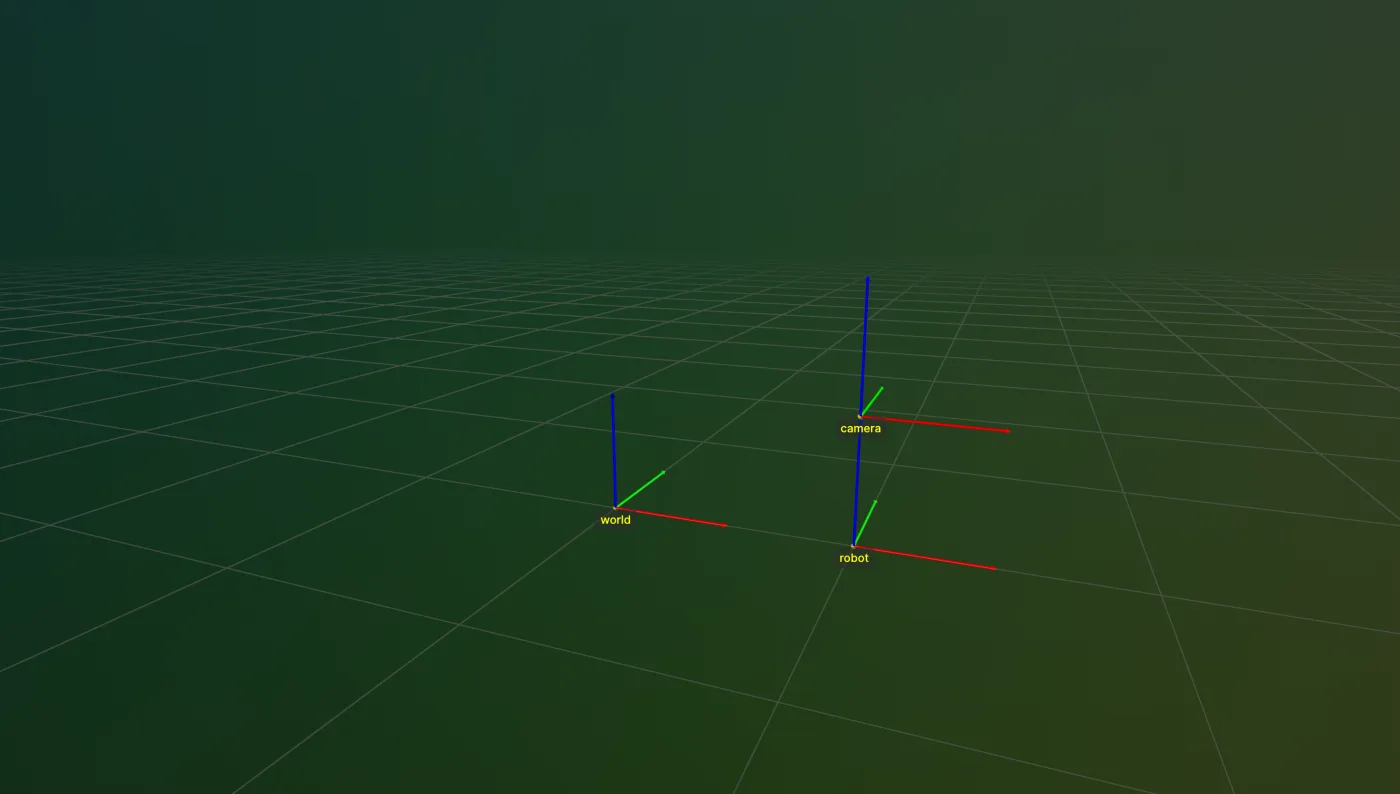 TF
TFGet every frame's pose relative to a reference frame in a TransformTree in the TF module of the Telekinesis SDK.
View docs →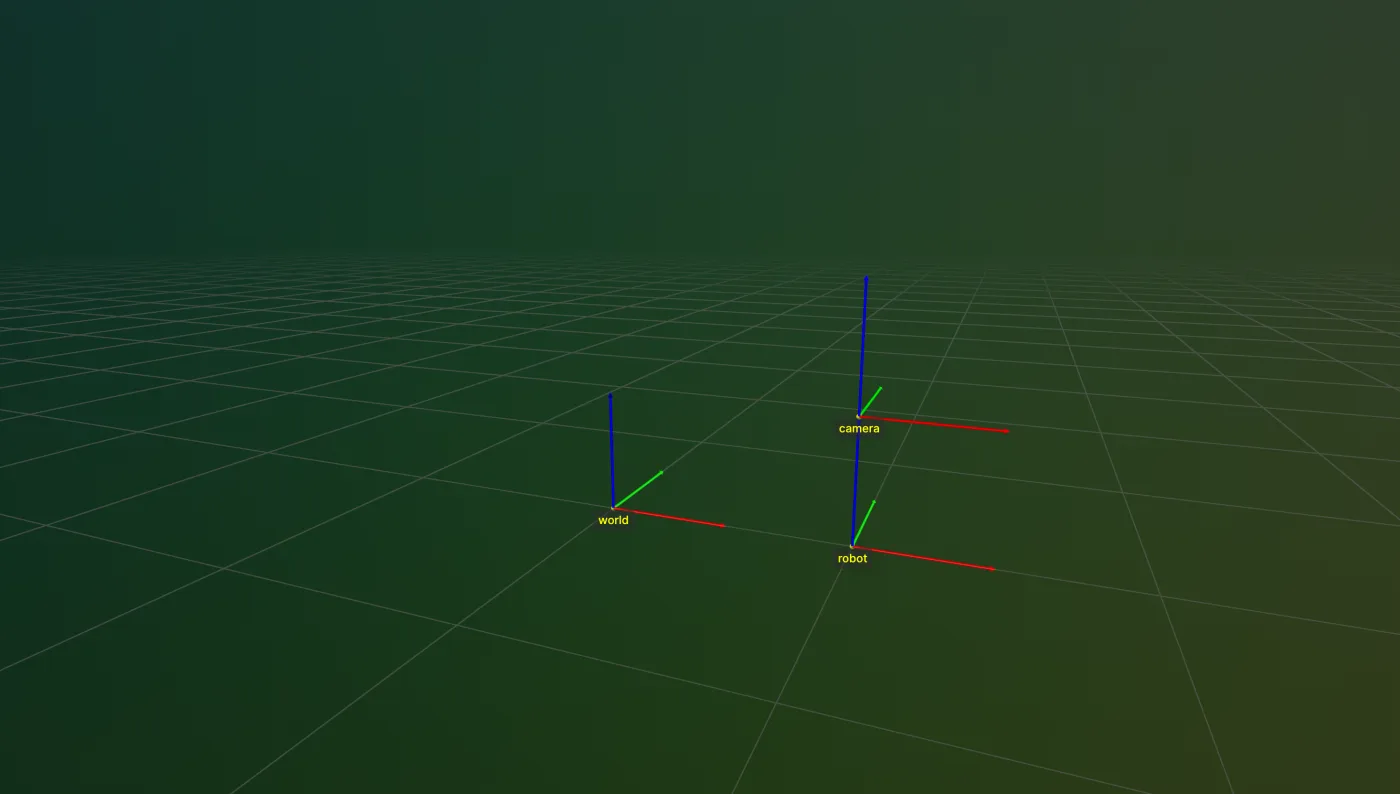 TF
TFGet the transform between any two frames in a TransformTree in the TF module of the Telekinesis SDK.
View docs →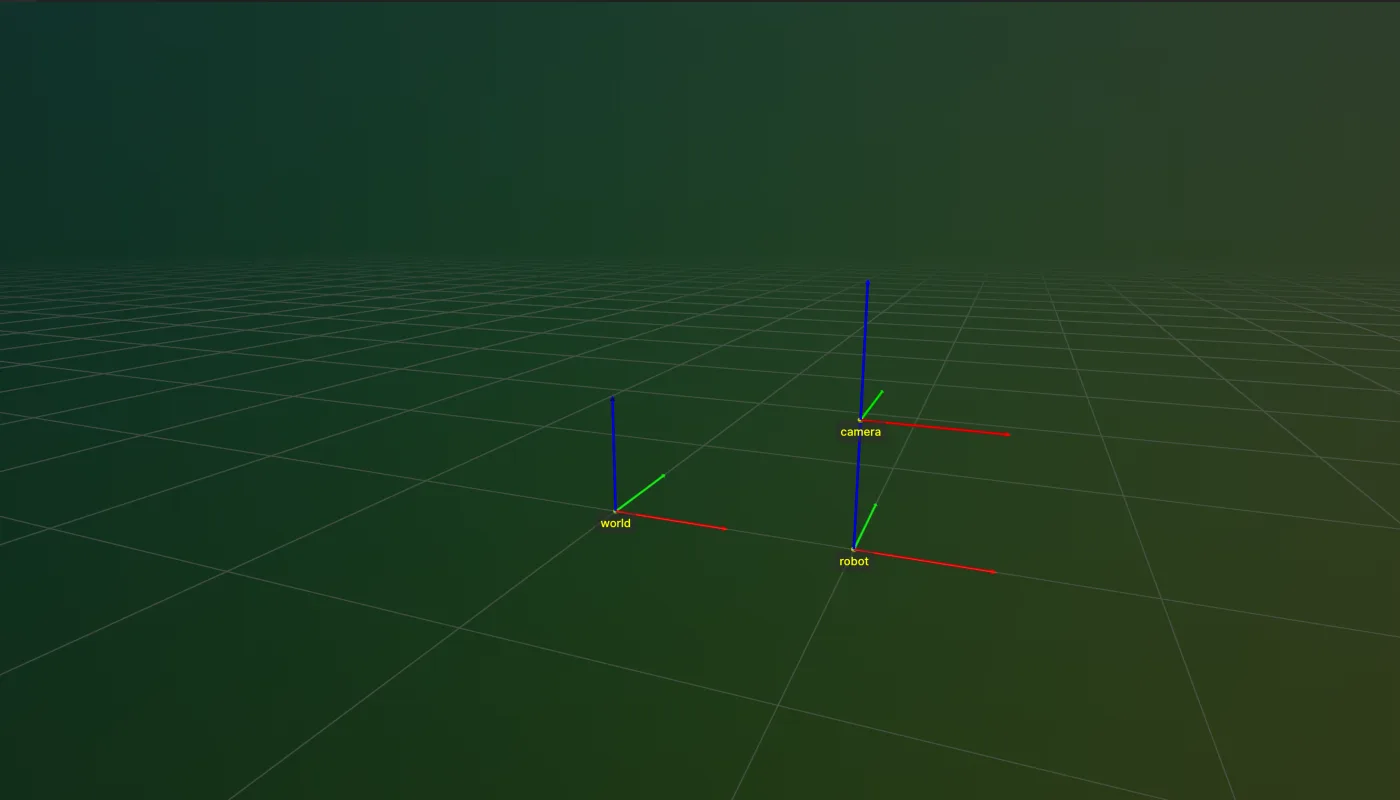 TF
TFLog the parent/child structure of a TransformTree in the TF module of the Telekinesis SDK.
View docs →Sort a list of poses by position with tfutils in the TF module of the Telekinesis SDK.
View docs →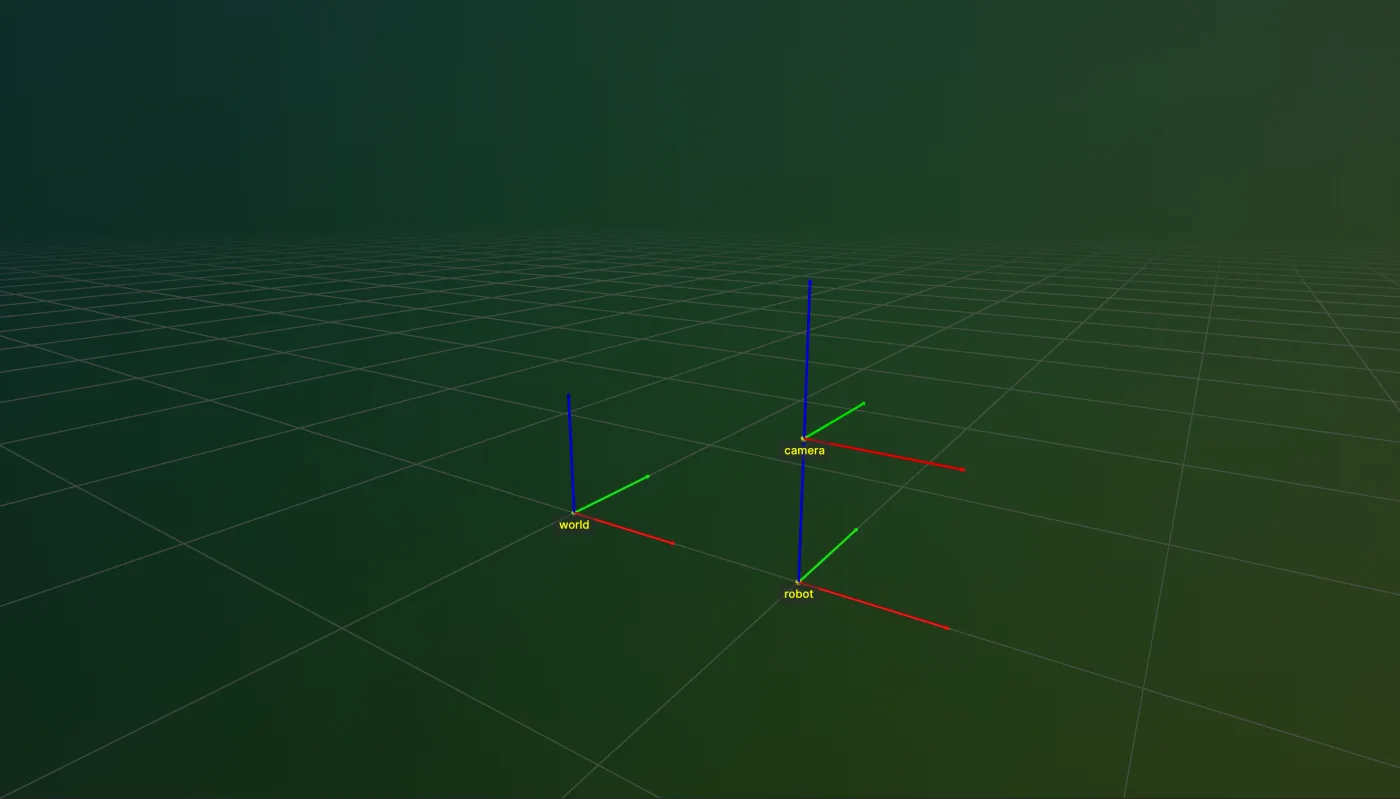 TF
TFLog an entire TransformTree to Rerun in the TF module of the Telekinesis SDK.
View docs →Log a single transform's frame to Rerun with tfutils in the TF module of the Telekinesis SDK.
View docs →Convert a pose to a 4x4 transformation matrix with tfutils in the TF module of the Telekinesis SDK.
View docs →Convert a 4x4 transformation matrix to a pose with tfutils in the TF module of the Telekinesis SDK.
View docs →Invert a 4x4 transformation matrix with tfutils in the TF module of the Telekinesis SDK.
View docs →Convert a rotation between deg, rad, quat, and rotvec with tfutils in the TF module of the Telekinesis SDK.
View docs →Convert a pose between deg, rad, quat, and rotvec with tfutils in the TF module of the Telekinesis SDK.
View docs →Convert a quaternion from xyzw to wxyz with tfutils in the TF module of the Telekinesis SDK.
View docs →Convert a quaternion from wxyz to xyzw with tfutils in the TF module of the Telekinesis SDK.
View docs →Compute the SE(3) error between two transformation matrices with tfutils in the TF module of the Telekinesis SDK.
View docs →Train a PPO policy on any Gymnasium continuous control task with RLBotics, from a two-minute Pendulum check to a MuJoCo humanoid, then export it to ONNX.
View docs →Train a PPO policy on an mjlab task with RLBotics, running MuJoCo Warp on the GPU across thousands of parallel environments for legged locomotion and manipulation.
View docs →Train a PPO policy on an Isaac Lab task with RLBotics on Isaac Sim, covering the simulator launch order, the task registry, and the ready-made configs for locomotion and manipulation.
View docs →Every RLBotics configuration option with its type and default - environment, runner, algorithm, model, distribution and extension configs, the observation group rules, and the annotated reference YAML.
View docs →Export a trained RLBotics policy to a single self-contained ONNX file and run it on a robot with numpy and onnxruntime alone, without PyTorch or the training stack.
View docs →How to read RLBotics training curves and which hyperparameters matter - the adaptive KL schedule, standard deviation floors, entropy, network capacity, batch size and symmetry.
View docs →How the RLBotics codebase is laid out for contributors - the architecture overview, the repository folder structure, and a module-by-module tour with links to every source file on GitHub.
View docs →Train RLBotics on your own robot - implement the VecEnv interface from a copy-paste stub, or subclass the mjlab and Isaac Lab adapters for a humanoid or quadruped task.
View docs →Plug your own on-policy algorithm into the RLBotics runner - the protocol it drives, how to subclass PPO, how to add hyperparameters, and the known limitations.
View docs →No matches. Try a different term or clear the filter.
Agents
A VLM/LLM-powered Physical AI Agent that turns a natural-language prompt into a runnable, auditable robot program by composing Skills under the Code-as-Policy paradigm.
A natural-language prompt plus the robot’s camera view.
The model composes the task from 250+ existing Skills, generating new ones only where the task actually needs them.
Production-grade robot program in readable and executable Python. Nothing runs on hardware until an engineer has read and approved it.
Pick up the aluminum parts from the angled tray and place them in the box in a grid format
VLM / LLM
250+ Skills
Generated Skills
from telekinesis import cornea
from telekinesis.synapse import robot, gripper

# Perceive: segment the target part
mask = cornea.segment_image_using_sam(image, color="red")
pose = estimate_pose_from_mask(mask, intrinsics)

# Act: pick and place by composing Skills
robot.set_cartesian_pose(pose, speed=0.25)
gripper.close(force=50.0)
robot.set_cartesian_pose(place_pose, speed=0.25)
gripper.open()The model never touches the robot directly. It writes a typed program out of the same Skills in the catalogue, so every action it takes is something you can read, diff, and replay before it runs on hardware.
Why Code-as-Policy
VLAs and world models hide behavior inside network weights no engineer can inspect. Our Agents write it as an ordinary program instead: version it, review the diff, roll back a regression. Manufacturing, logistics, and aerospace demand systems you can verify, not something that worked once in a demo.
“Pick up the part”
Risky to deploy: can’t audit or debug
“Pick up the part”
Safe to deploy: auditable and debuggable
Advantages
An end-to-end policy means weeks of data collection to learn a new task, and a retrain-and-hope cycle every time it fails. A Code-as-Policy Agent gets there with a prompt, a line-edit, and a Skill you can reuse on the next robot. Plus it gets better every time you add one.
| Category | End-to-End Policy | Code-as-Policy Agent |
|---|---|---|
| Output | A stream of low-level actions | A human-readable program |
| Auditable | No, the weights are opaque | Yes, code review applies |
| Fix a failure | Retrain the model | Edit the code directly |
| Data needed | Large, task-specific datasets | A pretrained model + existing Skills |
Benchmarks
On LIBERO-PRO, the standard Physical AI benchmark, our Code-as-Policy agent outperforms every leading published VLA model, both zero-shot and fine-tuned, across object, spatial, and goal-conditioned tasks.
Telekinesis Agent (fine-tuned)
100 percent success rate
Telekinesis Agent (zero-shot)
79 percent success rate
Cap-X - Nvidia, UC Berkeley, Stanford
22 percent success rate
Pi0.5 - Physical Intelligence
20 percent success rate
UniVLA - Chinese Academy of Sciences
0 percent success rate
Pi0 - Physical Intelligence
0 percent success rate
OpenVLA - Stanford, UC Berkeley, DeepMind
0 percent success rate
Telekinesis Agent (fine-tuned)
63 percent success rate
Telekinesis Agent (zero-shot)
36 percent success rate
Pi0.5 - Physical Intelligence
20 percent success rate
Cap-X - Nvidia, UC Berkeley, Stanford
12 percent success rate
UniVLA - Chinese Academy of Sciences
10 percent success rate
Pi0 - Physical Intelligence
0 percent success rate
OpenVLA - Stanford, UC Berkeley, DeepMind
0 percent success rate
Telekinesis Agent (fine-tuned)
44 percent success rate
Telekinesis Agent (zero-shot)
43 percent success rate
Pi0.5 - Physical Intelligence
38 percent success rate
Cap-X - Nvidia, UC Berkeley, Stanford
26 percent success rate
UniVLA - Chinese Academy of Sciences
10 percent success rate
Pi0 - Physical Intelligence
0 percent success rate
OpenVLA - Stanford, UC Berkeley, DeepMind
0 percent success rate
Modes
Tzara, our Physical AI Agent, adapts to how you build. Either refine interactively or generate straight to production.
Read the DocsInteractive refinement and debugging of generated code, inside a native VS Code extension.
Best forExploring capabilities, debugging generated code, learning by example
Prompt straight to Python, built for pipelines rather than back-and-forth.
Best forQuick prototyping, batch code generation, CI/CD pipelines
Data Engine
Standardized data types, synthetic data generation, and continuous logging that closes the loop between training and deployment.
Overview
Synthetic data bootstraps a new Skill before any real robot has run it. That Skill deploys to production, every run it makes is captured back into the same standardized datatypes, and that data trains the next version of the Skill, with each pass around the loop compounding on the last.
The more robots run a Skill, the faster it improves, and the faster the next deployment ships.
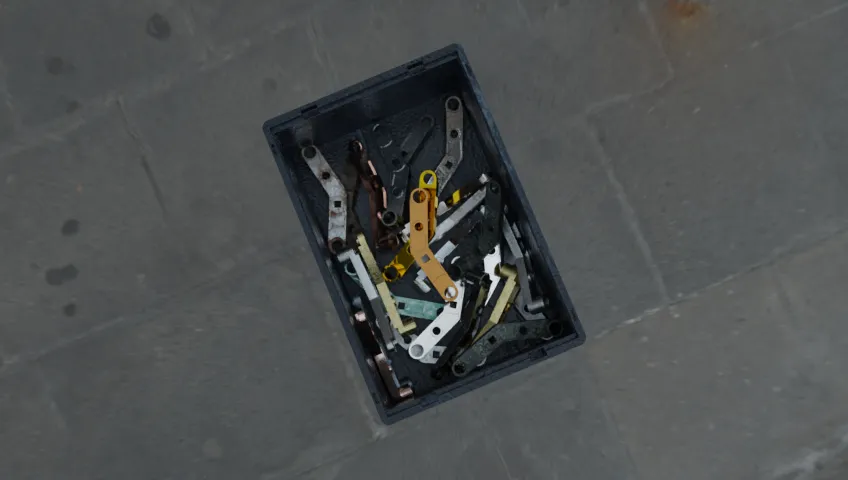
Synthetic Data Generation
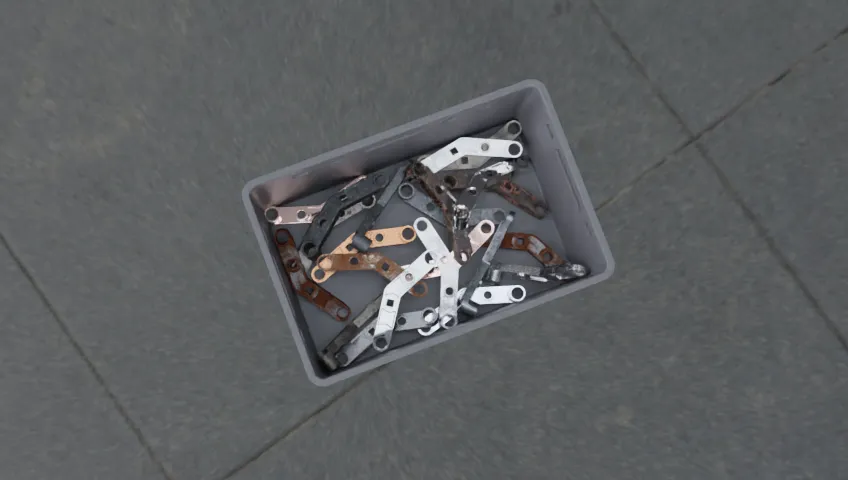
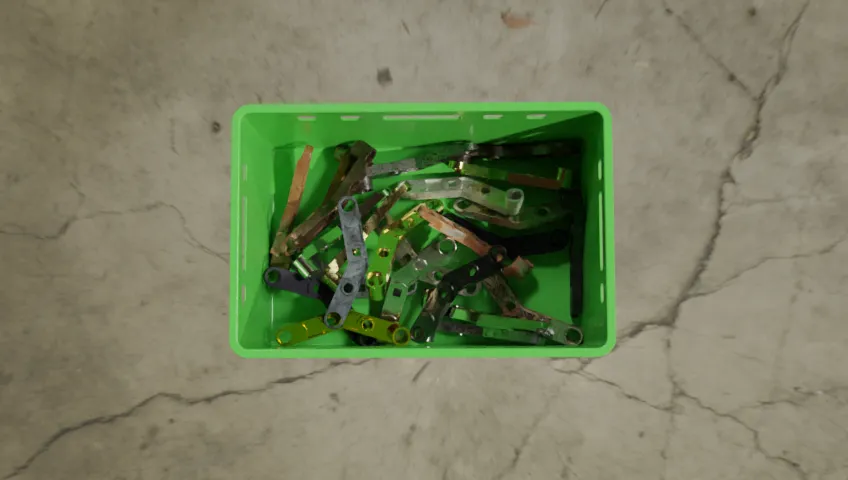
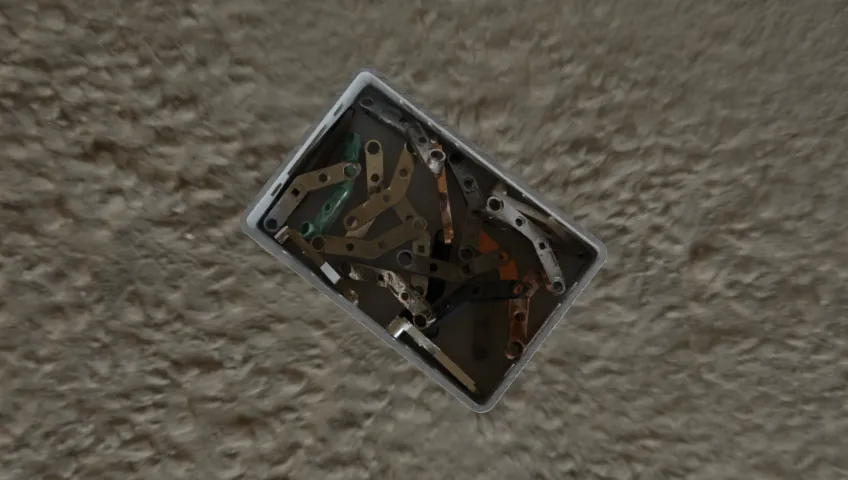
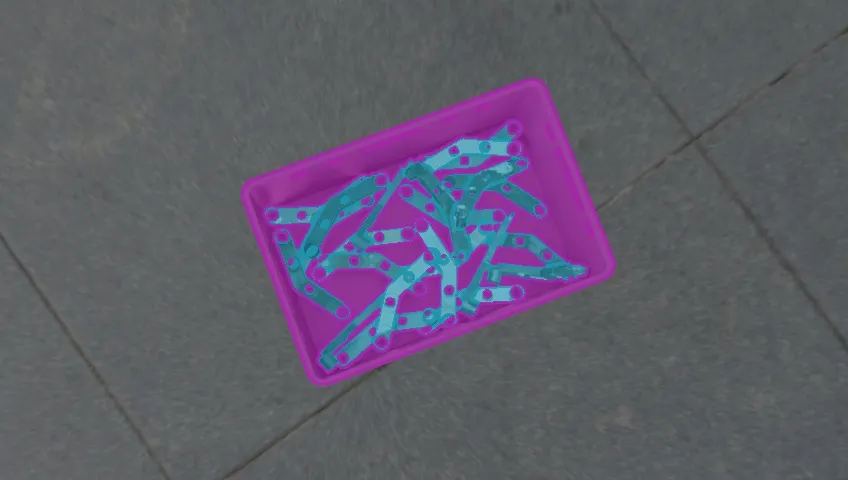
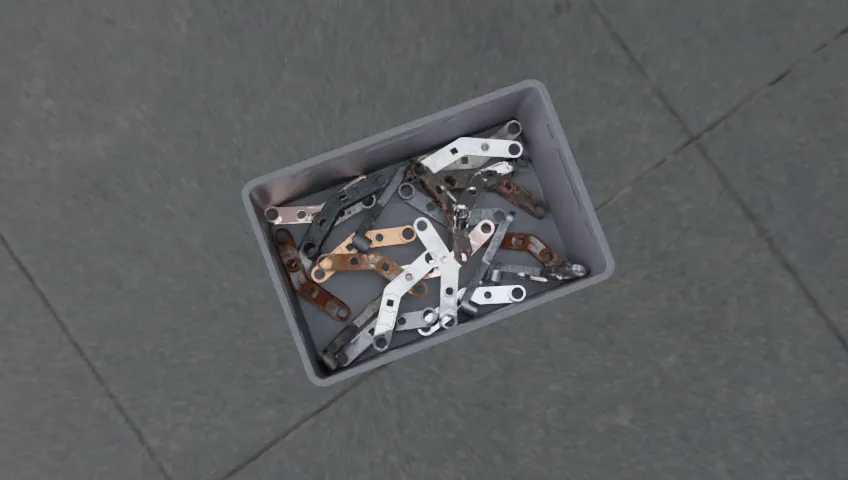
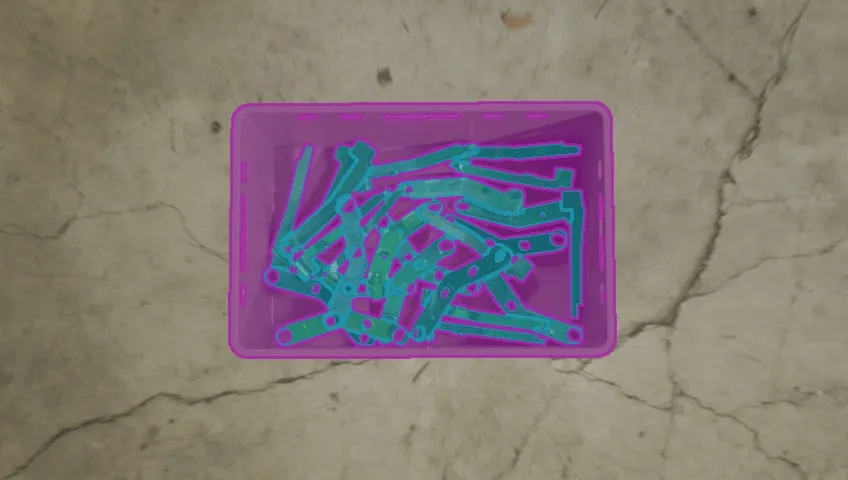
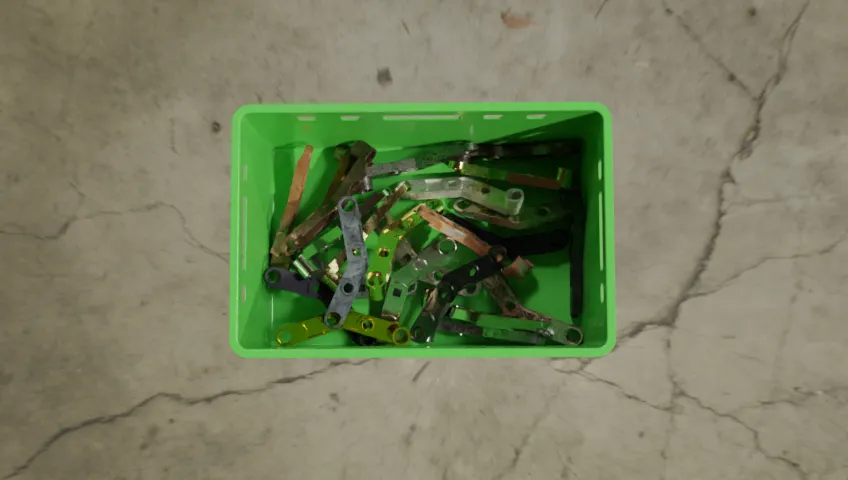
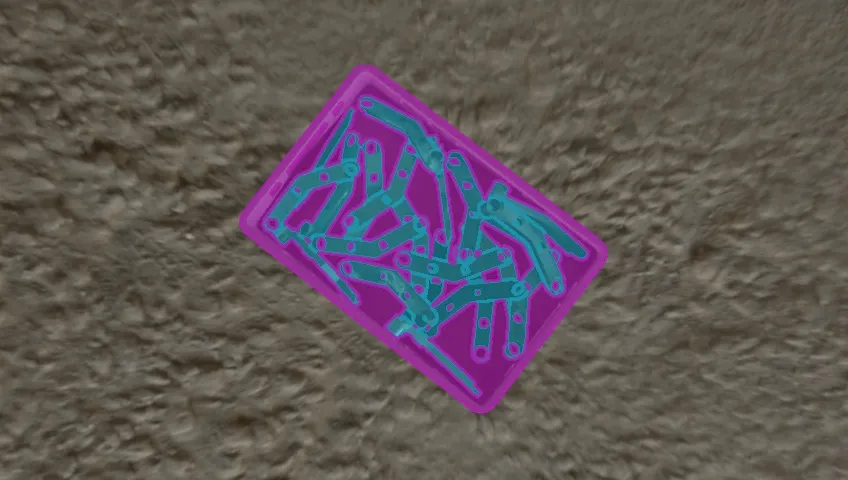
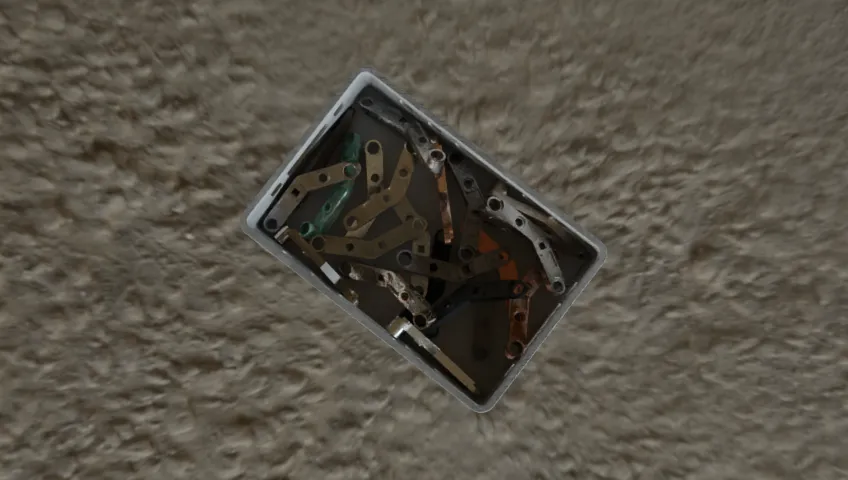
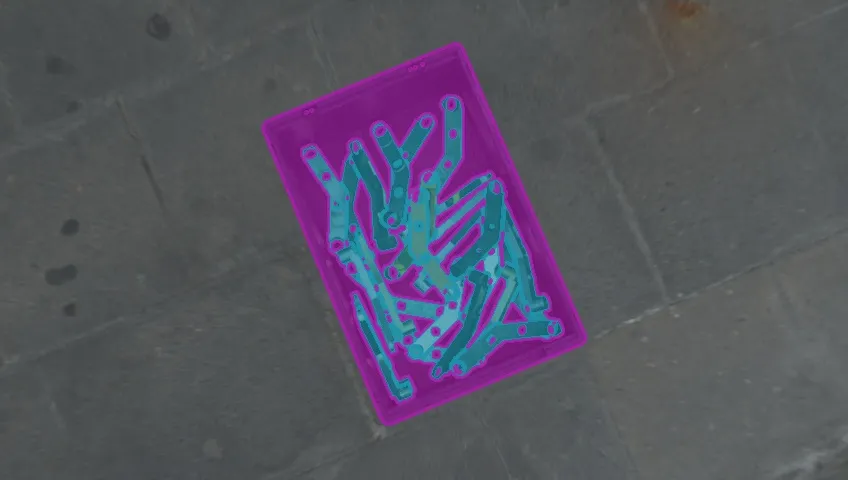
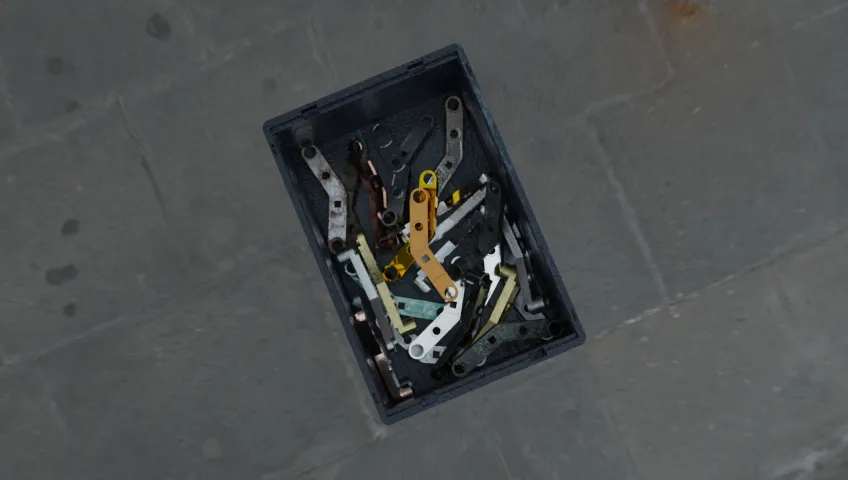
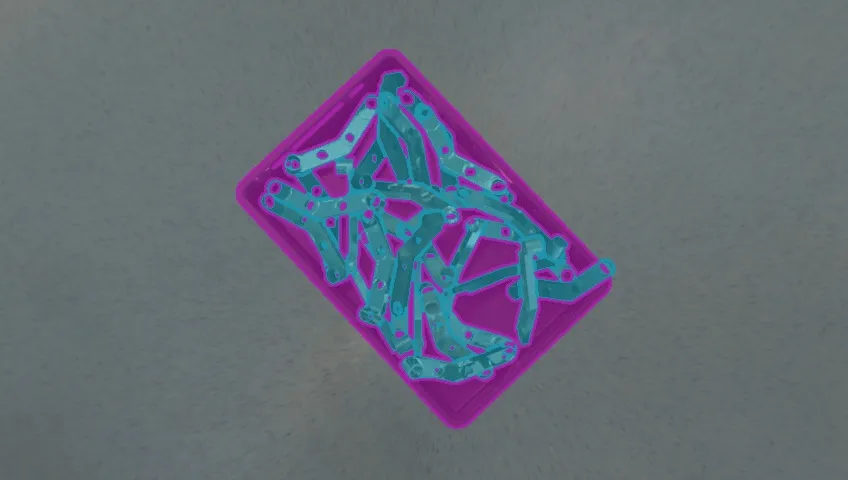
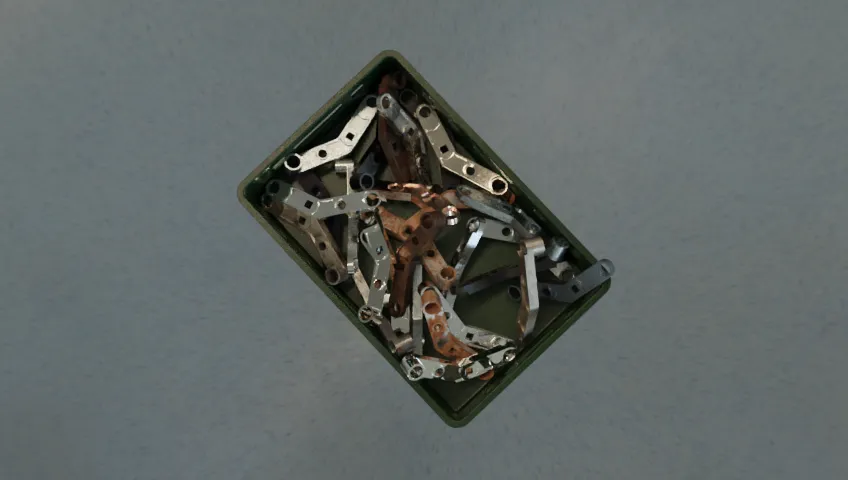
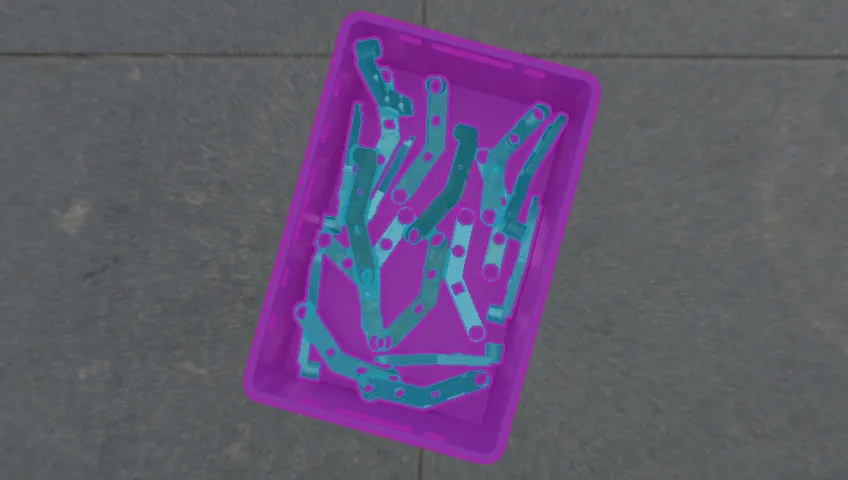
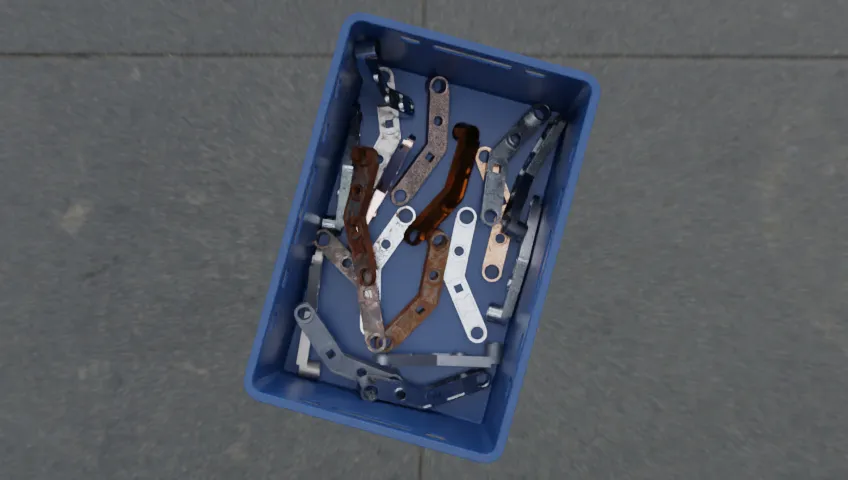
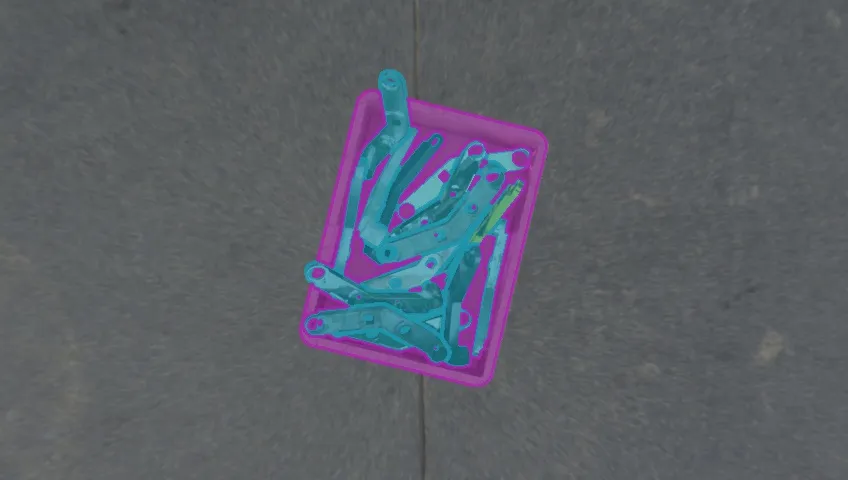
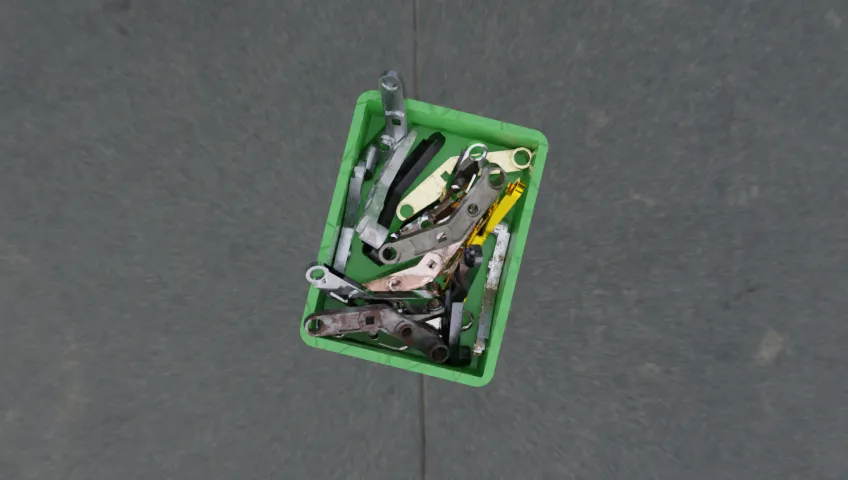
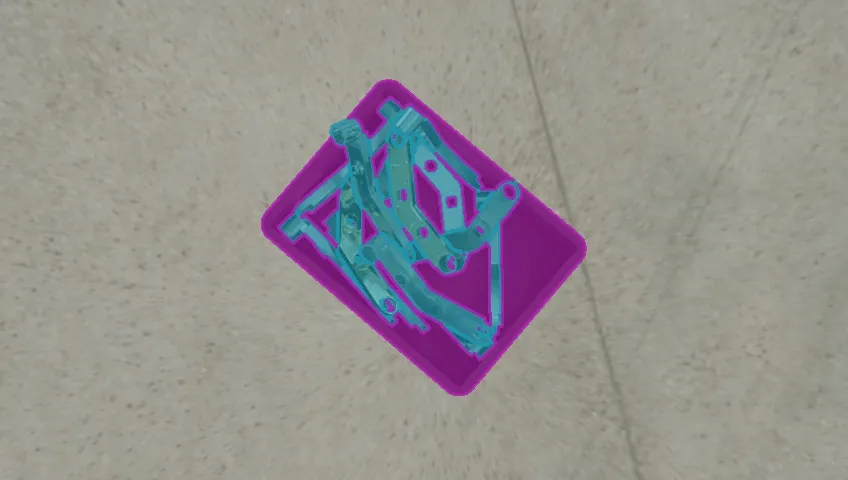
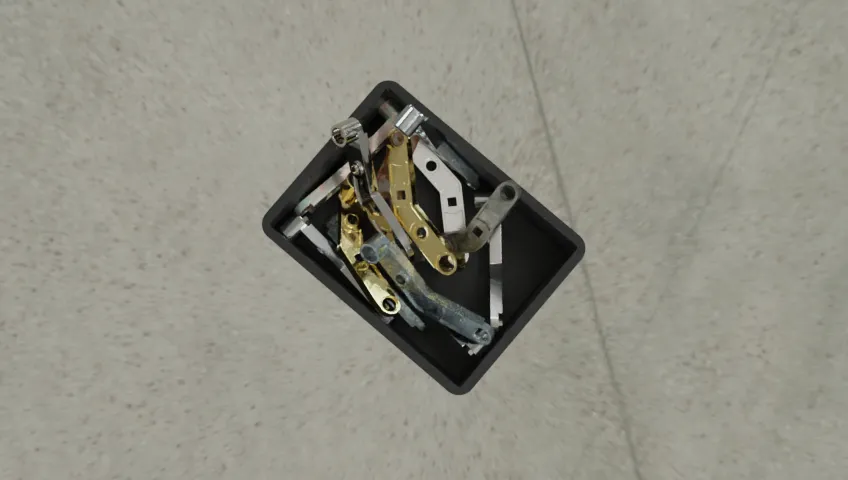
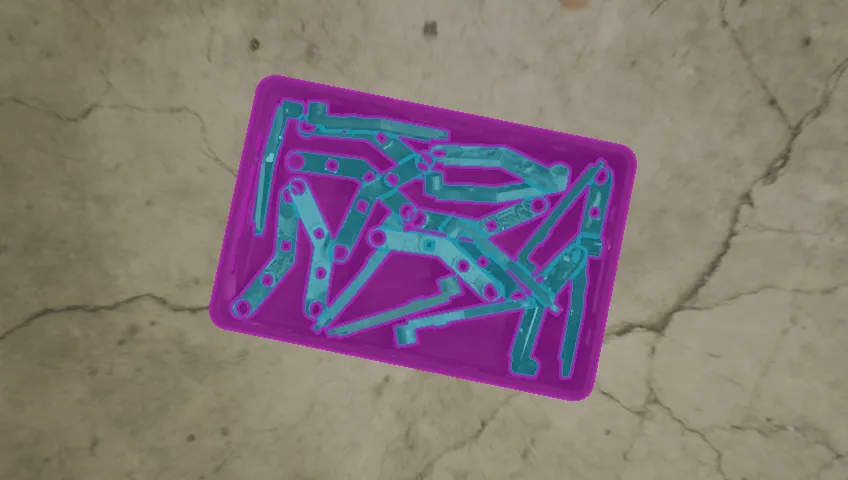
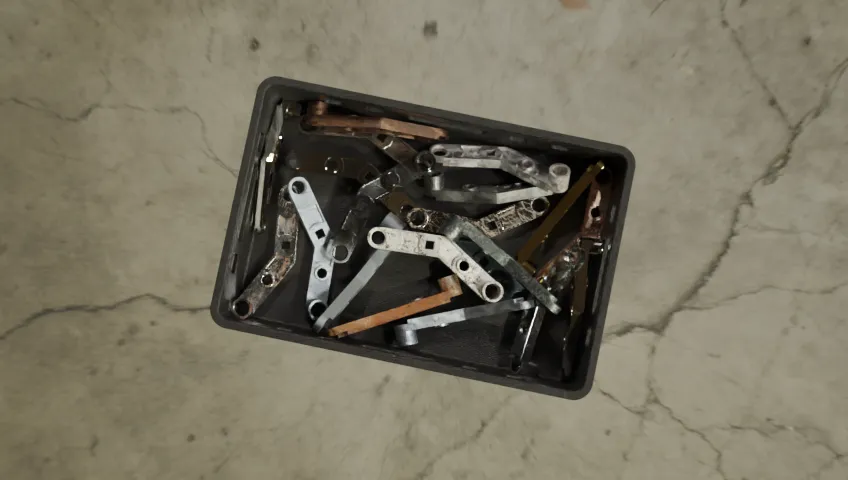
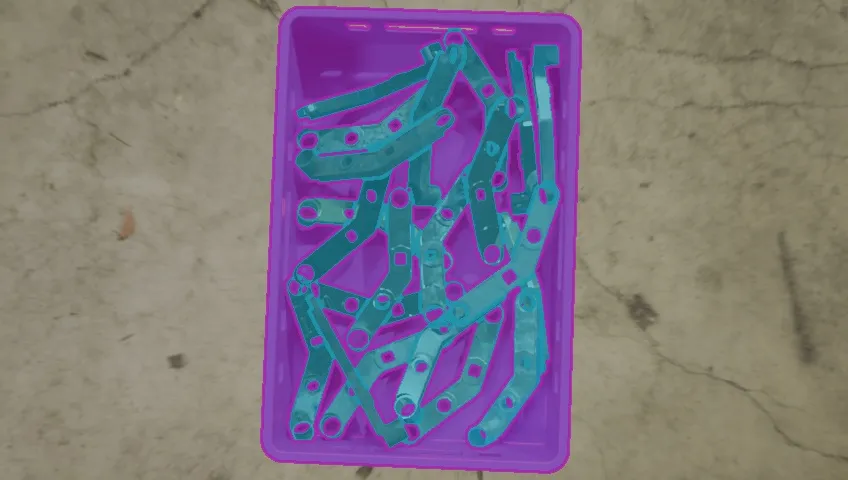
The Data Engine generates photorealistic, perfectly labeled synthetic datasets at scale, with no manual collection or annotation. Extreme Domain Randomization (EDR) aggressively varies lighting, texture, geometry, material, and pose, forcing a Skill to learn what is actually invariant about a task before it ever sees a real robot.
Randomized on every render
Data Logging and Continual Learning
Every Skill run in production is captured through the same standardized types: typed inputs and outputs, sensor streams, transforms, trajectories, and outcomes. Contract-shaped data flows straight into training, the resulting Skills redeploy, and each run becomes the training set for the next: continual learning, not a one-time export.
📁 images/0
train/
val/
test/
📁 labels/
📄 data.yaml
80%10%10%
Datatypes as Contracts
Every signal exchanged between a Skill, an Agent, and the Data Engine moves through a strongly typed contract. Because the shape is known up front, the Data Engine can fix it, turning asynchronous, mismatched-rate robot data into the synchronous, aligned, fixed-size batches training actually expects.
| Category | Without Datatypes | With Datatypes |
|---|---|---|
| Shape | Asynchronous, mismatched-rate signals | Synchronous, aligned, fixed-size batches |
| Integration | Hand-written glue code per dataset | One typed contract, enforced everywhere |
105 of 105 results
 SYNTHETIC DATA
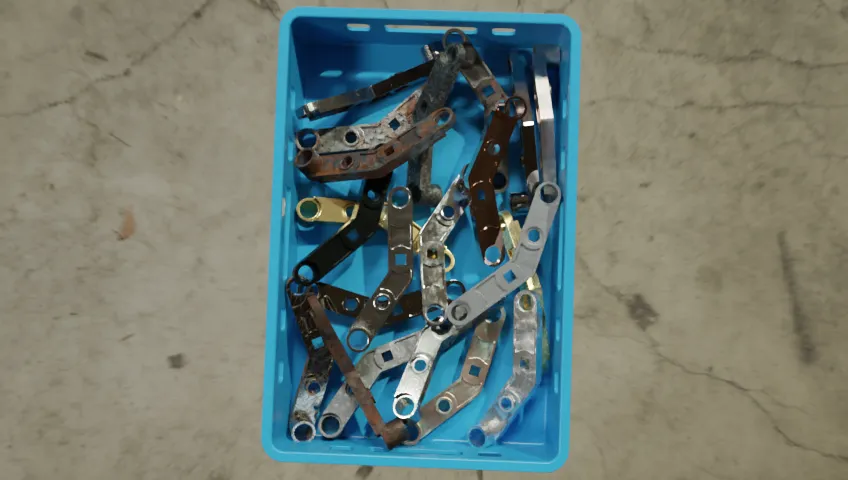
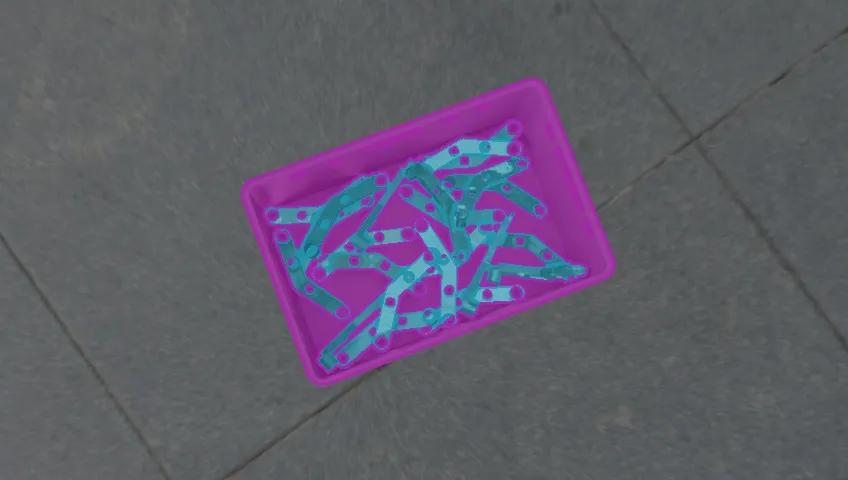
Instance Segmentation • 10,000 images of photorealistic synthetic data, generated with Extreme Domain Randomization (EDR) for sim-to-real transfer. Free on Kaggle.
View docs →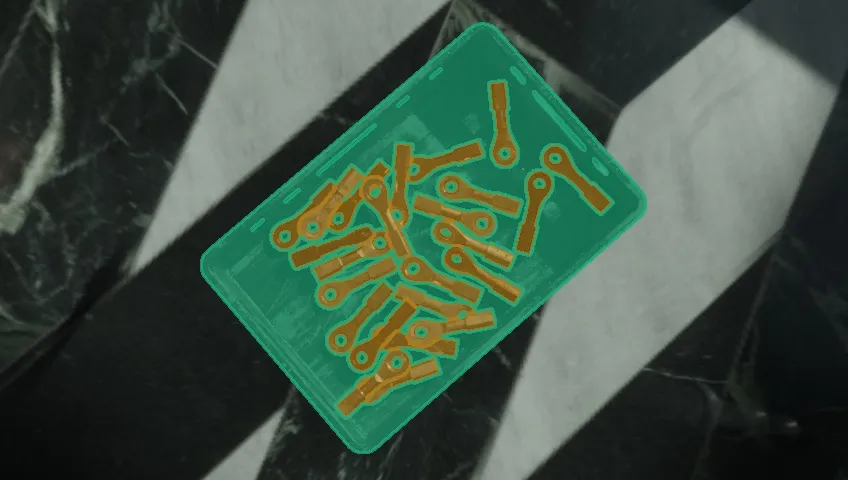 SYNTHETIC DATA
Instance Segmentation • 7,000 images of photorealistic synthetic data, generated with Extreme Domain Randomization (EDR) for sim-to-real transfer. Free on Kaggle.
View docs →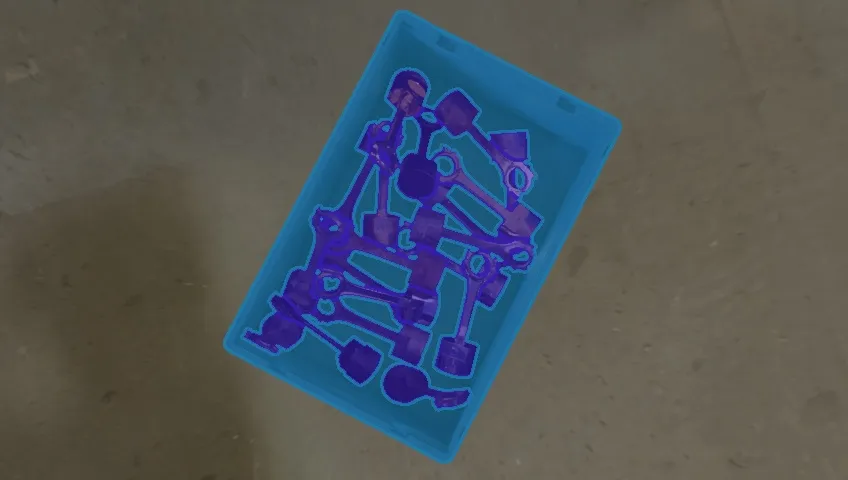 SYNTHETIC DATA
Instance Segmentation • 7,000 images of photorealistic synthetic data, generated with Extreme Domain Randomization (EDR) for sim-to-real transfer. Free on Kaggle.
View docs →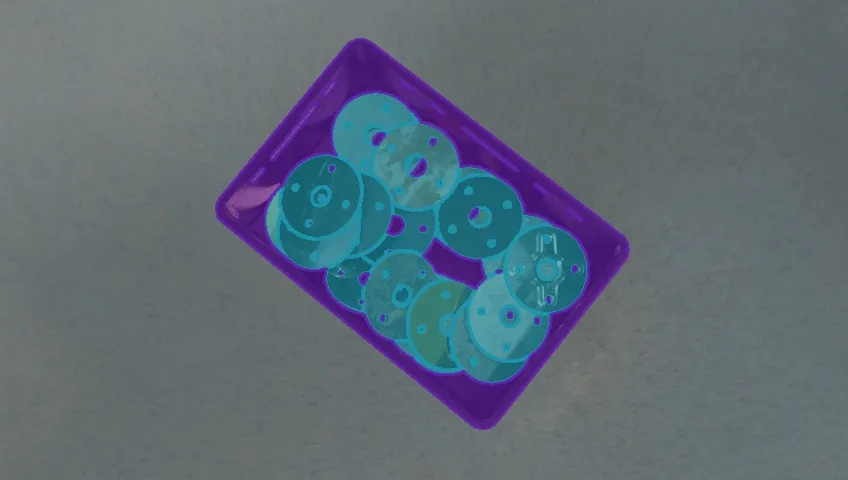 SYNTHETIC DATA
Instance Segmentation • 9,000 images of photorealistic synthetic data, generated with Extreme Domain Randomization (EDR) for sim-to-real transfer. Free on Kaggle.
View docs →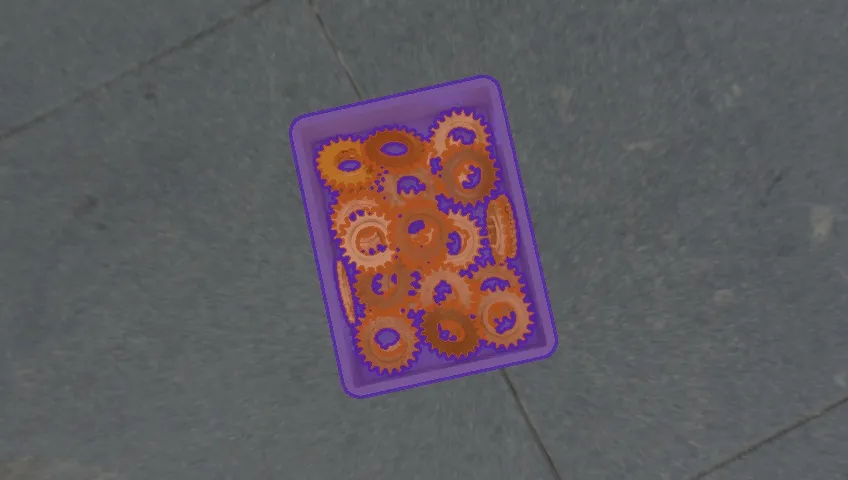 SYNTHETIC DATA
Instance Segmentation • 10,000 images of photorealistic synthetic data, generated with Extreme Domain Randomization (EDR) for sim-to-real transfer. Free on Kaggle.
View docs →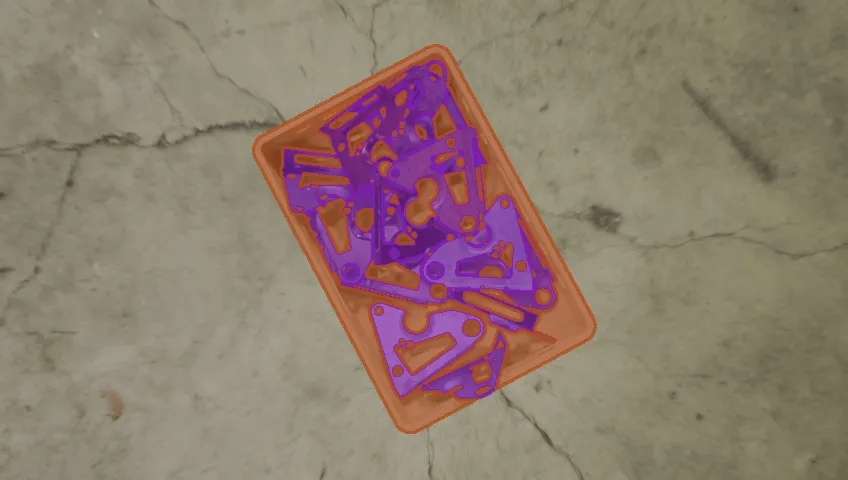 SYNTHETIC DATA
Instance Segmentation • 10,000 images of photorealistic synthetic data, generated with Extreme Domain Randomization (EDR) for sim-to-real transfer. Free on Kaggle.
View docs →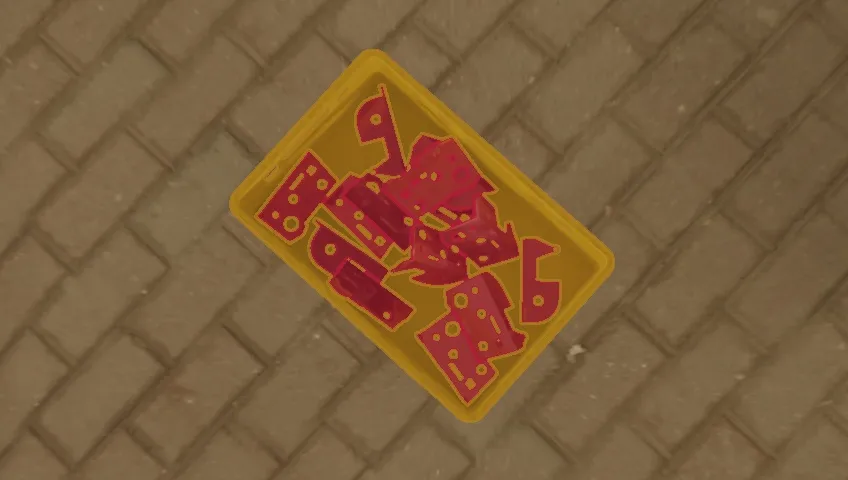 SYNTHETIC DATA
Instance Segmentation • 12,000 images of photorealistic synthetic data, generated with Extreme Domain Randomization (EDR) for sim-to-real transfer. Free on Kaggle.
View docs →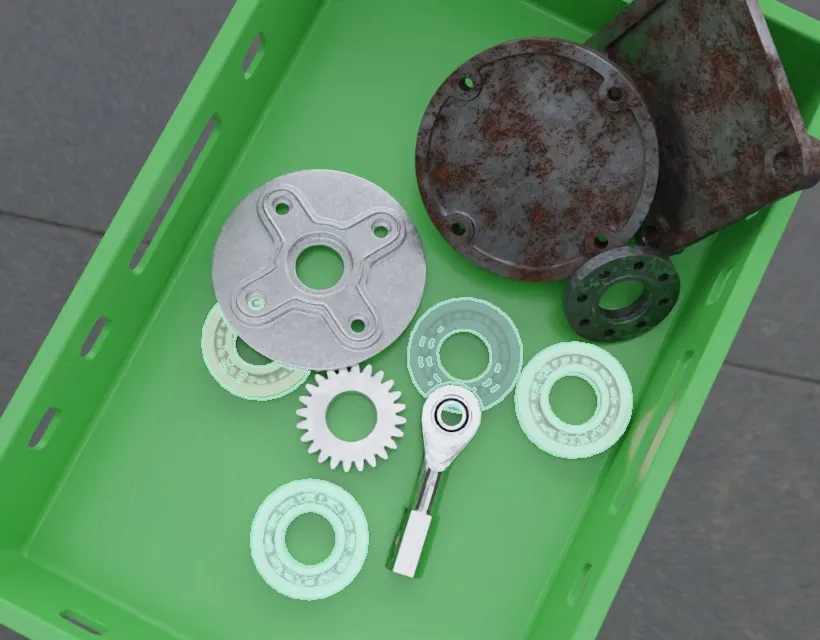 SYNTHETIC DATA
Instance Segmentation • 5,000 images of photorealistic synthetic data, generated with Extreme Domain Randomization (EDR) for sim-to-real transfer. Free on Kaggle.
View docs →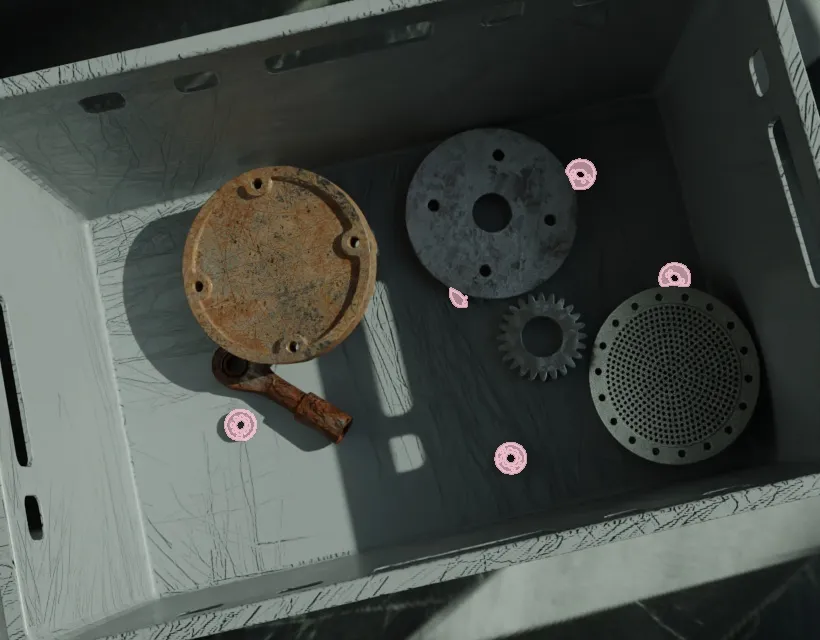 SYNTHETIC DATA
Instance Segmentation • 5,000 images of photorealistic synthetic data, generated with Extreme Domain Randomization (EDR) for sim-to-real transfer. Free on Kaggle.
View docs →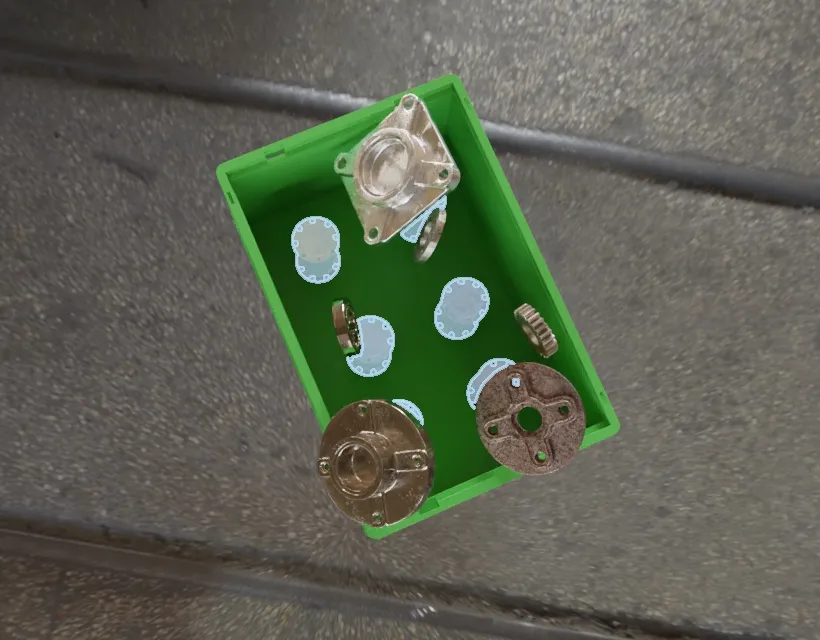 SYNTHETIC DATA
Instance Segmentation • 5,000 images of photorealistic synthetic data, generated with Extreme Domain Randomization (EDR) for sim-to-real transfer. Free on Kaggle.
View docs →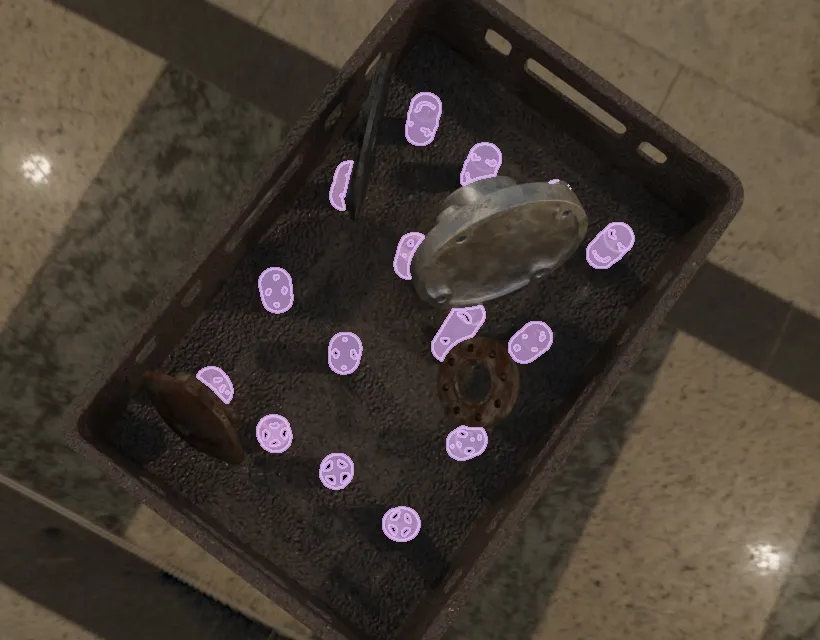 SYNTHETIC DATA
Instance Segmentation • 5,000 images of photorealistic synthetic data, generated with Extreme Domain Randomization (EDR) for sim-to-real transfer. Free on Kaggle.
View docs →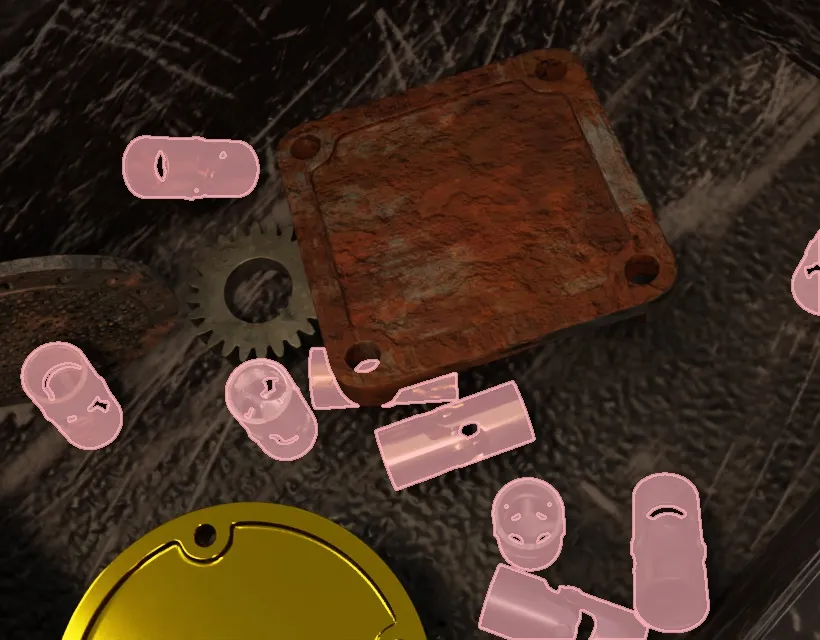 SYNTHETIC DATA
Instance Segmentation • 5,000 images of photorealistic synthetic data, generated with Extreme Domain Randomization (EDR) for sim-to-real transfer. Free on Kaggle.
View docs →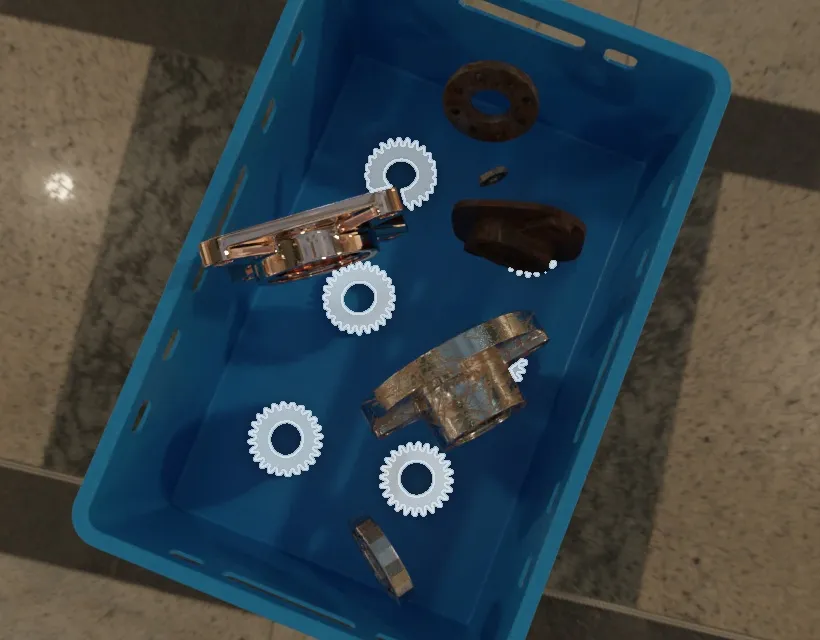 SYNTHETIC DATA
Instance Segmentation • 5,000 images of photorealistic synthetic data, generated with Extreme Domain Randomization (EDR) for sim-to-real transfer. Free on Kaggle.
View docs →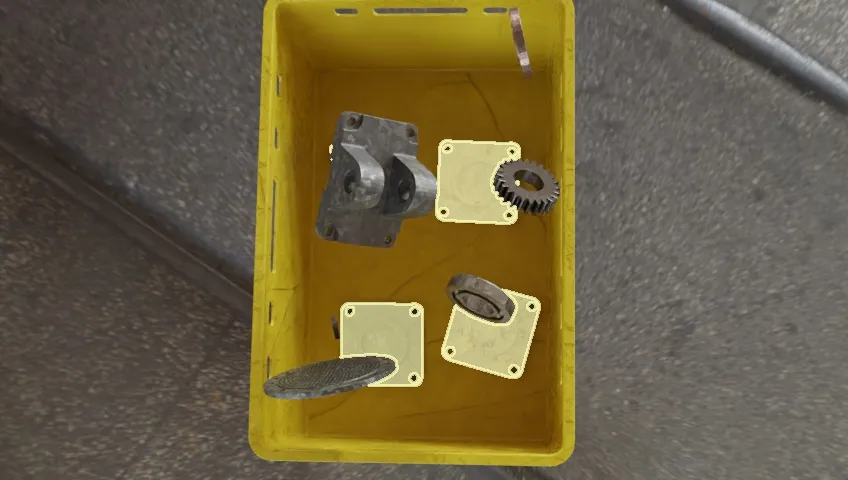 SYNTHETIC DATA
Instance Segmentation • 5,000 images of photorealistic synthetic data, generated with Extreme Domain Randomization (EDR) for sim-to-real transfer. Free on Kaggle.
View docs →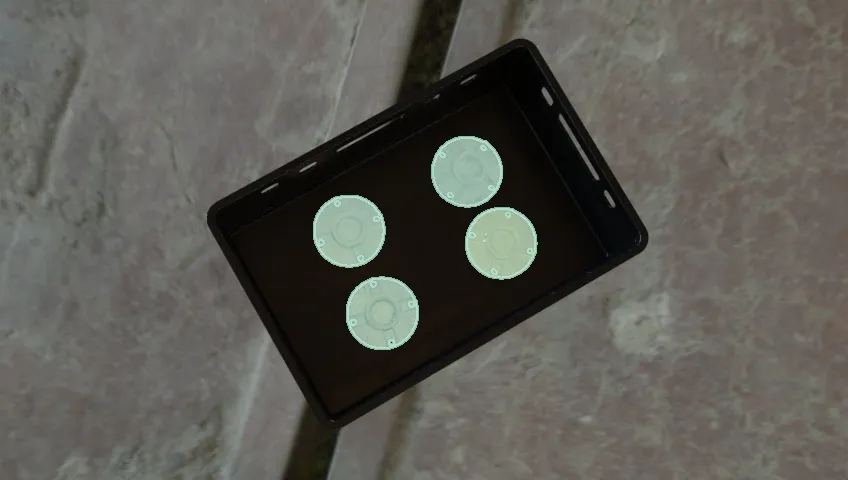 SYNTHETIC DATA
Instance Segmentation • 5,000 images of photorealistic synthetic data, generated with Extreme Domain Randomization (EDR) for sim-to-real transfer. Free on Kaggle.
View docs →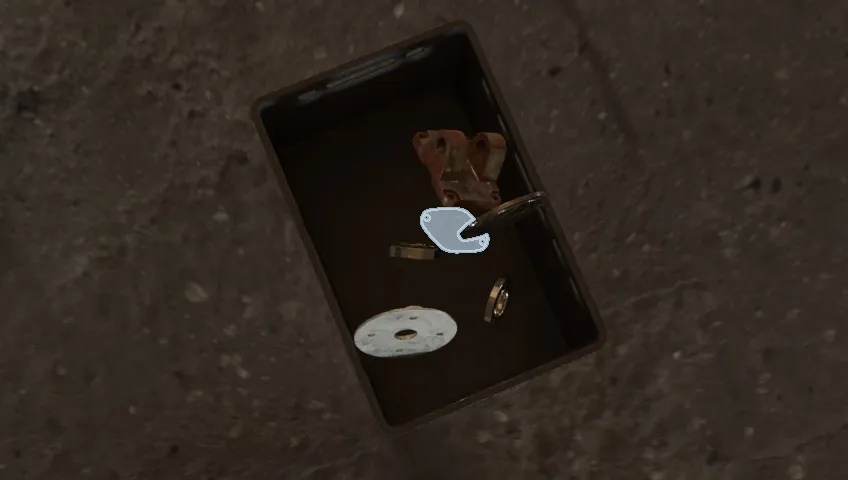 SYNTHETIC DATA
Instance Segmentation • 5,000 images of photorealistic synthetic data, generated with Extreme Domain Randomization (EDR) for sim-to-real transfer. Free on Kaggle.
View docs →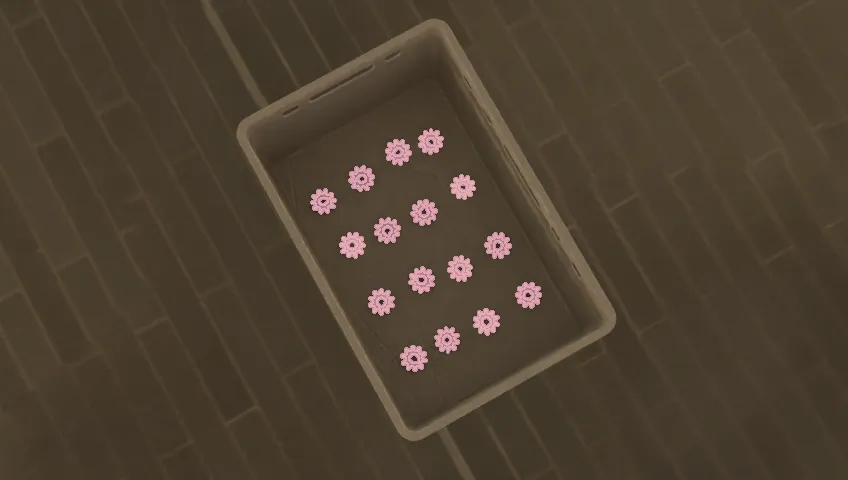 SYNTHETIC DATA
Instance Segmentation • 5,000 images of photorealistic synthetic data, generated with Extreme Domain Randomization (EDR) for sim-to-real transfer. Free on Kaggle.
View docs →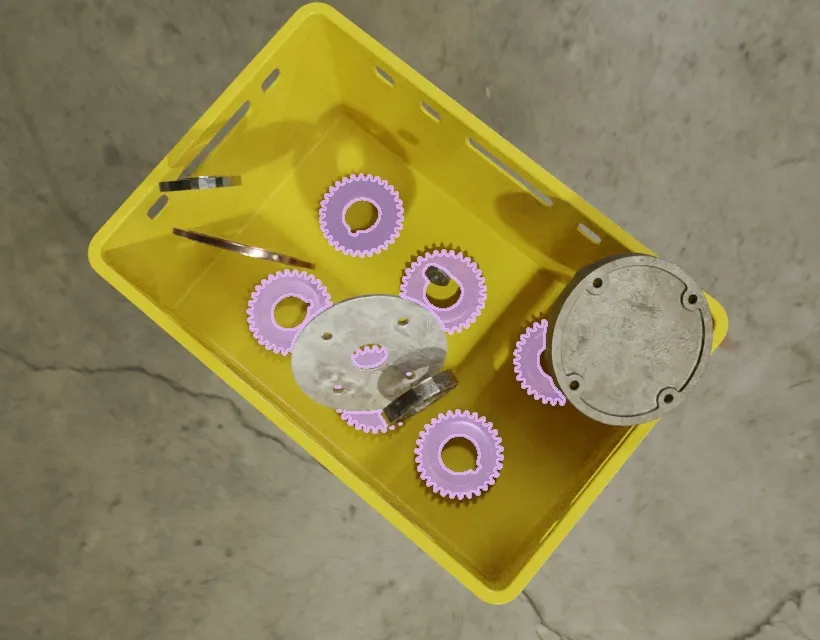 SYNTHETIC DATA
Instance Segmentation • 5,000 images of photorealistic synthetic data, generated with Extreme Domain Randomization (EDR) for sim-to-real transfer. Free on Kaggle.
View docs →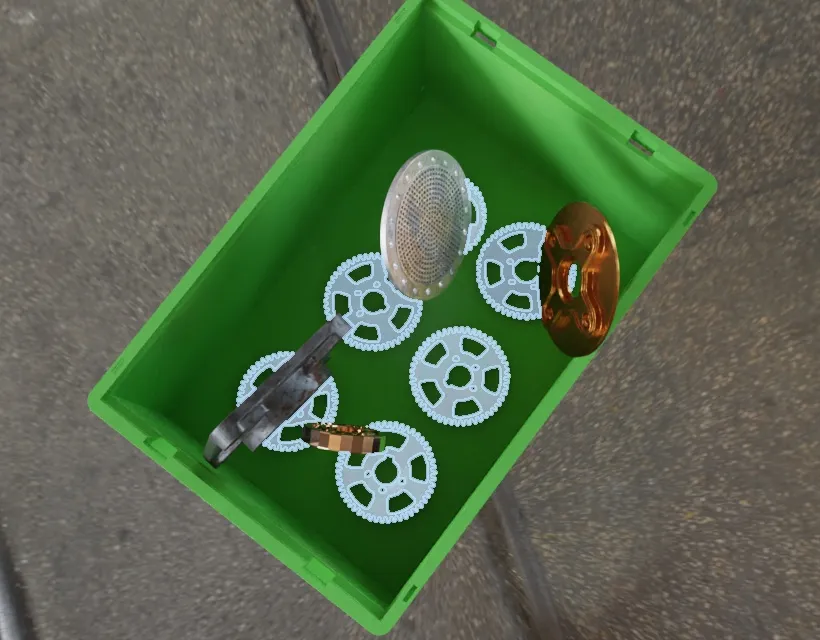 SYNTHETIC DATA
Instance Segmentation • 5,000 images of photorealistic synthetic data, generated with Extreme Domain Randomization (EDR) for sim-to-real transfer. Free on Kaggle.
View docs →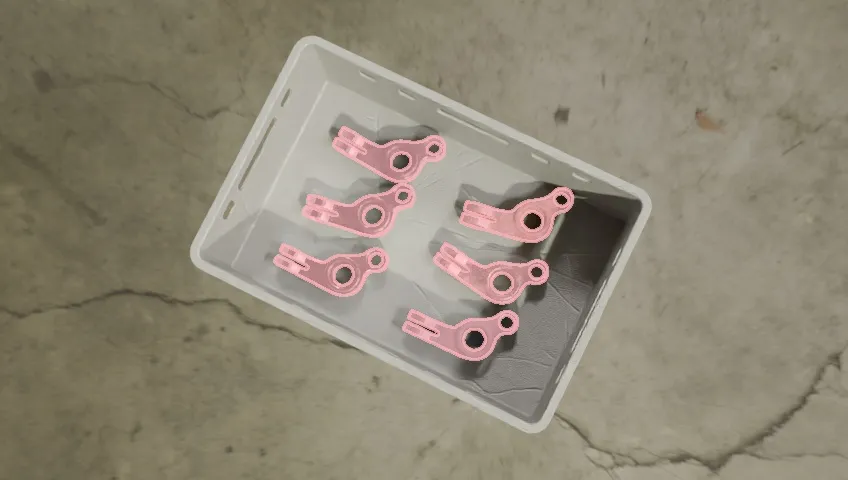 SYNTHETIC DATA
Instance Segmentation • 5,000 images of photorealistic synthetic data, generated with Extreme Domain Randomization (EDR) for sim-to-real transfer. Free on Kaggle.
View docs →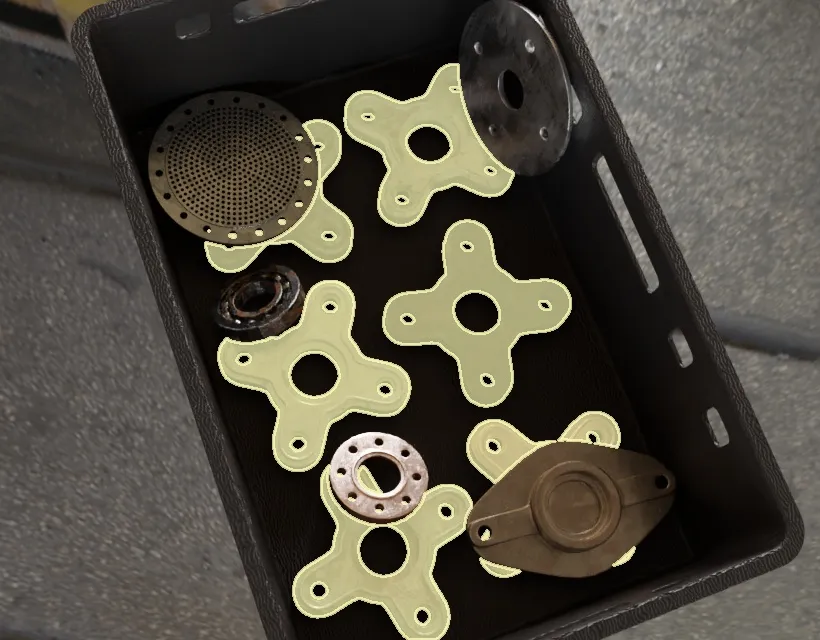 SYNTHETIC DATA
Instance Segmentation • 5,000 images of photorealistic synthetic data, generated with Extreme Domain Randomization (EDR) for sim-to-real transfer. Free on Kaggle.
View docs →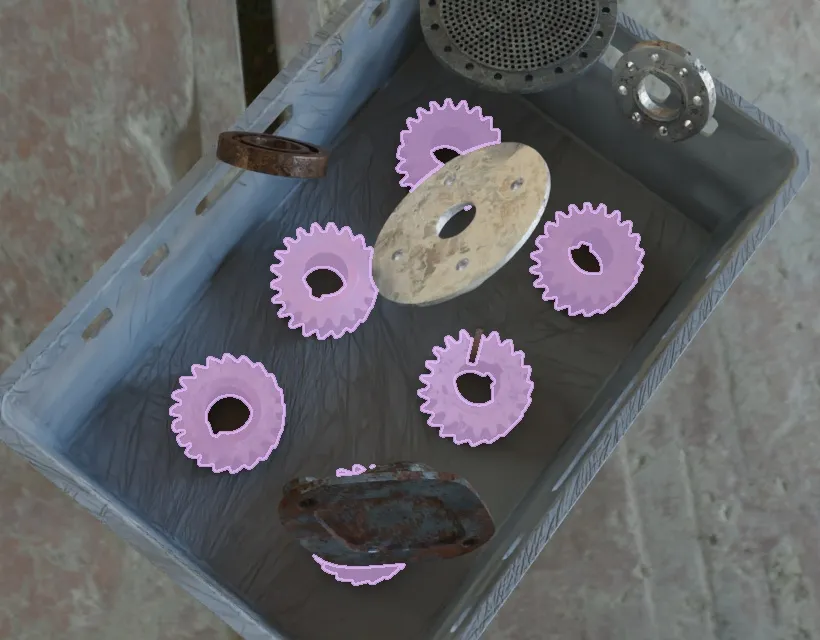 SYNTHETIC DATA
Instance Segmentation • 5,000 images of photorealistic synthetic data, generated with Extreme Domain Randomization (EDR) for sim-to-real transfer. Free on Kaggle.
View docs →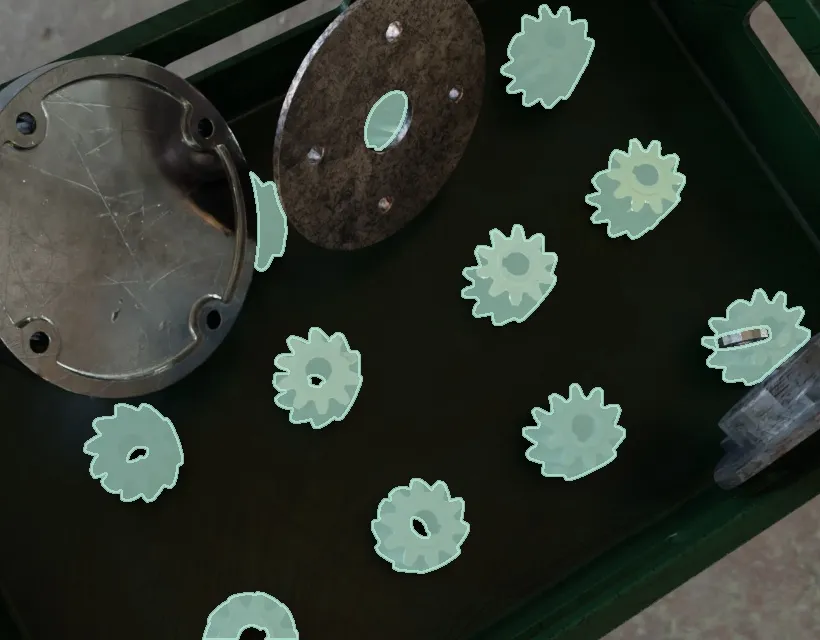 SYNTHETIC DATA
Instance Segmentation • 5,000 images of photorealistic synthetic data, generated with Extreme Domain Randomization (EDR) for sim-to-real transfer. Free on Kaggle.
View docs →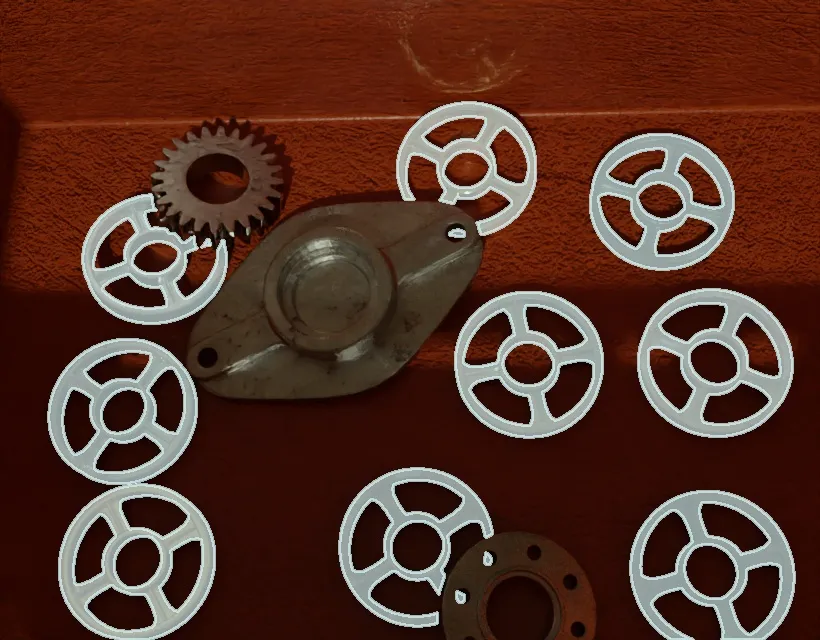 SYNTHETIC DATA
Instance Segmentation • 5,000 images of photorealistic synthetic data, generated with Extreme Domain Randomization (EDR) for sim-to-real transfer. Free on Kaggle.
View docs →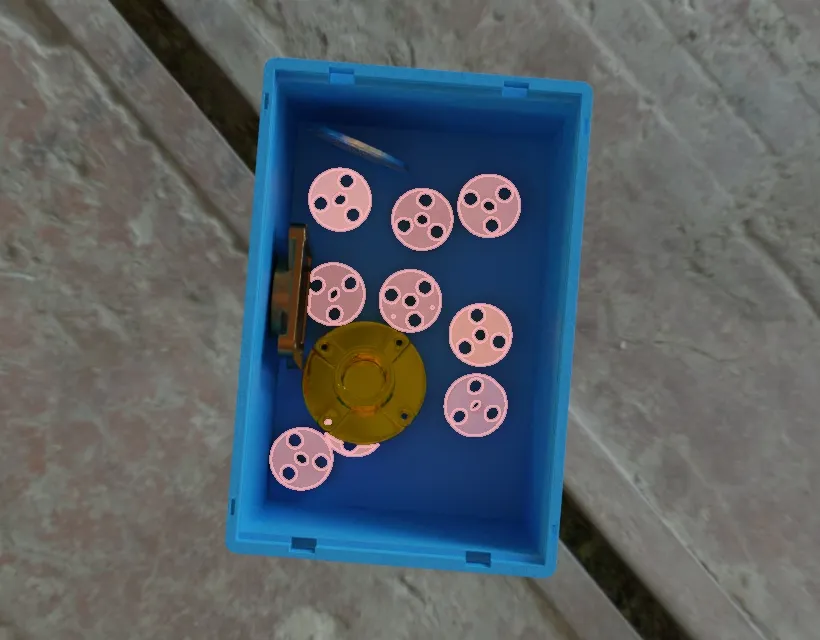 SYNTHETIC DATA
Instance Segmentation • 5,000 images of photorealistic synthetic data, generated with Extreme Domain Randomization (EDR) for sim-to-real transfer. Free on Kaggle.
View docs →DetectionLogger writes image frames and their bounding-box annotations to a YOLO or RF-DETR/COCO dataset on disk in real time, automatically splitting frames across train, val, and test according to configurable ratios.
View docs → rgb imu jts MCAP Logger run.mcap MCAP LOGGERMCAPLogger captures every message published on a Zenoh (BabyROS) network into a single .mcap file, so you can record robot runs, replay them for debugging, and convert them into training datasets.
View docs →Boolean scalar.
View docs →Integer scalar.
View docs →Floating-point scalar.
View docs →String scalar.
View docs →Clock-epoch sec/nanosec pair, no timezone semantics.
View docs →Timezone-aware wall-clock datetime, normalized to UTC.
View docs →Arbitrary-shape, arbitrary-dtype NumPy array.
View docs →2D vector.
View docs →3D vector.
View docs →4D vector.
View docs →Batch of 2D vectors.
View docs →Batch of 3D vectors.
View docs →Batch of 4D vectors.
View docs →2×2 matrix.
View docs →3×3 matrix.
View docs →4×4 matrix.
View docs →Single axis-aligned 2D box.
View docs →Single axis-aligned 3D box.
View docs →Single rotated 2D box.
View docs →Single rotated 3D box.
View docs →Batch of axis-aligned 2D boxes.
View docs →Batch of axis-aligned 3D boxes.
View docs →Batch of rotated 2D boxes.
View docs →Batch of rotated 3D boxes.
View docs →Single 2D point.
View docs →Single 3D point.
View docs →Batch of N 2D points.
View docs →Batch of N 3D points.
View docs →Single 2D circle.
View docs →Batch of 2D circles.
View docs →Single 2D contour (polyline).
View docs →Batch of 2D contours.
View docs →Eigenvalues of a covariance/matrix.
View docs →Eigenvectors of a covariance/matrix.
View docs →2D position (x, y).
View docs →3D position (x, y, z).
View docs →2D homogeneous transform.
View docs →3D homogeneous transform.
View docs →Unit quaternion rotation.
View docs →Single 2D pose.
View docs →Single 3D pose.
View docs →Batch of 2D poses.
View docs →Batch of 3D poses.
View docs →3D linear + angular velocity.
View docs →3D force + torque.
View docs →6×6 pose covariance.
View docs →2D occupancy grid map.
View docs →Image with optional on-wire compression.
View docs →Batch of images.
View docs →Per-pixel segmentation mask.
View docs →Per-pixel depth map.
View docs →Camera intrinsics, resolution, and distortion model.
View docs →Single 3D point cloud (points + optional colors/normals).
View docs →Batch of point clouds.
View docs →3D triangle mesh.
View docs →RGBA color.
View docs →Single COCO-style detection with a confidence score.
View docs →Batch of COCO-style detections.
View docs →Single COCO-style ground-truth annotation.
View docs →Batch of COCO-style ground-truth annotations.
View docs →Single category definition.
View docs →Batch of category definitions.
View docs →One model input/output tensor signature.
View docs →Batch of ML model metadata records.
View docs →Enum for the rotation representation for pose ↔ transform conversions.
View docs →Enum for the on-wire compression codec for Image/ImageBatch.
View docs →Enum for the camera distortion model for CameraCalibration.
View docs →Canonical compressed COCO RLE segmentation dict.
View docs →Uncompressed COCO RLE segmentation dict.
View docs →Accepted input form for an RLE segmentation.
View docs →Canonical flattened polygon list.
View docs →Accepted input form for a polygon segmentation.
View docs →Return type of COCOObjectDetectionResult.as_mask().
View docs →Return type of COCOObjectDetectionResult.as_polygon().
View docs →Return type of COCOObjectDetectionResults.as_masks().
View docs →Return type of COCOObjectDetectionResults.as_polygons().
View docs →Return type of COCOObjectDetectionAnnotation.as_mask().
View docs →Return type of COCOObjectDetectionAnnotations.as_masks().
View docs →No results. Try a shorter word, or clear the filter.
Communication
Ultra-fast, lightweight middleware for cloud-to-robot communication, built on Zenoh. One-to-many pub/sub streaming and request/response client/server messaging in Python with zero schema files: no DDS complexity, no .msg files, native cloud-to-device messaging without ROS 2’s setup overhead.
Built for speed
One-to-many, one-way streaming: a node publishes on a topic and every subscriber gets it, with no reply expected.
Request/response, round-trip: a client calls a service and waits on exactly one server to answer.
No ROS 2, No DDS
Every setup step ROS 2 requires gets replaced with something simpler. Install becomes one pip command. Message schemas become plain Python objects. DDS becomes Zenoh, handling shared memory and cloud-to-device out of the box. Python and Zenoh are the only dependencies left.
| Category | ROS 2 / DDS | BabyROS |
|---|---|---|
| Install | Multi-step setup | pip install babyros |
| Messages | .msg schema files | Dynamic Python object serialization |
| Middleware | DDS | Zenoh: shared memory, cloud-to-device |
| Dependencies | A dozen ROS libraries | Python + Zenoh, nothing else |
Publish / Subscribe
# Publisher
import babyros

imu_pub = babyros.node.Publisher(topic="imu")
imu_pub.publish(data={"acceleration": [0.1, 0.0, 9.8]})
imu_pub.delete()

# Subscriber
def log_imu(msg: dict):
    print("Received:", msg["acceleration"])

sub = babyros.node.Subscriber(topic="imu", callback=log_imu)
Request / Response
# Server
import babyros

def handle_request(request):
    return {"message": "Hello from server!", "received": request}

server = babyros.node.Server("example/topic", handle_request)

# Client
client = babyros.node.Client(topic="example/topic")
response = client.request(data={"param1": "value1"})
print(response[0]["received"])