Applications
Deploy general-purpose robots across manufacturing.
Telekinesis brings perception, planning, and robotic skills together to automate tasks across manufacturing and logistics industries.
Industries
Built for the factory floor, across industries.
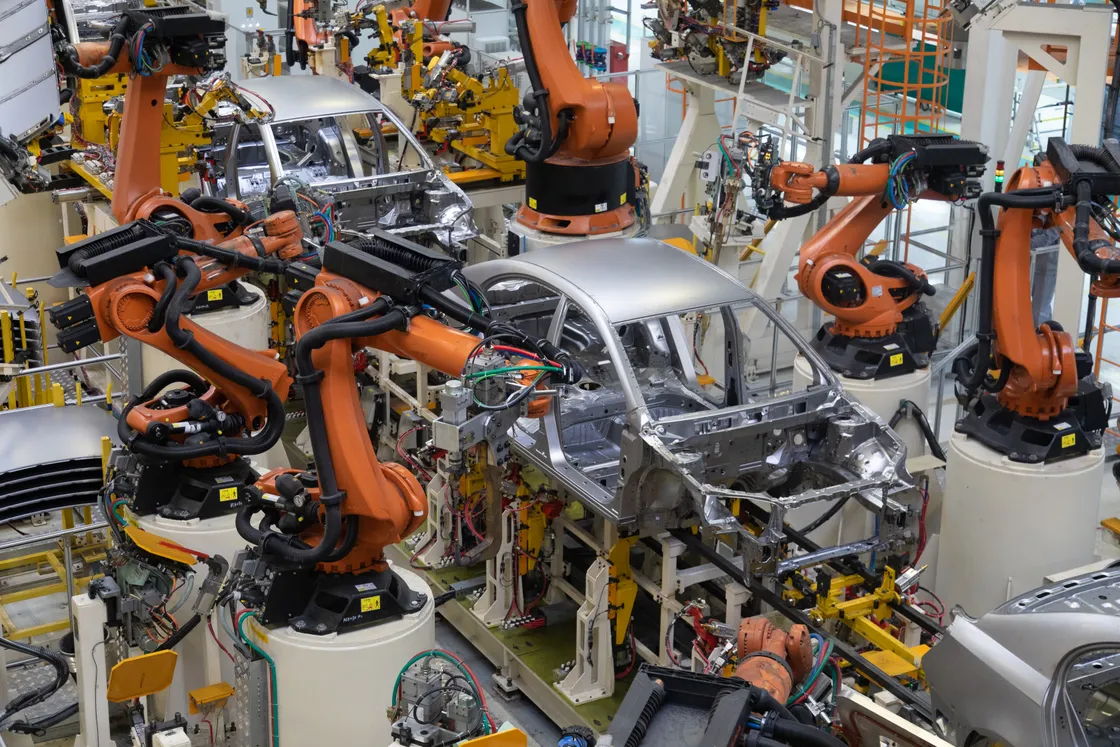
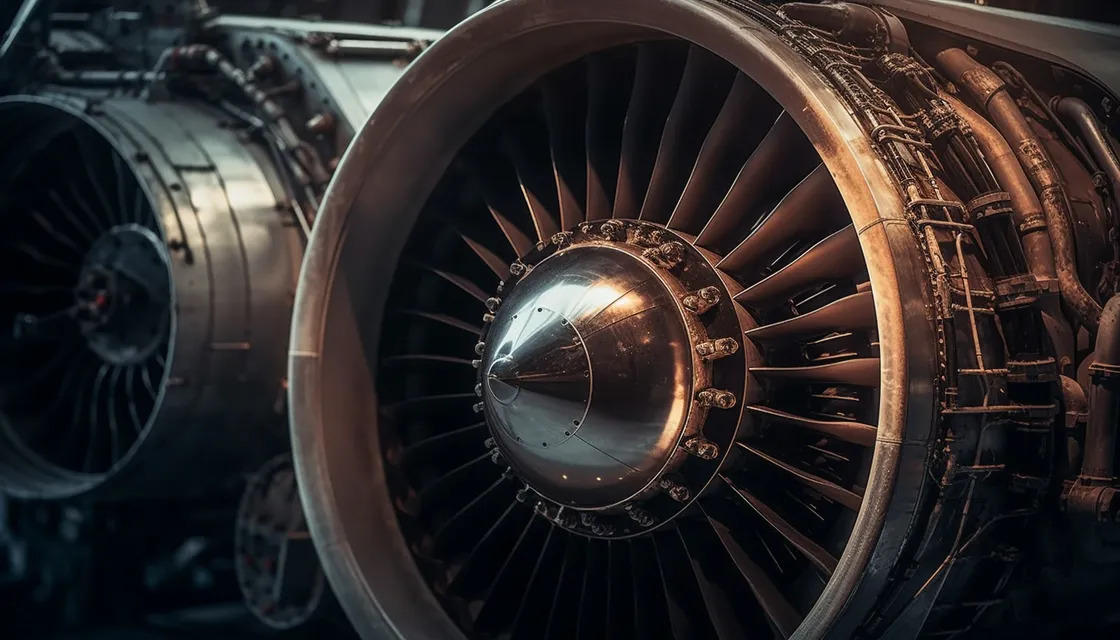
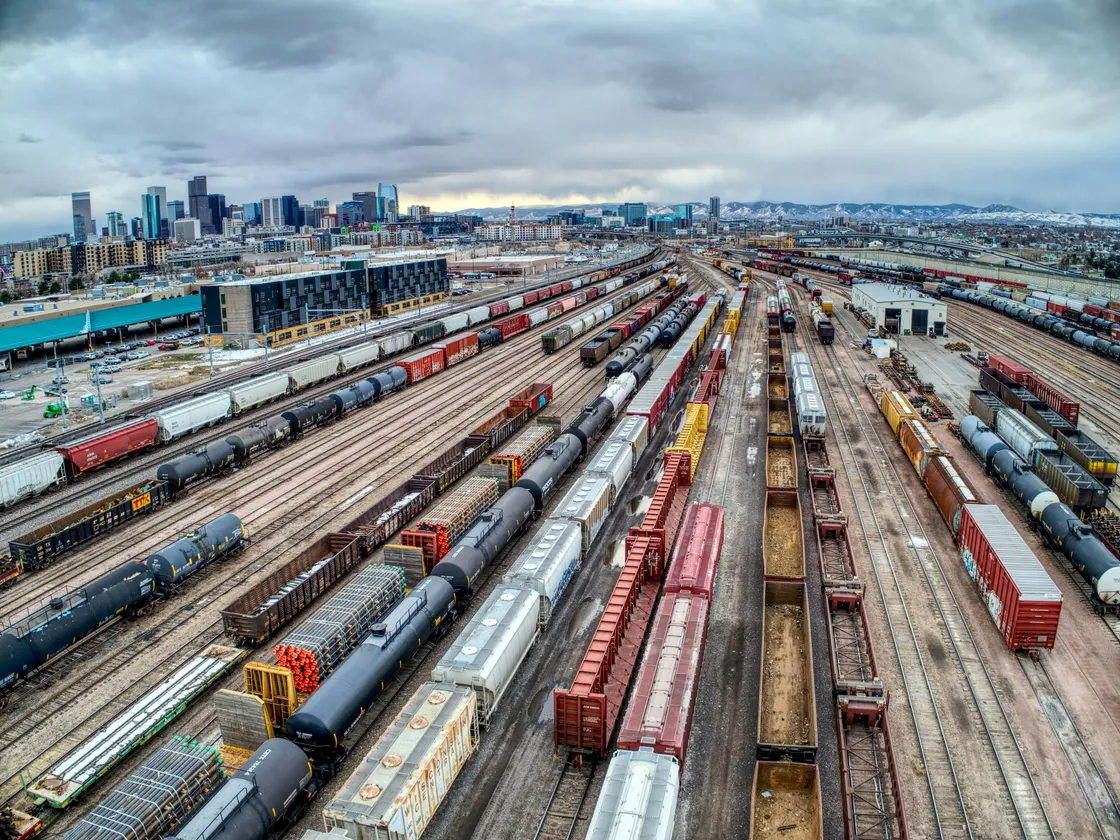
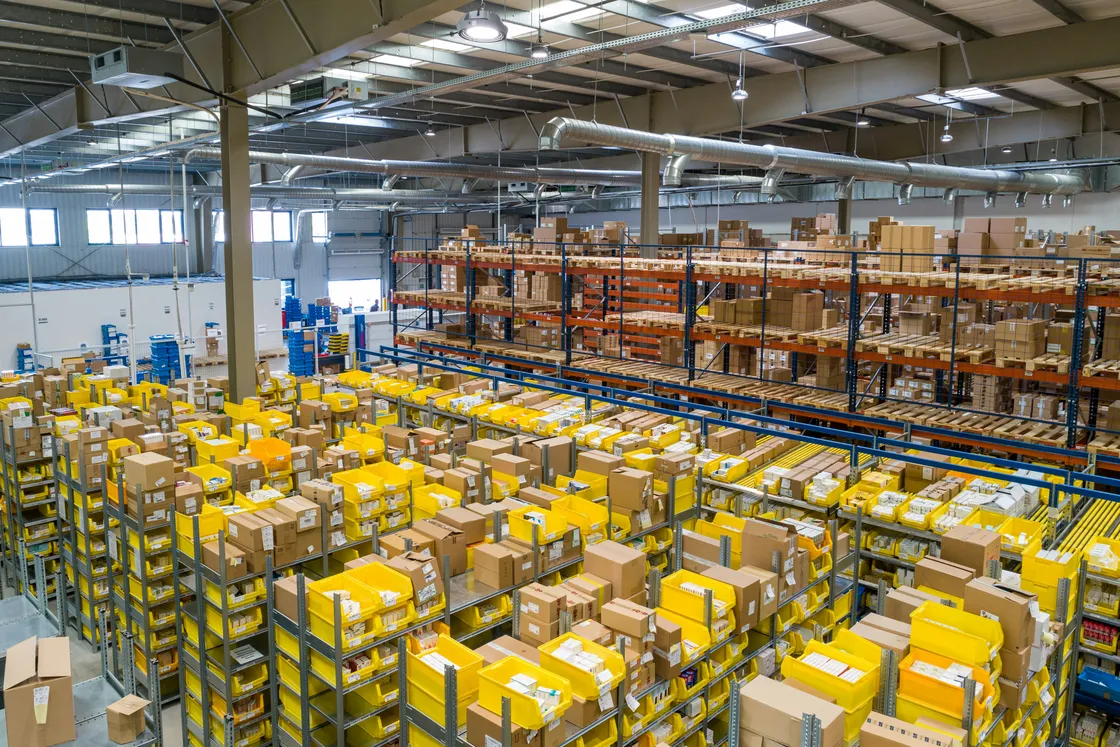
Works across automotive, aerospace, and more, wherever precision and quality matter. The robot stays the same. Only the skills change from industry to industry.
Aerospace
Railway
Logistics
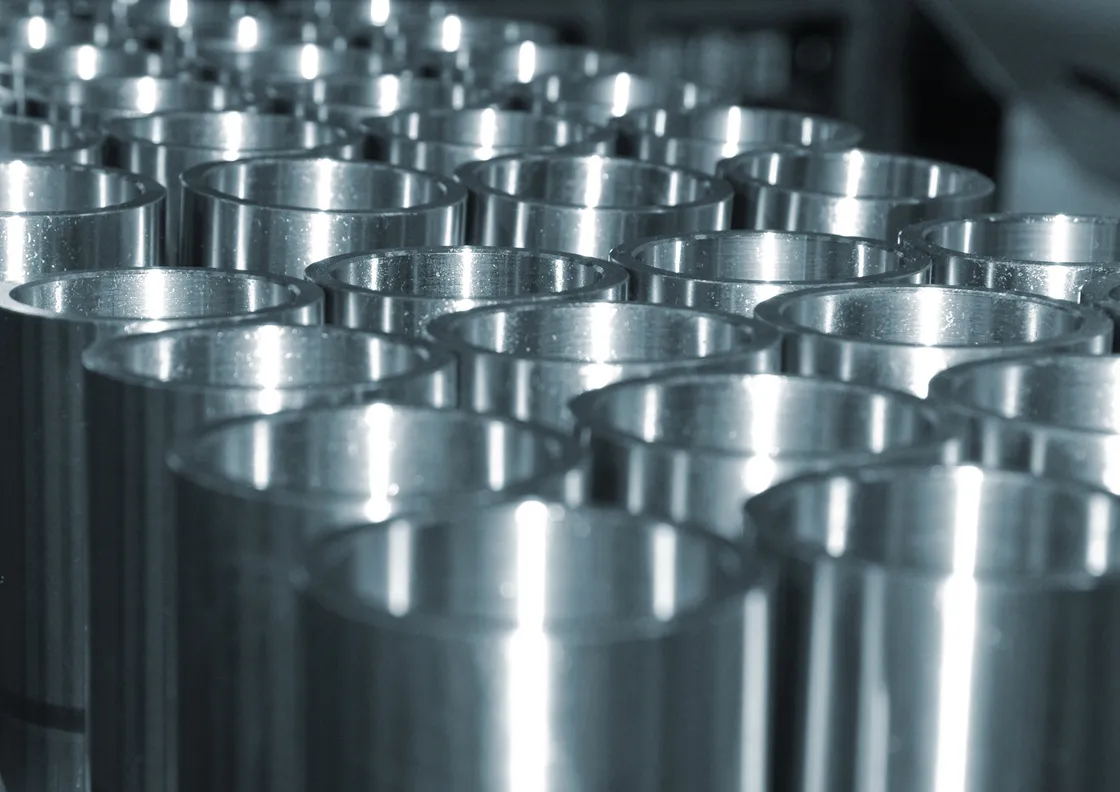
Metal
Applications
Automate any application that is manual.
The same skill library already runs proven applications on real lines. These are the patterns underneath most of them.
Robotics use cases
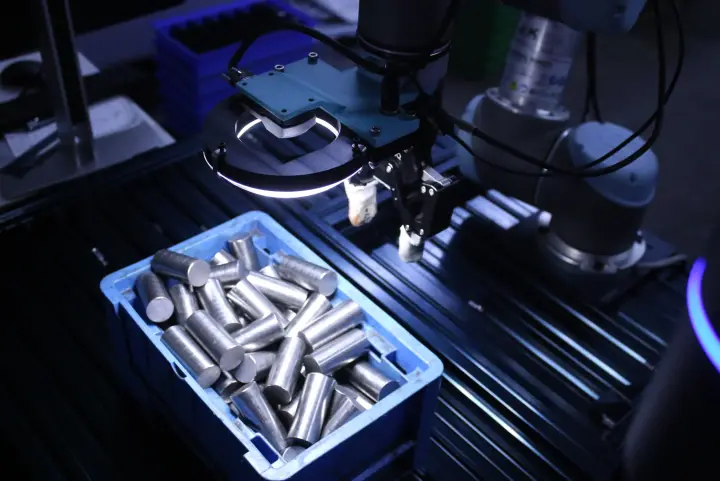
Bin Picking
Localize and grasp parts from a jumbled, unfixtured bin, then hand off a clean pose downstream.
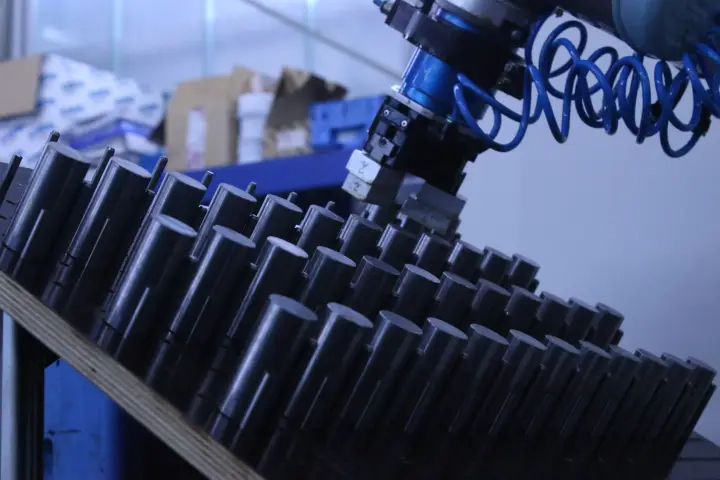
Palletizing & Depalletizing
Stack cases onto a pallet, or unstack mixed layers off one: pipes, cylinders, and cartons, one item at a time.
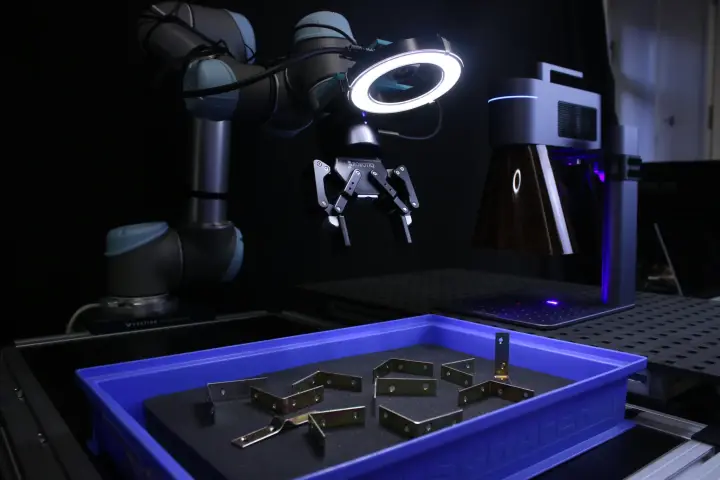
Sorting
Route parts by type, size, or defect into the right destination, screw by screw.
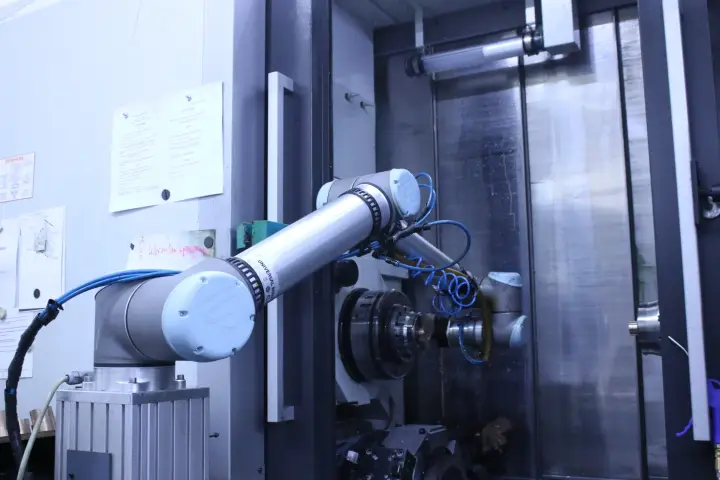
Material Handling
Move mixed-case loads between conveyors, totes, and pallets without a fixed pick plan.
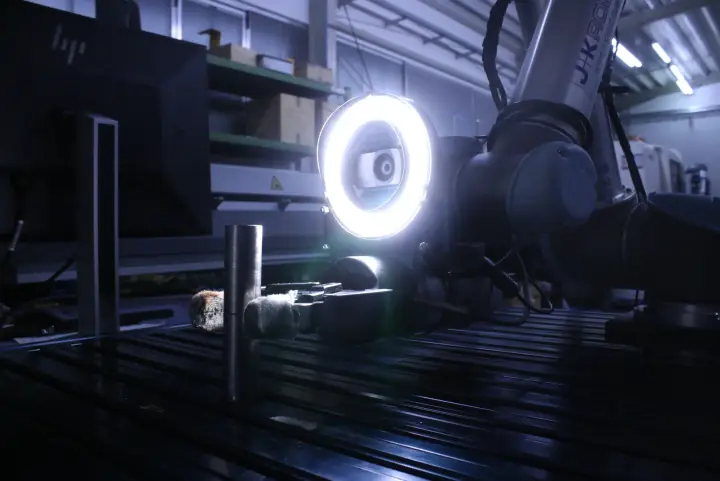
Vision-based Pick and Place
Detect an item's pose with vision, then move it from an arbitrary starting point to a target. The primitive underneath almost everything else here.
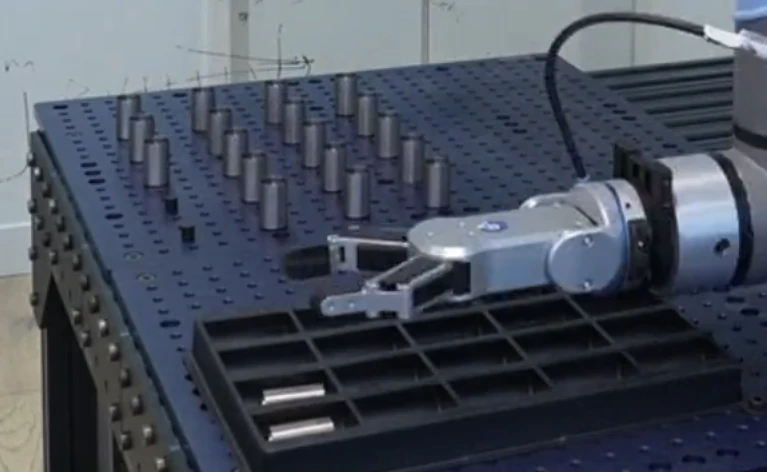
Packaging
Place parts into honeycomb trays, foam, or cartons at the exact orientation the shipment needs.
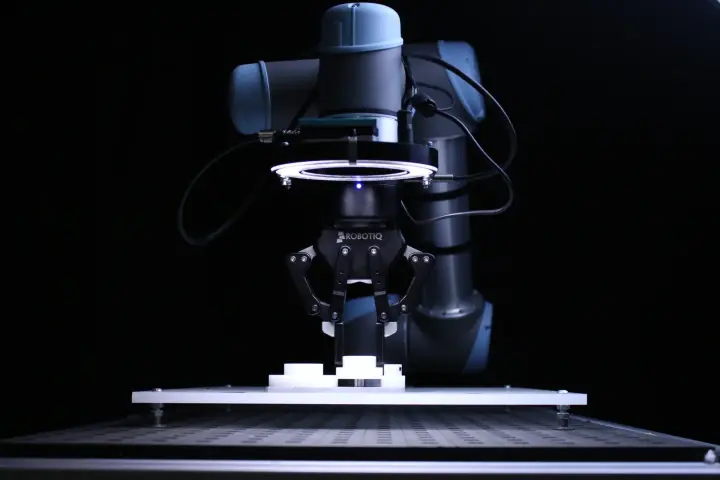
Kitting
Assemble a defined set of different parts into one kit, staged and ready for the next station.
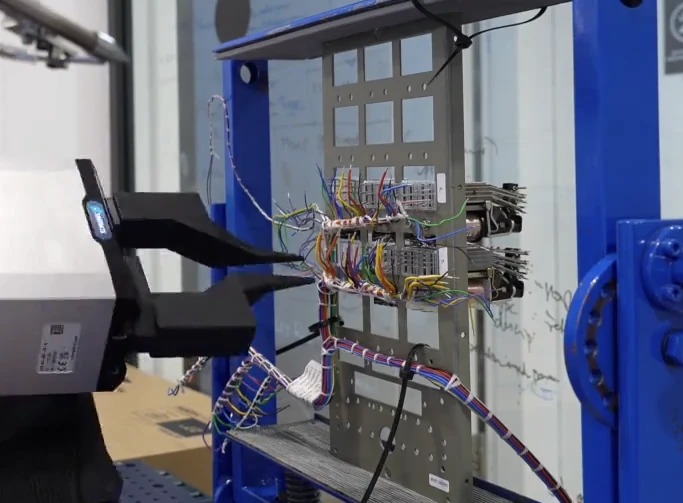
Wire Handling
Grasp, route, and connect flexible cable and wire harnesses that don't hold a fixed shape like a rigid part does.
Vision AI use cases
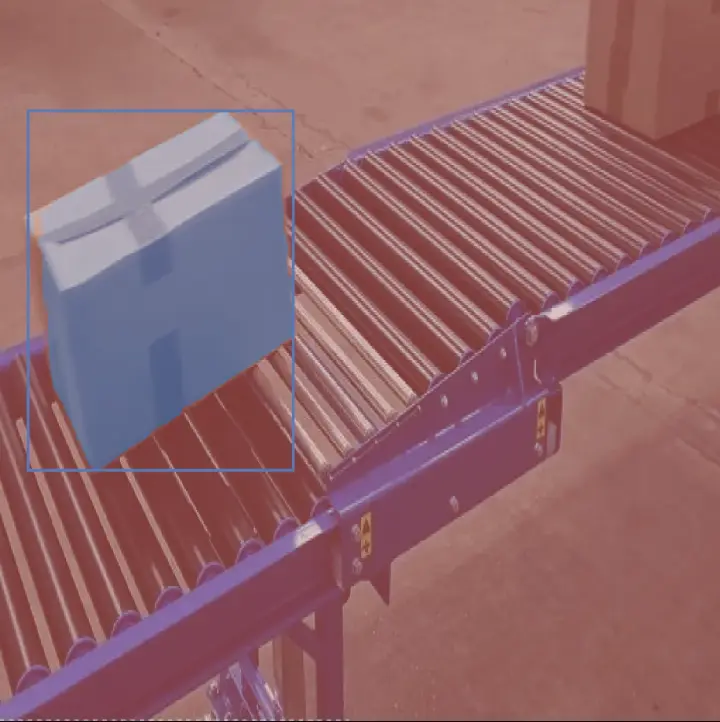
Conveyor Tracking
Track parts moving on the line and hand off their live position to whatever picks them next.
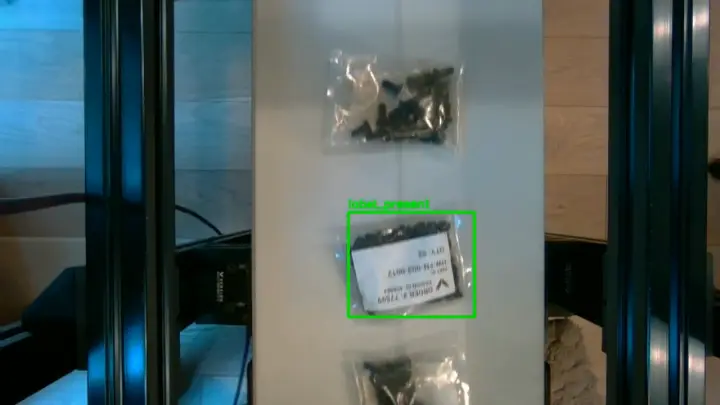
Label Classification
Read and classify labels moving past a fixed camera, flagging mismatches before the next station.
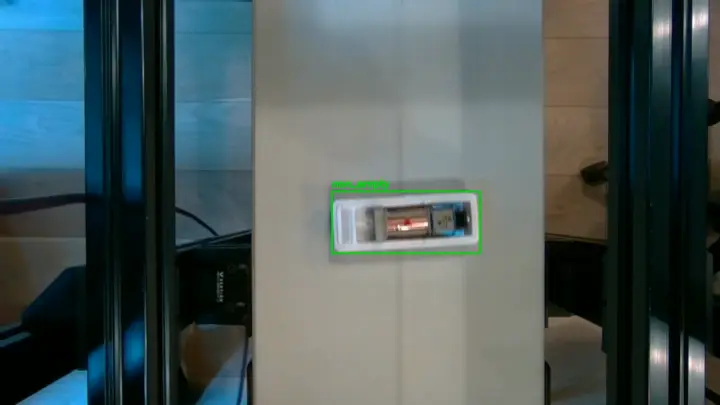
Empty Box Detection
Tell an empty case apart from a full one on the line, without ever touching it.
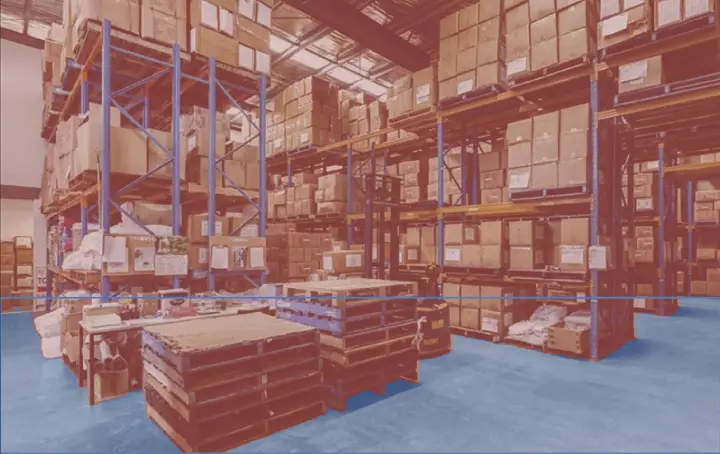
Ground Segmentation
Separate the floor plane from everything on it, so a mobile platform always knows what it can drive over.
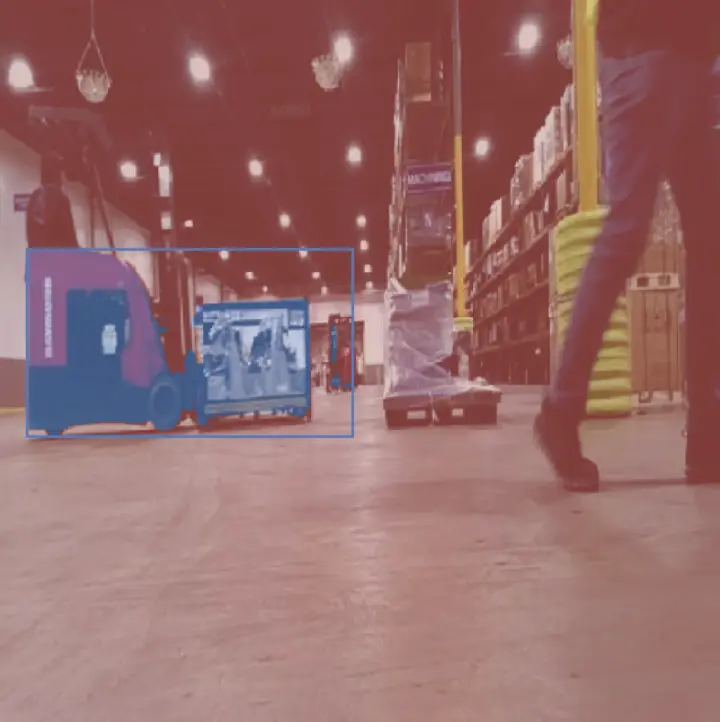
Forklift Segmentation
Pick moving forklifts and other equipment out of a scene so the workspace around them stays safe.
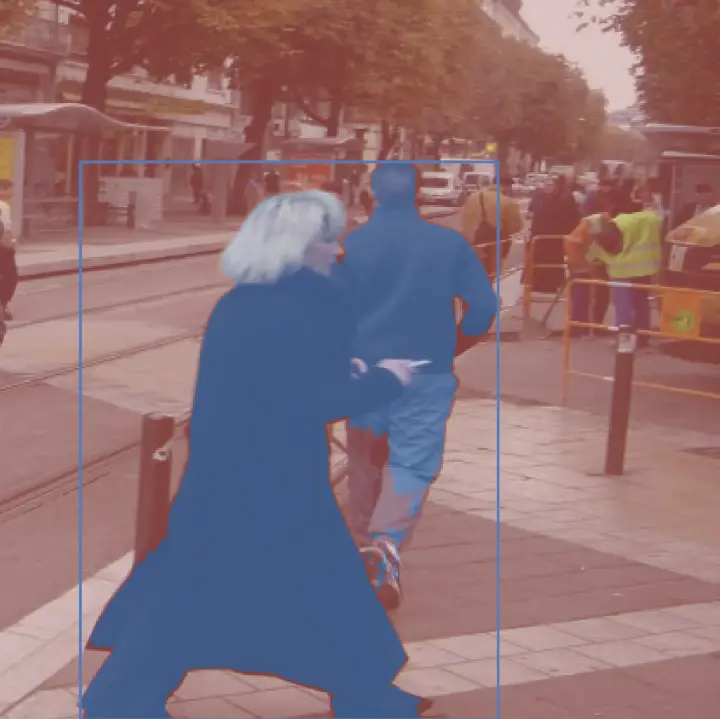
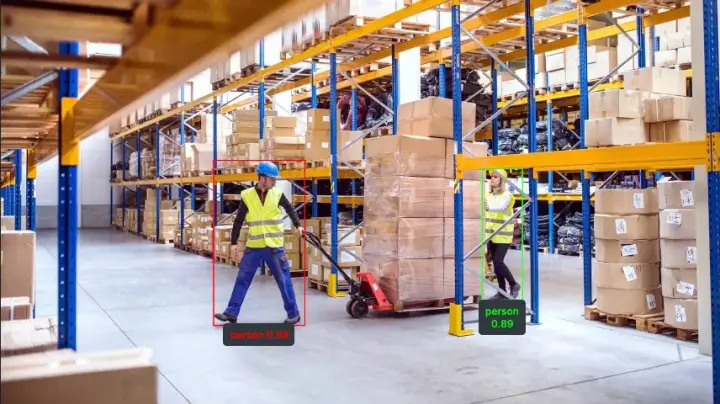
Pedestrian Segmentation
Detect people in the workspace in real time, ahead of anything that needs to yield to them.
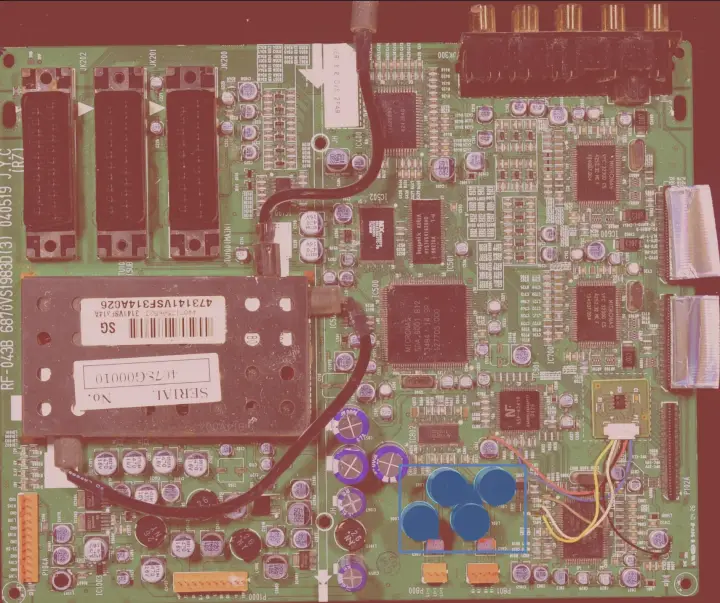
PCB Segmentation
Localize components and traces on a circuit board for inspection or precision placement.
Open-Vocabulary Detection
Find and localize object classes the model was never explicitly trained on, from a text prompt.
Deployment
Steps to deploy robots.
Install the SDK, prompt the application you want, validate it in NVIDIA Isaac Sim and Isaac Lab, then ship it to hardware with a single parameter change. Manipulator, AMR, or humanoid: the application doesn't change, only the hardware underneath it does.
Install
One command installs the SDK, with no separate build step and no vendored dependencies to wrangle.
pip install telekinesis-aiPrompt the Application
Describe the task in plain language, and the agent composes it into a typed, auditable program from the skill library.
Pick up the aluminum parts from the angled tray and place them in the box in a grid format
from telekinesis import cornea from telekinesis.synapse import robot, gripper # Perceive: segment the target part mask = cornea.segment_image_using_sam(image, color="red") pose = estimate_pose_from_mask(mask, intrinsics) # Act: pick and place by composing Skills robot.set_cartesian_pose(pose, speed=0.25) gripper.close(force=50.0) robot.set_cartesian_pose(place_pose, speed=0.25) gripper.open()Test in Simulation
Validate the generated application against NVIDIA Isaac Sim and Isaac Lab before it ever touches hardware.
Deploy in Hardware
Point the same application at a real robot: one parameter change, not a rewrite or a re-integration.
- ABB
- FANUC
- KUKA
- Universal Robots
- Epson
- Robotiq
- OnRobot
- SCHUNK
- Unitree Robotics
- and more
Custom applications
Don't see your application? We'll build it with you.
Every application above started as a custom integration. Tell us what you're trying to automate and we'll scope it against the existing skill library first.